Apple gives final warning to Home app users to update their software – here’s what happens if you don’t
You’re on your final warning, Apple Home app users…

QUICK SUMMARY
Apple has warned its Home app users that they have until 10th February to update their software.
If smart home users don’t upgrade their Apple Home app by then, automations could stop working, and they won’t have access to newer features.
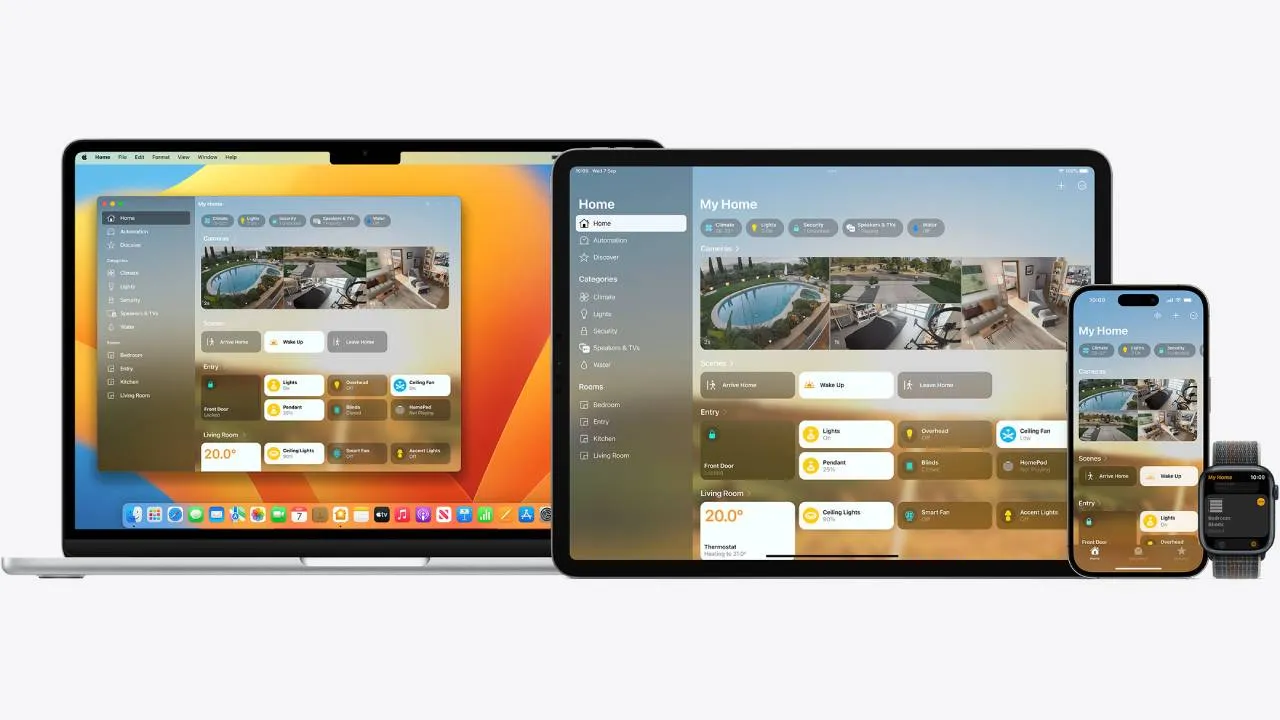
If you use the Apple Home app, chances are you recently received an email to upgrade your software – and it’s very important that you do. Apple is giving its Home app users a final warning to update their version of the app by 10th February 2026, or you could risk losing automations and features.
Back in 2022, Apple introduced its new updated Home app architecture which enabled new smart home features, and improved device reliability and efficiency. At the time, the update was optional and had to be done manually, so many users put it off until it was absolutely necessary.
Well, now it is absolutely necessary. Late last week, Apple sent out emails to its Home app users to inform them again about the deadline and reminding them to update the app. Let’s be honest, we can all be bad at remembering to update apps and software, but in this case, if you don’t upgrade the Apple Home app, you could use vital functionality.
That’s not to say that the Apple Home app will stop working for you completely. But if you don’t upgrade to the new version, your home devices, accessories and automations could fail to respond to requests or break completely.
Furthermore, not updating the Apple Home app means you won’t have future access to certain features or improvements. Not only does this mean you won’t be able to use the older Apple Home app with newer smart home devices, but it also poses a security risk, as you won’t be able to update the app’s security settings.
Lucky for you, it’s very simple to update the Apple Home app. In the Home app which you can access via your iPhone, iPad or Mac, head to Settings and select Software Update. Click Update Now and follow the instructions to upgrade your app, but remember to be quick! You only have until 10th February to get this done.
Get all the latest news, reviews, deals and buying guides on gorgeous tech, home and active products from the T3 experts

Beth is Home Editor for T3, looking after style, living and wellness. From the comfiest mattresses to strange things you can cook in an air fryer, Beth covers sleep, smart home, coffee machines, watches, grooming tools, fragrances, gardening and more.
In her spare time, Beth enjoys running, reading, baking and attempting craft projects that will probably end in disaster!
You must confirm your public display name before commenting
Please logout and then login again, you will then be prompted to enter your display name.