13 ‘secret’ Alexa commands to try for Star Wars Day 2026
May the Fourth be with you…

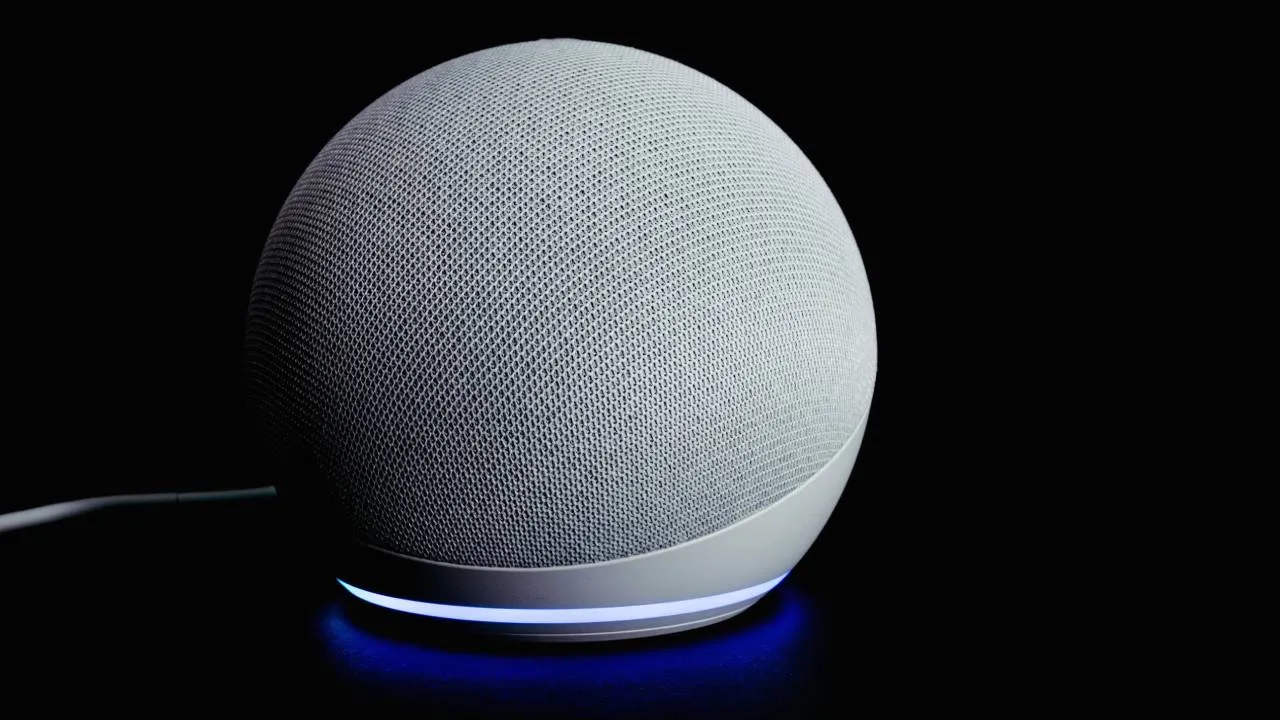
It’s Star Wars Day so May the Fourth be with you! If you have an Echo Dot smart speaker and or an Echo Show display, you can unlock fun ‘secret’ Star Wars-inspired commands using the Alexa voice assistant.
If you have genuine questions about the Star Wars franchise, you can use Alexa to find the answers, and you can use Alexa and your Fire TV Stick to stream the entire movie collection. But there are also some fun jokes, songs and voices that Alexa can do that any Star Wars fan can enjoy.
I’ve rounded up the best 13 Alexa commands to make the most of Star Wars Day 2026, and explained what phrases you need to say and how Alexa will respond. These commands should be compatible with all Echo devices and the Alexa and Alexa+ voice assistant, the latter of which recently launched in the UK.
Alexa commands to try for Star Wars Day 2026
Alexa, May the Fourth be with you: Alexa will either say “and with you” or “Happy Star Wars Day!”
Alexa, tell me a Star Wars joke: Alexa will respond with many different jokes, mainly focused on Yoda, Obi-Wan Kenobi and droids. It’s the luck of the draw to see what you get!
Alexa, use the Force: Alexa will respond in one of two ways. You’ll either hear “Droids aren’t able to use the force” or “I'm sorry, but my midi-chlorian count is too low."
Alexa, show me Star Wars movies: This command is best used alongside your Fire TV Stick and by using the remote’s microphone. On your TV, Alexa will show all the Star Wars movies and other spin-offs for you to watch on all streaming channels, including Amazon Prime.
Alexa, I am your father: Probably one of the most fun (and accurate) responses, Alexa will say “No, that's not true. It's impossible!”

Alexa, teach me a Jedi mind trick: Alexa offers fun tips and quotes related to Star Wars to help you bring the ‘Force’ more into your daily life. It can respond in many different ways including “You can go about your business, move along."
Alexa, talk like Yoda: As you might expect, Alexa will talk like Yoda or any other character you have requested. This includes Chewbacca, Darth Vader, Jabba The Hut, Luke Skywalker, Jar Jar Binks, Han Solo and more.
Alexa, give me a Star Wars quote: Another pretty obvious one, Alexa will quote a line from the movies. The most popular is “May the Force be with you” and “Help me, Obi-Wan Kenobi. You're my only hope.”
Alexa, begin my Jedi training: This command is similar to “teach me a Jedi mind trick”. Alexa will typically respond first with “Welcome, Padawan!” before explaining the nine lessons in the ways of the Force.
Alexa, what order should I watch the Star Wars movies in?: Another handy request if you have your TV set up with Alexa. When asking about movie order, Alexa typically suggests watching them in release order, but she may also suggest chronological order.
Alexa, do or do not: I don’t think you need me to explain this one to you as any Star Wars fan – or even those who hate it! – will know how Alexa will respond… she’ll say “there is no try.”
Alexa, how fast is the Millennium Falcon?: This question will typically come with three answer options, all of which come from the movies. My personal favourite is “She’ll make point-five past lightspeed. She may not look like much, but she’s got it where it counts, kid."
Alexa, play the Best of Star Wars playlist: If you have your Spotify or Amazon Music account synced to your Echo device, you can ask Alexa to play the Best of Star Wars playlist and it’ll do just that.
