What happens to your smart home when the internet goes down?
From smart lights to security cameras, here’s what keeps working – and what goes dark – when your connection drops


Smart homes are meant to make life easier, right up until the internet connection drops and Alexa suddenly stops listening. The drawbacks then become obvious fast: smart lights may disappear from their apps, and security cameras can lose their live feeds.
The good news is that an internet outage does not necessarily bring the whole house to a halt. Many devices retain basic controls or physical fallbacks, while others lose only their remote features.
What keeps working depends largely on how each product connects and whether it can process commands locally.
To help you make sense of this under-discussed topic, I'm taking a look at how an internet outage can affect your smart home setup and what contingencies to put in place.
What kind of outage is it?

An internet outage is different from losing Wi-Fi altogether. Your router may still be running and keeping devices connected to one another, even if it can no longer reach the wider internet. In that situation, products with local controls or automations may carry on largely as normal.
A router failure is more disruptive, as Wi-Fi devices can no longer talk to your phone or one another. Some hub-based systems may still function over Zigbee or Thread, although their apps could remain unavailable.
A power cut is the toughest test. Routers, Wi-Fi bridges, smart speakers, security cameras, and most devices will all shut down unless they have battery backup.
Anything battery-powered, including locks, sensors, and alarms, may keep working, but only through whatever controls are stored on the device.
What will probably keep working?

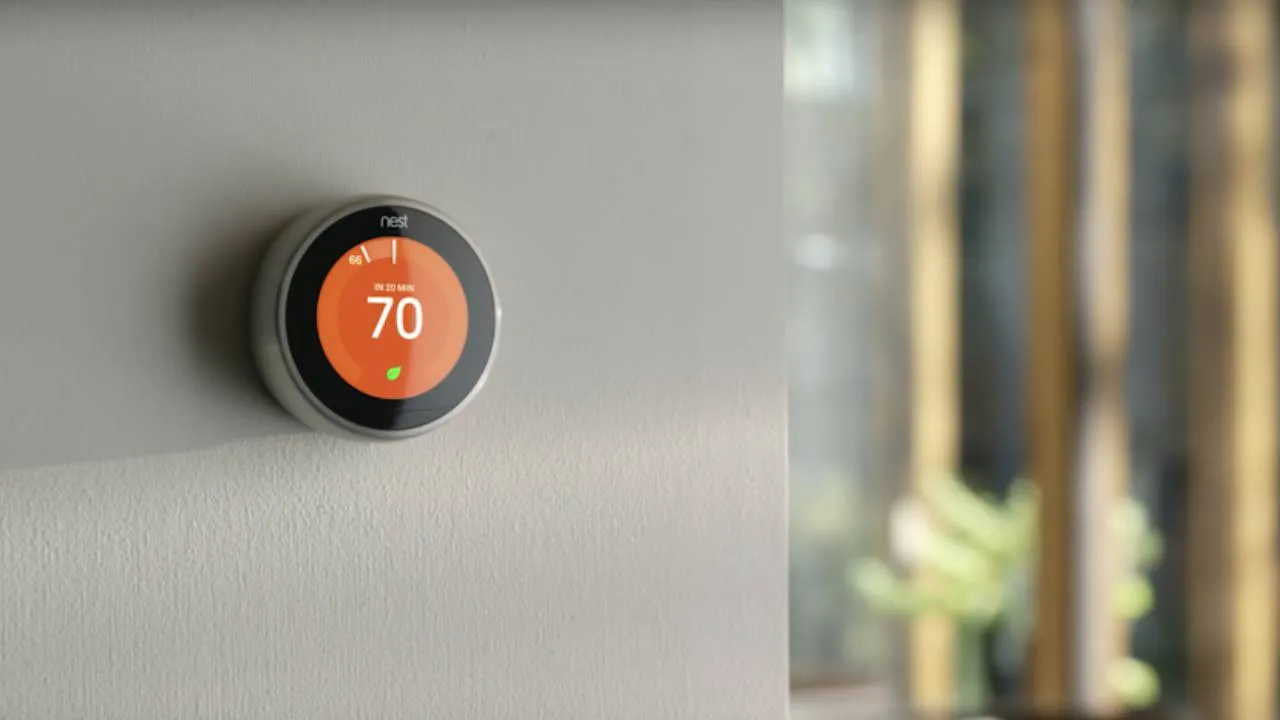
Basic controls are usually the most dependable. Smart bulbs should still respond to wall switches, thermostats can often be adjusted manually, and smart locks should retain a key, keypad, or thumb-turn.
Some local features may survive too. Bluetooth locks should still connect directly to a phone, while hub-based lights may continue following schedules stored inside the home. Smoke alarms and security systems should also keep their core safety functions, even if app alerts disappear.
Larger appliances like a connected washing machine or robot vacuum will usually remain usable from their physical controls, although remote access and notifications may stop until the connection returns.
What becomes less smart?

Cloud-based features are usually the first to disappear: Voice assistants may stop answering you and remote app access can fail.
Security cameras with local storage may continue saving footage, although you probably will not be able to check it from outside the home.
Automations are less predictable. A schedule stored on a hub may keep running, while a routine handled by Alexa or Google Home could stop completely.
Basically, anything that relies on outside information – such as your location, the weather, a command sent while you are away, and so on – will also need an internet connection.
Phone alerts are another common casualty. A smoke alarm may still sound inside the house and a security system can still trigger its siren, but neither may be able to notify you remotely until the connection returns.
Why hubs and Matter can help

A dedicated smart home hub can make your setup more resilient by storing controls and automations inside the home.
Systems such as Philips Hue, Homey, and some Tapo or Aqara hubs, can keep devices talking locally, even when the wider internet is unavailable.
Matter can help here too, as compatible devices are designed to communicate over the local network rather than sending every command to the cloud.
How to prepare your smart home
The easiest way to find the weak spots is to test them. Disconnect the internet while leaving your router powered on, then see what you can and can't still control.
Ultimately, it's far better to discover an overly cloud-dependent smart device on a quiet afternoon than during a real outage.
Future purchases deserve the same test: Look for local control, physical buttons, onboard storage, and clear information about what happens when the cloud is unavailable for whatever reason.
Beyond the occasional wobble, offline support can also signal whether a product remains useful years later, once its manufacturer stops updating the app or closes the service behind it.
