5 smart lock features you need and 1 you don't
Trust me, you don’t need this smart lock feature – you should focus on these ones instead

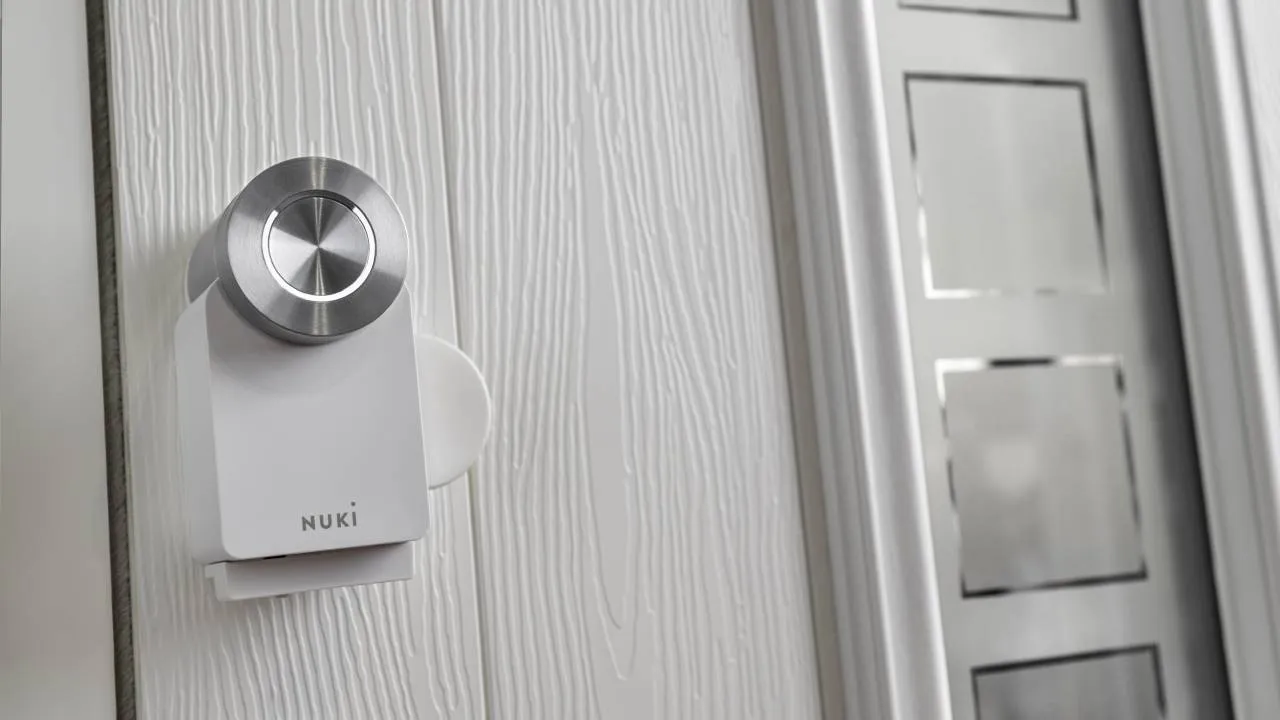
As smart home technology has continued to advance over the years, almost every household has some kind of smart device at their disposal. But one smart gadget that hasn’t quite caught on as prominently as cameras and doorbells is the smart lock.
Following CES 2026, I’ve seen plenty of new smart locks announced, and they’ve become more technical than ever before. Many models now come with facial recognition and palm vein scanning, while others double up as full security systems.
All these advancements and more can be a little off-putting to those who are just starting out with a smart lock. So, if you’re considering upgrading your front door with a smart lock, here are five features you need and one you could do without.
You do need: Multiple entry options
The best part of upgrading to a smart lock is having multiple entry options. With a traditional lock, if you forget your keys, you’re locked out until your partner or housemate comes home or a locksmith arrives, but a smart lock gives you multiple ways to unlock your door.
The most common unlocking method that all smart locks come with is a smartphone app. With the app, you can simply tap it to unlock your front door, or some models will recognise your phone as you approach and unlock automatically.
“But what if my phone dies”, I hear you cry. Most smart locks have up to five entry ways, including fingerprint, palm or facial recognition, passcodes, voice commands, NFC cards and even back-up keys, so you’re not short of ways to enter your home.
You do need: Remote access
Remote access to your smart lock is a game changer, especially for instances where you’re in a rush. With your smart lock’s accompanying app, you can quickly tap it to unlock your door which comes in handy in multiple ways.
For example, if you’re carrying lots of shopping bags, you don’t have to stop to fumble for your keys. Instead, you can tap the app before you get out of your car and your door is unlocked for you to enter more easily. Other examples include guests without keys gaining access to your home while you’re out.
Remote access to your smart lock means you can check the status of your home while you’re at work or on a trip. The app lets you monitor who’s entering and exiting your house, and will send you real-time notifications so you’re on top of what’s going on even when you’re not there.
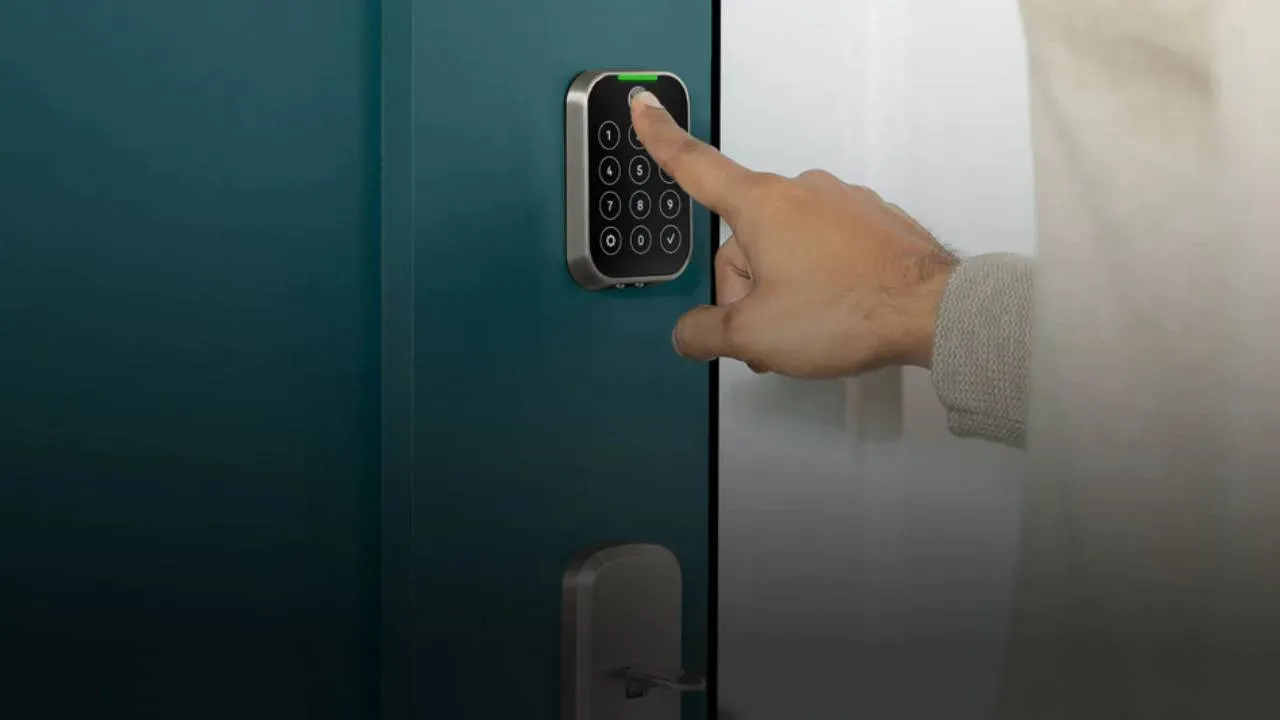
You do need: Auto locking and unlocking
Briefly mentioned above, smart locks with auto-unlocking functions use your phone’s GPS and Bluetooth to detect when you’re approaching your door. It’ll automatically unlock once it detects you, making entry to your home much easier and less faffy.
On the opposite end of the spectrum, a smart lock can also automatically lock your door for you, which is a lifesaver if you’ve forgotten to lock up – no judgement, we’ve all been there. It does this after a set amount of time that you can customise in the lock’s app or when it detects that your door has closed.
You do need: Reliable power
The majority of smart locks are battery powered while others can be recharged with chargers, but regardless of which one you choose, the battery life of a smart lock is much longer than you think. Having said that, battery life is still a common concern for many, so it’s important to look for a model that has a reliable amount of power and is easy to recharge.
Smart lock batteries can last up to 12 months but this will vary depending on your usage, lock, and Wi-Fi. I’d recommend looking for a smart lock that has a back-up battery, and always have spare batteries to hand when your lock is running low on power.
Speaking of, your smart lock’s app will send you alerts so you’re up-to-date with your lock’s status. Some locks will also beep or flash at you, so in theory, you should have plenty of time to recharge your lock before it completely runs out of battery.
You do need: Local control
Depending on your smart lock, it can have many connectivity options, including Wi-Fi, Bluetooth, Z-Wave or Zigbee. You need a good connection for your smart lock to work, and many people recommend using local control, like Bluetooth or Thread to keep it connected.
The main reason for this is the connection is often more secure, and if your Wi-Fi goes down, you don’t have to worry about issues with your smart lock, as Bluetooth is often a back-up option for this. It also tends to be faster as it’s not relying on the cloud, plus having too many connectivity options can get confusing and pose a security risk.
You don’t need: A built-in camera
Moving onto the feature you probably don’t need, and that’s a smart lock that has a built-in camera. It goes without saying that if you want a smart lock that has a camera, you should of course get one, but it’s not a feature that I’d encourage you to prioritise.
The main reason for this is most homes already have a security camera or a video doorbell installed, so a smart lock with a camera is a bit redundant and you likely won’t use it. This added feature will also come at an added cost, and it makes the lock a little more complicated which isn’t really what you need.
Even if you don’t have a video doorbell set up, I’d still recommend having two separate devices rather than an all-in-one gadget. I always feel like ‘something has to give’ with these kinds of devices, and a lock definitely isn’t the area you want to compromise on.
