“Alexa, what’s in my hand?” This underrated Echo Show feature makes your smart display more accessible
This Echo Show feature has been around for years but it’s still one of the best


The first-ever Amazon Echo Show came out back in 2017, but many users – myself included – are still finding underrated features that the smart speaker and display has been ‘hiding’.
Compared to the Echo Dot, a voice-controlled smart speaker without a screen, the Echo Show has a tablet-like display, meaning alongside Alexa voice commands, you can use it via its touchscreen. Due to its screen controls, the Echo Show has more features than the Echo Dot, most of which take advantage of its screen and built-in camera.
The latest underrated feature I’ve found is exclusive to Amazon’s Echo Show line-up and takes full advantage of its camera. The Alexa feature, Show and Tell, has been around since 2019 but it’s even more prevalent today with Amazon’s plans for Alexa+, its generative AI-powered voice assistant which is designed to make Alexa and Echo devices more conversational and accessible.
The Show and Tell feature is one of the best functions the Echo Show offers, as it makes the display more accessible to users who are blind or visually impaired. Using the Echo Show’s camera, Show and Tell allows you to ask Alexa to identify objects that you’re holding in your hand.
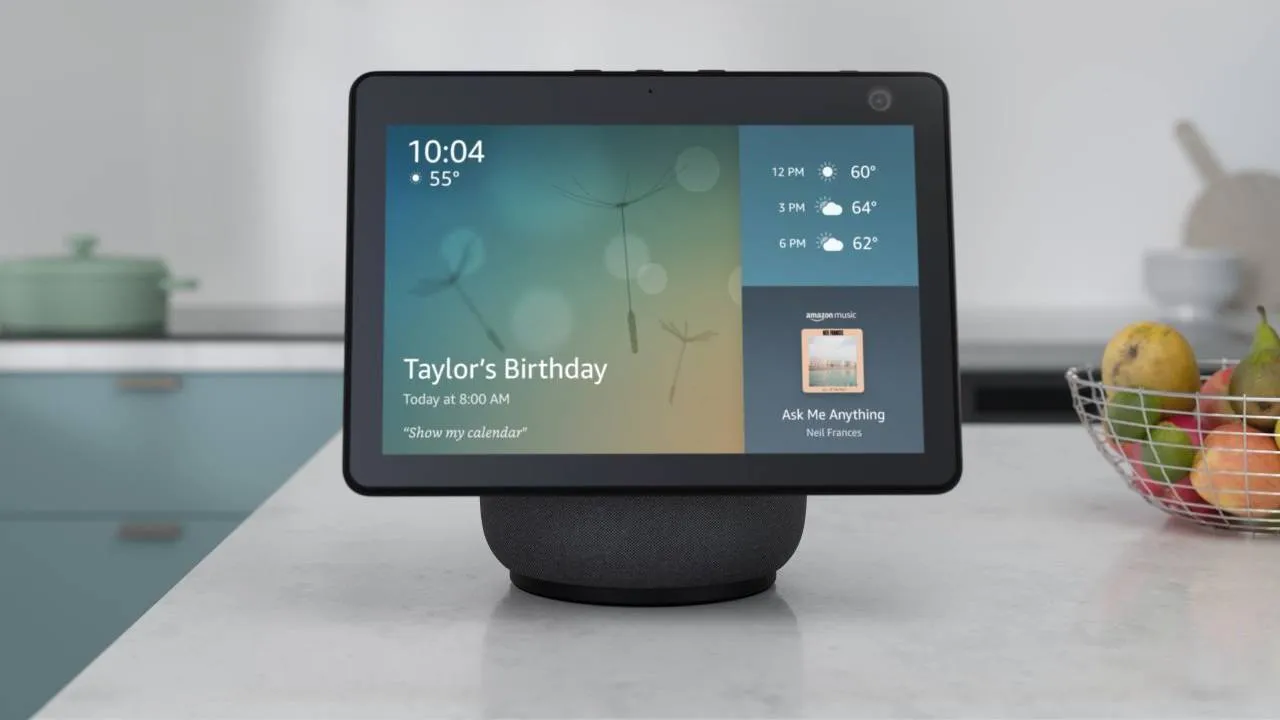
How it works is by standing in front of your Echo Show and holding up the item so the camera can see it clearly. This works best about a foot away from the camera. From there, simply say “Alexa, what’s in my hand” or “Alexa, what am I holding?” and your Echo Show will identify the object.
When using the Show and Tell feature, you may be asked to move the item you’re holding so the camera can fully see the different sides of the object, and its packaging. Alexa will ask you to do this by lifting, rotating or lowering the item, and may use a combination of audio and visual cues.
Once Alexa has identified what you’re holding, it’ll give you a brief description of what it is. What’s better is that Show and Tell is a feature that’s automatically enabled on your Echo Show device so you don’t have to worry about setting it up in the app or on the screen.
If you do want extra assistance, though, you can say “Help With Show and Tell” and Alexa will give you advice on how to use the feature. The Show and Tell feature is available on all Echo Show devices from the Echo Show 5 up to the Echo Show 21.
Amazon’s Echo line-up is always expanding its accessibility features, but its Show and Tell feature – which is seven years old – is one of the best smart display features I’ve come across. It’s not just helpful for people with blindness or low vision, either, but is also handy for the elderly, children and people who are learning different languages and need to translate things.
