Now Gemini AI lets you play God and create your own interactive worlds in minutes
No coding know-how required here either, just a couple of prompts


Quick Summary
Google is rolling out Project Genie as part of its suite of AI tools. It's a research prototype that lets you create, explore and remix interactive worlds.
You can use text prompts and images to build environments and navigate them in real time. It'll be available to Google AI Ultra subscribers in the US first.
We’ve covered Gemini rather a lot this month. From the news that it will be powering the smarter Siri due to arrive in a matter of months, to the new auto-browse feature in Chrome that'll see it act as a more personalised assistant, it has dominated headlines.
Now we're about to see something that takes its capabilities to a whole new level.
After revealing project Genie 3 in August 2025 as a world model "capable of generating diverse, interactive environments”, Google has started to roll it out for AI users.
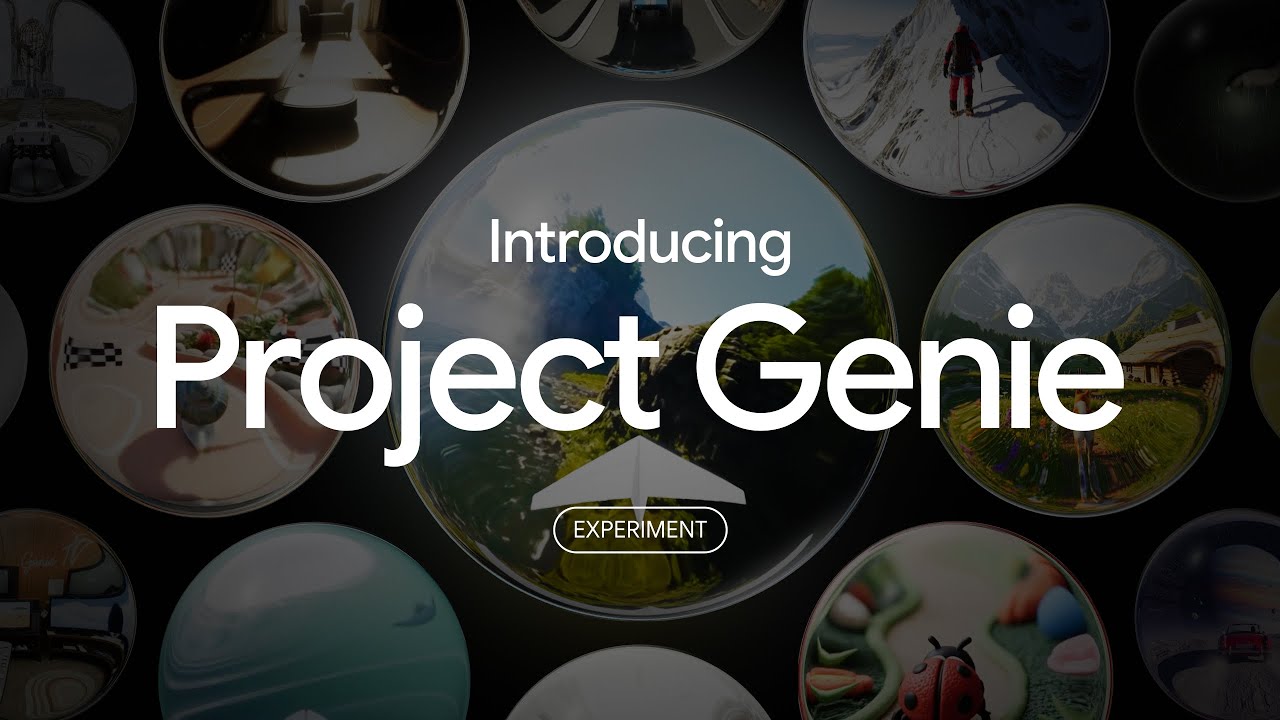
What is Project Genie?
On its The Keyword blog (via 9to5Google), Google has detailed what Project Genie is capable of through a series of videos. In a nutshell, if you can imagine something, you can both create it and play within it.
The software will require you to simply add a prompt to the "Environment" box describing what you want your world to look like. You’ll then describe what you want your character to be in the "Character" box next to it.
Once done, tap on "Create Sketch" and that's it. There’s no need for any coding, you’ll just need your imagination and a good description or image for each step.

As an example, Google uses this description for the environment in the video showcasing Project Genie in its blog post: “A photorealistic alpine meadow with wildflowers. Among the evergreen pine trees is a rustic log cabin with a front porch...”
For the character, it used: “A shiba inu centered in the frame, angled like a 3rd person video game, with highly responsive controls.”
After the sketch is created, another screen appears where you can then tap on "Create World" to allow you to play it using the W, A, S, D and Space keys.
Always fancied climbing Everest? Create Everest as the environment, you as the climber and away you go with no need to leave your warm and cosy sofa.
There are just a couple of catches. Firstly, you will beed to be a Google AI Ultra subscriber in the US and secondly, you’ll need to be okay with these known areas for improvement as described by Google in the blog post:
“Generated worlds might not look completely true-to-life or always adhere closely to prompts or images, or real-world physics. Characters can sometimes be less controllable, or experience higher latency in control. Limitations in generations to 60 seconds.”
You’ll also need to be over the age of 18.
