5 appliances you should never use with a smart plug
From toasters to heaters, here’s how not to use your smart plugs


Having a smart plug in your house is invaluable, especially if you’re just starting out with creating your own smart home. But there are some gadgets you should never use with a smart plug – here’s why.
Plugging non-smart appliances into a smart plug means you can use them remotely, set timers, and turn things on and off using your voice. Most importantly, you can add smart technology to your home in an affordable way, without having to replace all of your devices.
Despite being fairly underrated, many people tout smart plugs as someone you can use all over your home. However, there are definitely appliances that they work best with, like lights if you haven’t upgraded to smart bulbs yet, and TVs if you want to save energy by taking it off of standby.
But there are five appliances you should never use with a smart plug – some because it isn’t safe, and others where there isn’t much point and you’re having to do more work to use them in this way.
1. Coffee machines
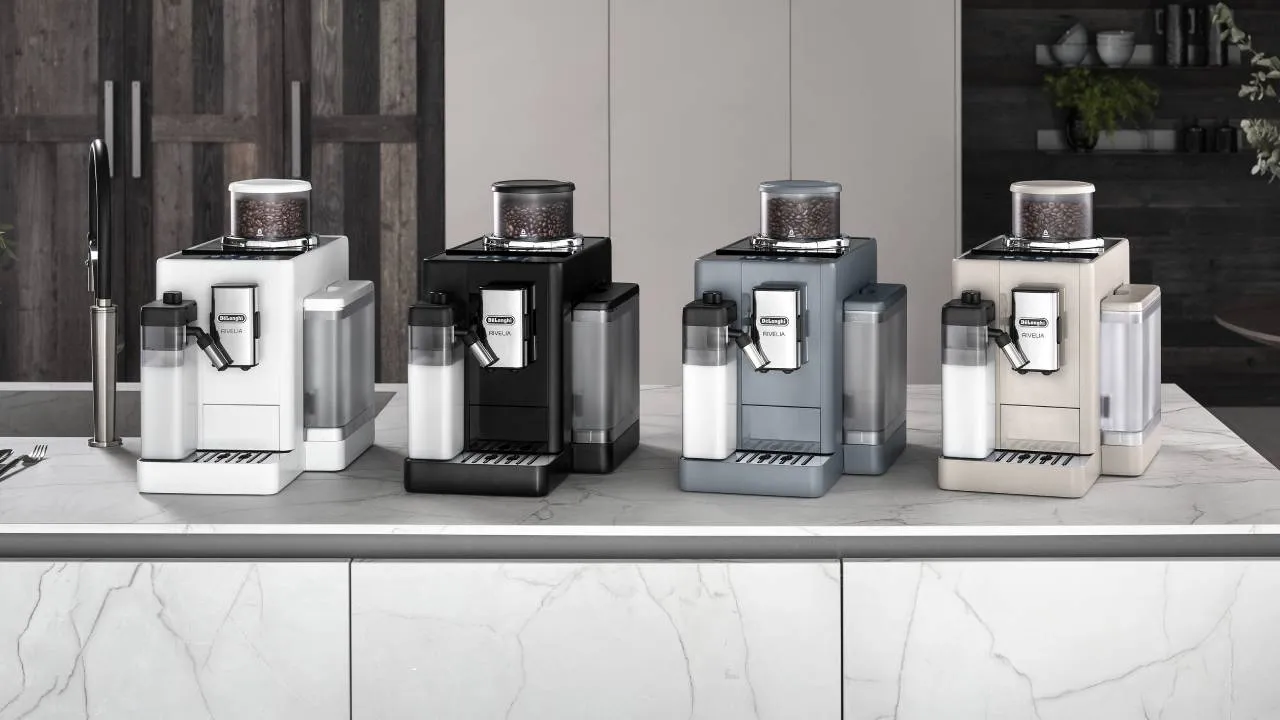
I’ve tested a few smart plugs for T3, and the main appliances I found to not work well with them are bean to cup coffee machines and kettles. Of course, it’ll depend on the type of coffee maker or kettle you have, but in general, you still need to manually select a drink or temperature in order for your machine to work.
In this instance, a smart plug can ‘wake up’ your coffee machine and kettle, so when you get downstairs in the morning, you can simply tap your drink of choice, and push down your kettle’s lever. But this really isn’t saving you very much time. Instead, you can get coffee machines and smart kettles that come with their own apps and Wi-Fi connectivity, so you can use them remotely in a more cohesive way.
2. Toasters
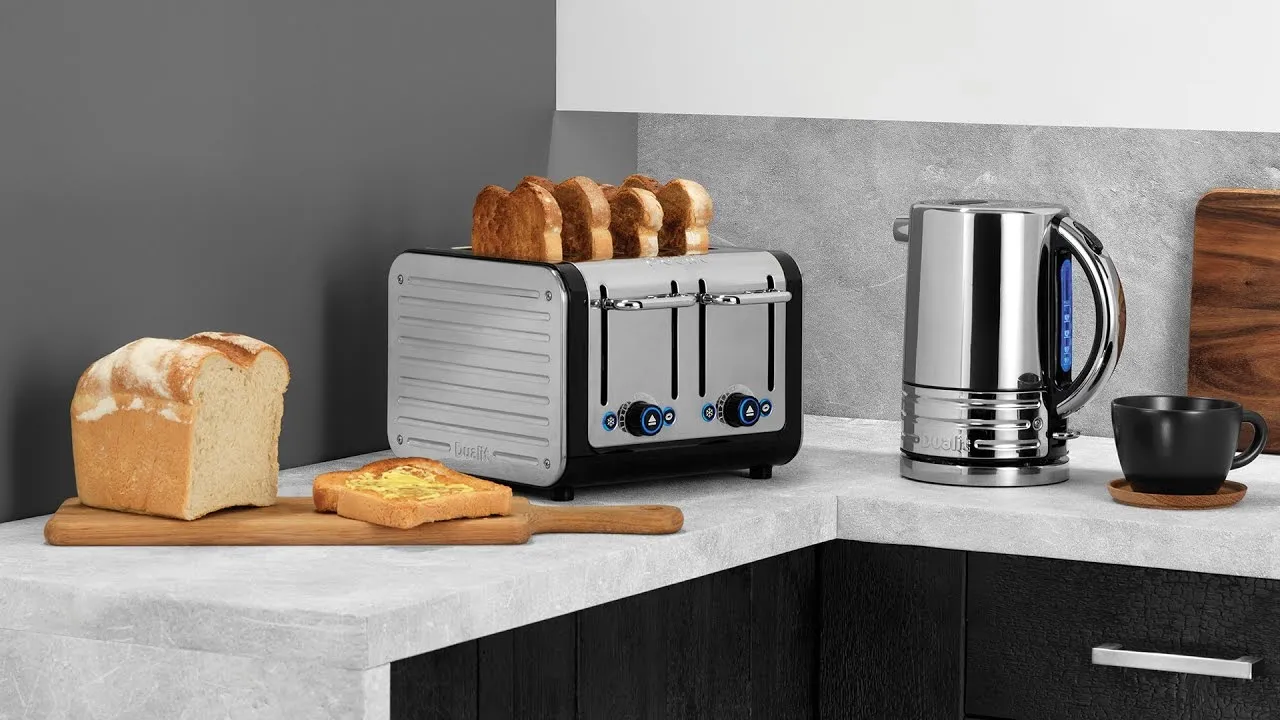
If you want my advice, I’d avoid using smart plugs with any kind of kitchen appliance, especially toasters. Similar to kettles, toasters still require manual assistance as you need to add your bread and push the lever down. Some may put bread in the toaster the night beforehand, but there’s still that manual action required to get the toaster to actually toast your bread.
3. Blenders

Again, depending on the type of blender you have, there’s still some manual operation needed for it to make your morning smoothie. Regardless of whether you add your ingredients the night before and attach it to your blender, some models require you to press buttons and in the case of Nurtibullets, you have to physically push down the blender to activate the blade.
4. Heaters

If you take any advice from this list, it’s that you should never use a heater with a smart plug – or any kind of appliance that generates heat. Heaters use a large amount of electricity, and this can exceed smart plug limits. In fact, heater manuals strictly dissuade users from using them in extension cords or smart plugs.
The main safety concern here is if the electricity and wattage between a heater and smart plug isn’t compatible – more on this below – this can cause the smart plug to short circuit which can cause an electrical fire.
5. Appliances over 1500W
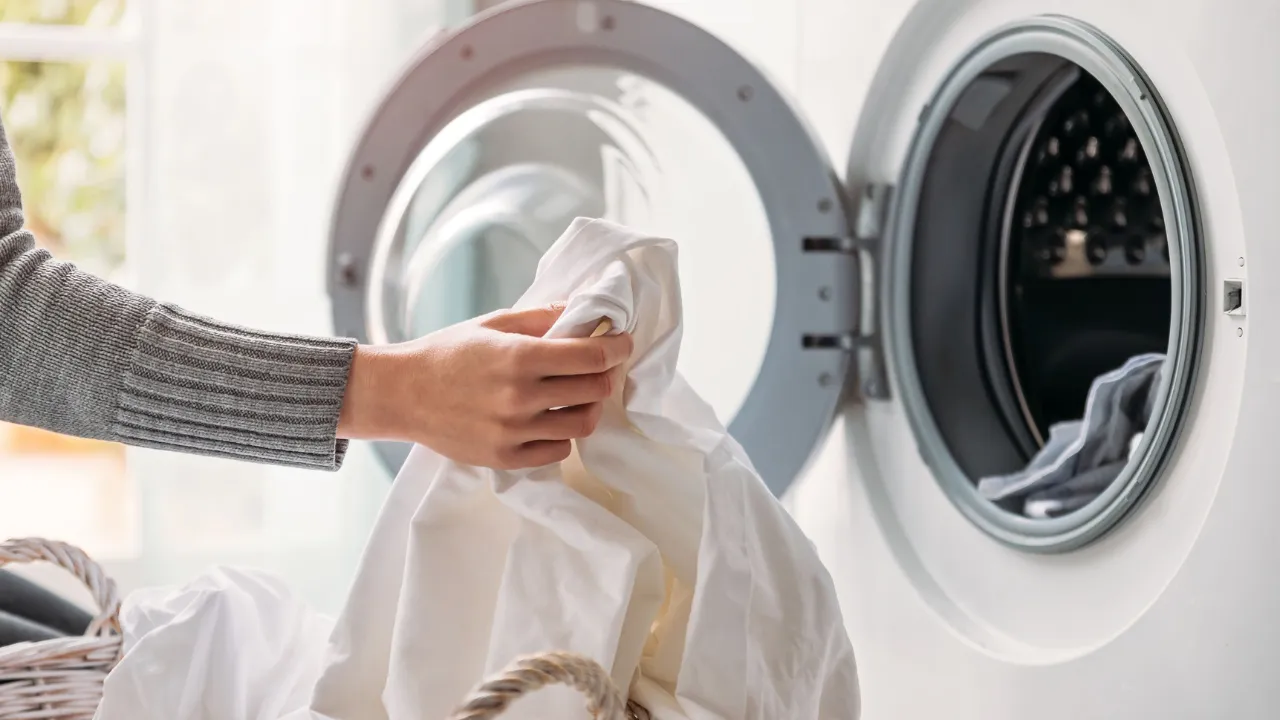
Most smart plugs are rated between 10 to 13 amps, so any appliance that exceeds this limit shouldn’t be used with a smart plug as it becomes a safety concern. I’d recommend avoiding plugging anything into a smart plug that uses over 1500W of power, especially large appliances, like fridges, washing machines, tumble dryers and air conditioners.
