
TL;DR: Dell's XPS 14 takes efficiency to new levels, and a big part of that is the Core Ultra Series 3 processor which represents a huge leap forward for Intel when it comes to power-efficiency with mobile CPUs
Other components in the XPS 14 that help drive major power-efficiency gains include a clever twist on VRR incorporated with the screen, and new battery tech which is a notable industry-first
A new thermal design and revamped cooling system help keep this laptop efficient and quiet, as well as compact, and all this has allowed Dell to ensure the XPS 14 is slim and light, so it's portable and easy to take on your travels
Dell has got a lot of things right with the XPS 14, that much is clear. The laptop was one of the top picks for T3's CES 2026 best in show roundup, with a key strength of the XPS 14 being that it packs a potent combination of efficiency and portability.
This is a notebook which benefits from advances in thermal design and cooling realized by Dell, as well as the leap Intel made in terms of the power-efficiency of its Core Ultra Series 3 (Panther Lake) processors, and other components in the XPS 14 besides.
All of which adds up to the Dell XPS 14 being a laptop that doesn't compromise its sleek lines or lightweight nature to ensure that it's a powerful performer which allows your apps or games to run impressively fast – and for an impressively long time, too, with an excellent level of battery life on offer.
This article will look in some depth at what Dell has done under the hood of this laptop to make sure it's suitably performant without bulking up the size or weight of the device. And, more importantly, what will all this mean to you in practical terms if you decide to take the plunge with an XPS 14? Read on to find out.

What's the key element under the hood driving the efficiency of the XPS 14?
Inside the chassis of the Dell XPS 14, the key component is the Intel Core Ultra Series 3 processor. This is the engine of the laptop, with the CPU itself sitting alongside the integrated graphics and NPU, and Intel has worked wonders in terms of driving forward with performance and power-efficiency in this chip.
Panther Lake is the cutting-edge of Intel's mobile processors, and based on the company's own testing, it boasts 50% better multi-threaded performance than last-gen Lunar Lake when operating at a similar wattage. For single-threaded tasks, Intel observes that Panther Lake uses 40% less power while providing a similar level of performance to Lunar Lake. Whichever way you dice it, that's a huge leap in energy-efficiency.
The obvious benefit of this more frugal power consumption is that the XPS 14's battery lasts longer. In fact, battery life is a marked improvement on Dell's previous laptops, reaching up to 31 hours1 of longevity, with the notebook maker claiming this device has the best battery life of any 14-inch laptop that's currently around2.
This kind of stamina means you can guarantee the ability to work away from a power socket for a lengthy period of time. Of course, the exact longevity you'll get depends on what you're doing with the XPS 14 – demanding tasks use more battery, naturally – but given typical workloads, all-day battery life is very much a reality with this notebook.
The battery and screen unlock other power-saving benefits
Another reason that you won't need to charge the XPS 14 as often as with rival notebooks is that Dell has applied notable innovations under the hood with the battery and the display.
In the case of the former, Dell has achieved an industry-first with the use of 900ED cells, meaning the battery offers a greater level of energy density (ED). In short, it packs more power relative to its size, offering more longevity when on-the-go.
A further clever piece of tech that contributes to the efficiency of the XPS 14 is the way that variable refresh rate (VRR) has been implemented with the screen. Dell's LCD panel is capable of lowering the refresh rate to 1Hz where that's appropriate – namely with static content (displaying a document, email, or web page). There's no need for a high refresh rate in these instances, so the screen intelligently drops to 1Hz for considerable power savings, which again helps with battery life.
(Note that the OLED take on the XPS 14's display can drop to 20Hz, not quite as low as the 1Hz seen with the LCD, but still good enough to lower power consumption by an appreciable amount).

The importance of the peppy Panther Lake GPU
The screen (LCD or OLED) can exercise its full 120Hz refresh rate when needed, of course, for example if indulging in a spot of gaming – and don't underestimate the XPS 14's capabilities for running mainstream games. Intel's Panther Lake chip really pulls its weight in this respect.
Do you want to play the likes of Fortnite or Minecraft smoothly at 60 frames per second in Full HD resolution? This Dell laptop is capable of that. The integrated GPU inside Intel's Panther Lake chip is impressively performant, and avoids the need to have a discrete GPU that takes up more space (which would mean the notebook wasn't as slim).
It's also worth noting that when relaxing in your downtime with some gaming, or perhaps movie watching, the XPS 14's display provides an excellent image quality. The OLED screen in particular delivers a stunning image, boasting a sharp 2.8K resolution and accurate colors (with 100% coverage of the DCI-P3 color gamut). This makes the OLED option perfect for casual creatives using the likes of Photoshop or Lightroom for photo editing on the XPS 14.
Can the XPS 14 stay cool under the pressure of heavier workloads?
Dell's laptop can indeed keep temperatures down even when faced with more demanding tasks, and it runs not just cooler than its predecessor notebook, but it's quieter, too.
Working with more complex features in the likes of Photoshop – or multi-tasking a bunch of apps, or gaming – will obviously tax the laptop more, and this is where the advances Dell has made with thermal design and cooling really pay off.
That includes Dell's largest fans ever – they're up to 61% bigger than before, in fact – offering improved airflow in the XPS 14 compared to previous designs. Also, the fans are thinner too, which again helps with keeping the XPS 14 nice and slim. Alongside the dual fans, Dell has used a wider 8mm heat-pipe, and for the insulation of the chassis, multi-layer graphite sheets and Gore Aerogel combine to better manage heat internally.
The result of these advances is that the XPS 14 is 5C cooler than the previous-gen laptop (so if you want to use it in your lap, this notebook won't be uncomfortable – there are no heating vents underneath, they're at the sides and rear of the laptop).
This isn't just about keeping temperatures manageable, either, as the cooling improvements mean the laptop runs more quietly. Dell claims that the XPS 14 is 0.9 sones quieter than its predecessor notebook, which is a considerable reduction. So, if you're using the laptop in a shared office, or a public space, fan noise is kept down even more, which is bound to be a crowd-pleaser.

How thin is the XPS 14 exactly?
Thanks to the observed efficiency wins – and Dell's design chops in terms of fitting components and cooling neatly within the chassis of the XPS 14 – this laptop is 14.6mm thin.
That's impressively svelte and it makes the XPS 14 the thinnest ever 14-inch laptop Dell has ever made. The device has a compact footprint (210 x 310mm) and is lightweight, starting at 3lbs (1.36kg), meaning it's easy to slip in a bag or backpack and take with you anywhere.
Even if you're going on a long trip, this isn't a laptop that you'll look at and shake your head when packing your luggage, wondering how on earth you'll manage to fit it in. The XPS 14 is pleasingly compact, and with the battery life on offer – thanks to the power-efficient components, new battery cell tech, and energy-saving innovations with the screen – this notebook has some serious stamina for keeping you working, or indeed entertained, when on your travels for longer periods away from a power socket.
If you think a Dell XPS 14 is right for you, find out more on the Dell website: US readers click here and UK readers here.
1. All-day / 31 hours battery life: All-day battery life, up to 31 hours based on XPS 14 and XPS 16 tested with Intel Core Ultra 7 355 Processor, Intel Graphics, 2K LCD, 16GB and 1TB SSD. Testing conducted by Dell labs in January 2026 with display brightness set to 250 nits and wireless enabled. Battery configuration set to Standard and Intelligent Battery Extender disabled. Based on streaming Netflix Streaming 4K Video Playback. Actual battery life may be significantly less than the test results and varies depending on product configuration and use, software, usage, operating conditions, power management settings and other factors. Maximum battery life will decrease with time. The stated Watt Hour (WHr) is not an indication of battery life. 2. Based on Dell Internal analysis, November 2025. XPS 14 tested with Intel Core Ultra 7355 processor, Intel Graphics, 2KLCD, 16GB and 1TB SSD. Testing conducted by Dell labs in November 2025 with display brightness set to 150 nits and wireless enabled. Based on local video FHD playback at 150 nits brightness. XPS 14 achieved 40 hours, 27 minutes. Actual battery life may be significantly less than the test results and varies depending on product configuration and use, software, usage, operating conditions, power management settings and other factors. Maximum battery life will decrease with time. The stated Watt Hour (WHr) is not an indication of battery life.
-
 This is the exact date you should change to your autumn-winter duvet – but I’d do this instead
When should you switch to a warmer duvet? Expert gives their verdict
-
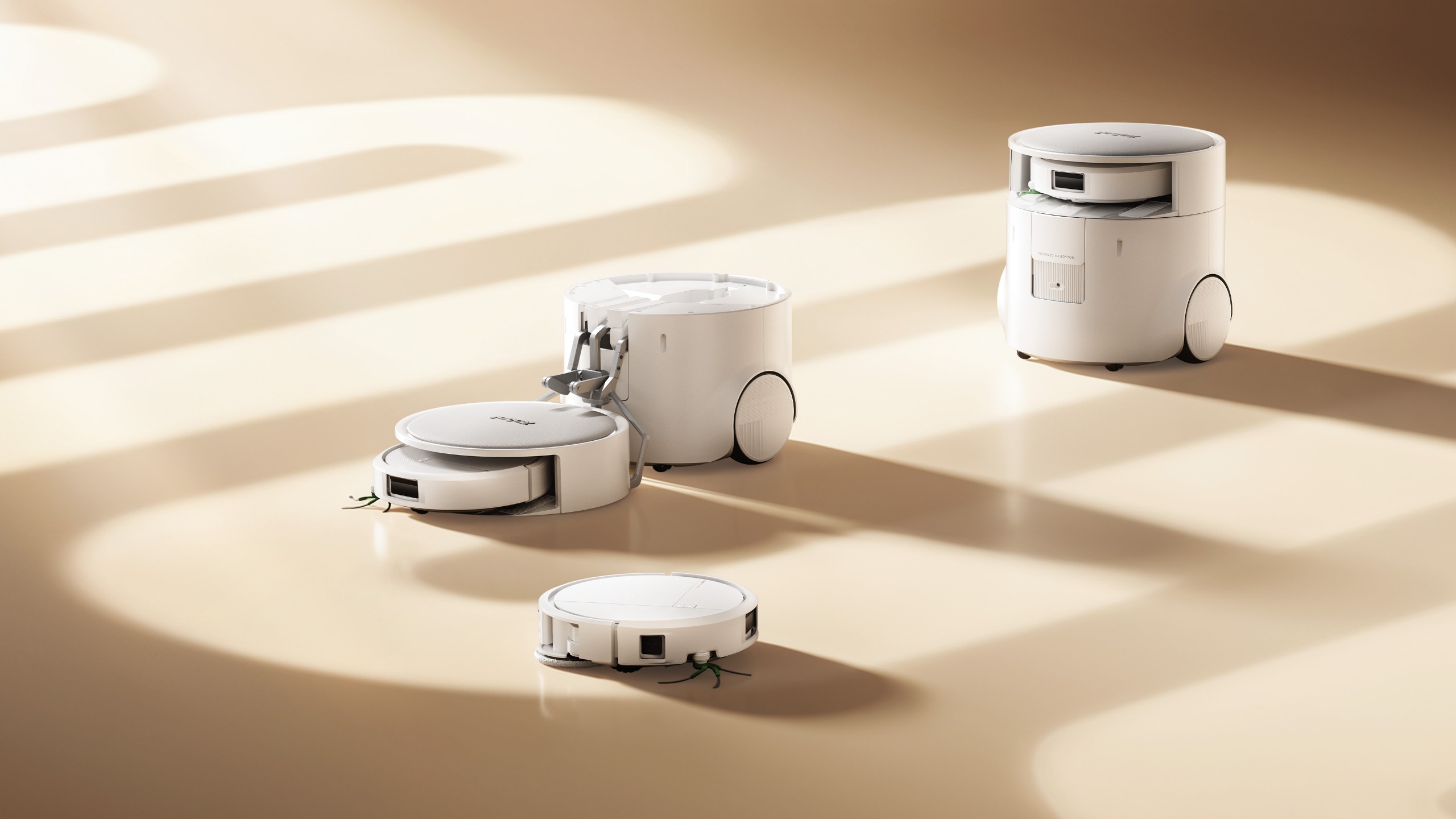 iRobot’s new 2-in-1 Roomba pairs a bigger robot with a tiny robot for awkward spaces
The Roomba Duo pairs two robots to tackle every corner of your home


-
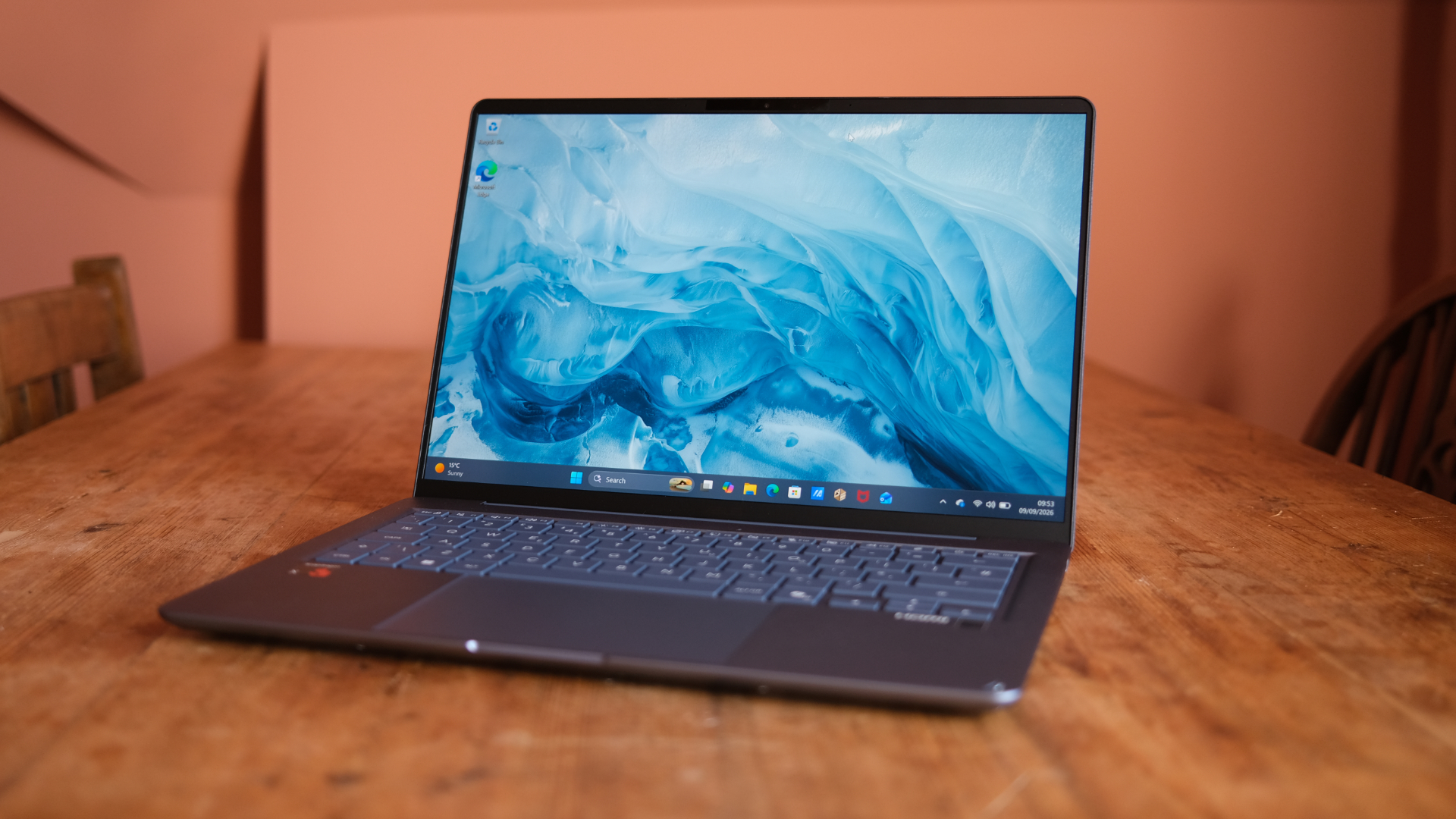 Asus Zenbook 14 (2026) review: A laptop that makes sense from most angles
Asus' laptop gets better with age
-
 Why portability and design matter more than ever for student laptops
Dell's XPS 13 is a prime example of a thin-and-light laptop that’s perfect for your studies
-
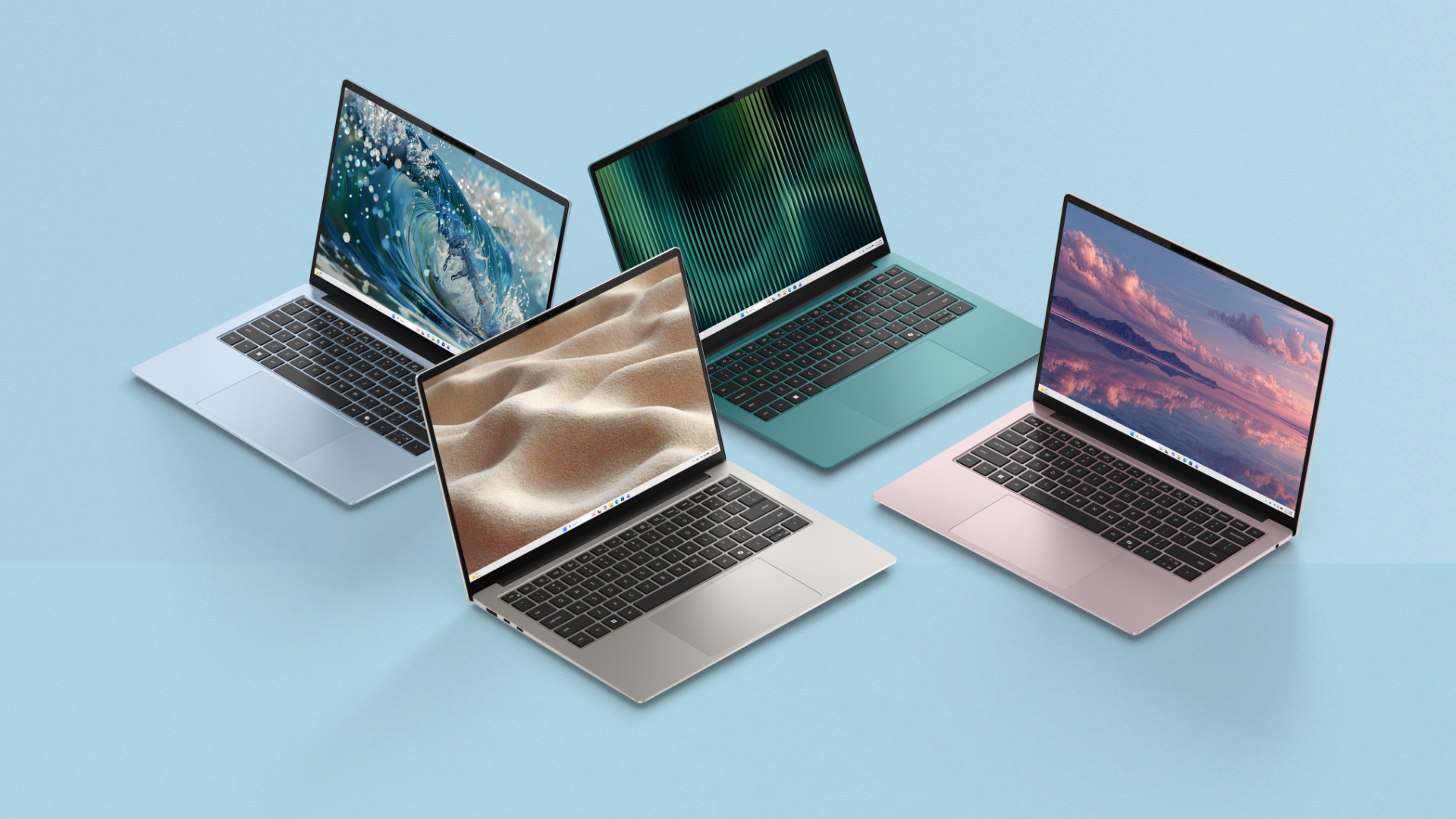 Okay, NOW Dell finally has an actual MacBook Neo competitor – the Dell 14S
The XPS 13 might have been a misdirect
-
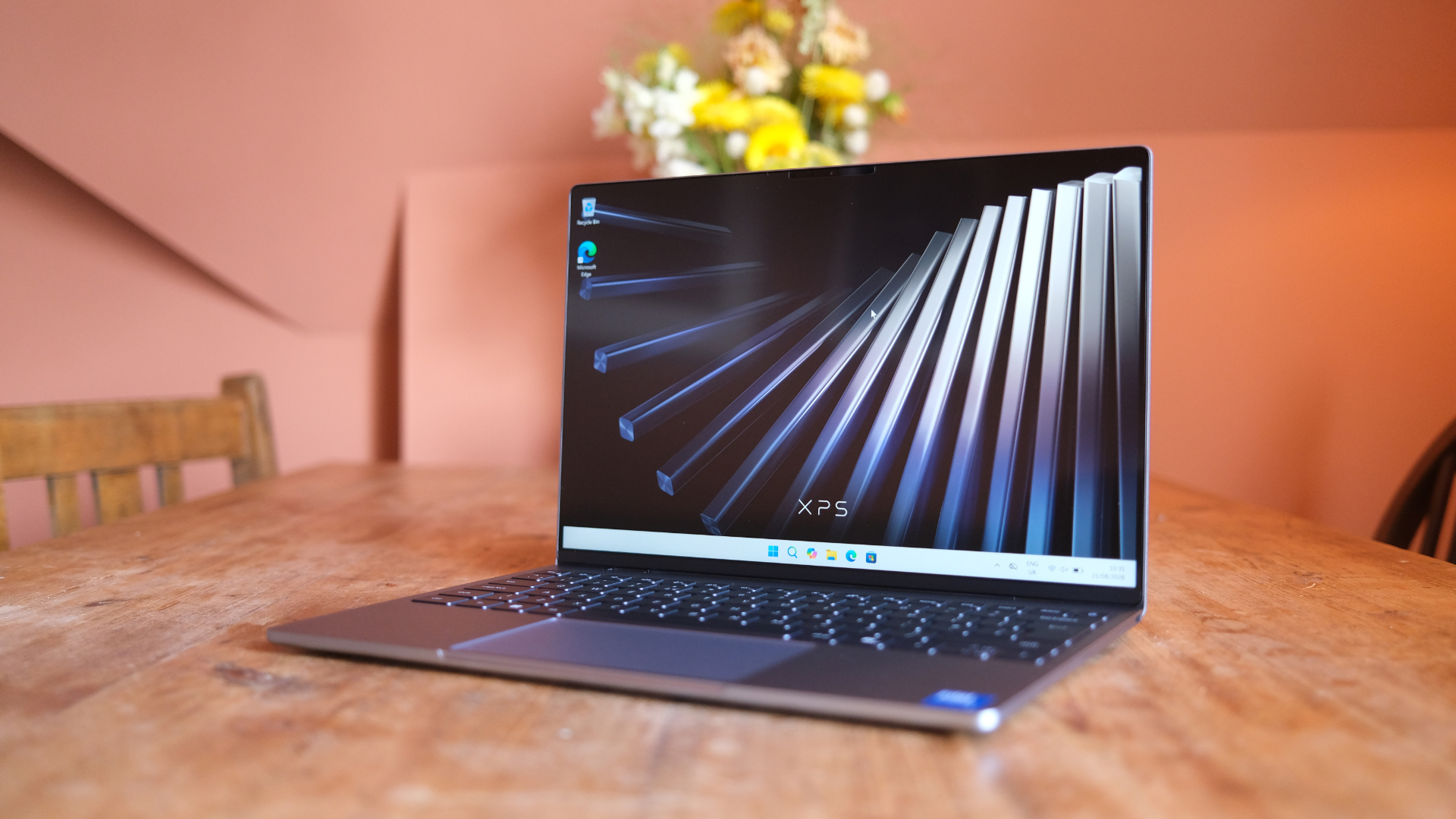 Dell XPS 13 (2026) review: So close to perfection – but a victim of timing
Pricing seriously hurts the XPS 13, which is otherwise unreal
-
 3 best cheap gaming laptops for students – get gaming as well as studying
These bargains shouldn't be ignored
-
 The two most important specs for students buying a Dell XPS 13 laptop
The ideal student laptop should be thin, light, and portable, and it must have a good-quality screen
-
 5 ways a portable laptop improves student life: From lectures to late-night study sessions
Better living through portability
-
 MSI Stealth 16 AI+ (2026) review: A gaming laptop master
MSI's sleek laptop is a beauty


