
TL;DR: The Samsung Galaxy S26 Ultra has a range of features to help make travel less stressful and more efficient, from live translation using AI to easier web browsing with built-in translation, and battery life that can last you through even long, busy travel days.
Whether you’re travelling for work or pleasure, there’s no real getting around the fact that it can sometimes be stressful. The ends often justify the means, but there are challenges in navigating through airports, train stations, taxi ranks and more – especially in environments that you’re not familiar with.
So, if your phone can make your life easier while you travel, that’d be a pretty great result, and it’s an end-goal that Samsung has had in mind for the Galaxy S26 Ultra, which is out now. This is Samsung’s most powerful smartphone, so it stands to reason that it can do some pretty special things when you’re planning a trip or travelling on one. Here are just some of those helpful features.
1. On-phone live translation makes reservations and queries a doddle

We’re opening with a big one. Samsung’s been powering up its Galaxy AI1 system for a while now, and there’s no better example of how it’s levelled up than Call Assist. This feature now offers you live translation2 while you’re making a phone call, making the challenging prospect of communicating with accommodation vendors and restaurant staff in another language much more manageable.
You can hear what someone’s saying to you in real time, whether they’re doing it via their voice or texts, and reply in your own language before having your response relayed in translation.
It’s easy to use, and once you are used to using it, secure or adjusting things like reservations are a breeze. This is a feature that breaks down barriers between people of different cultures, and makes travelling a more seamless experience.
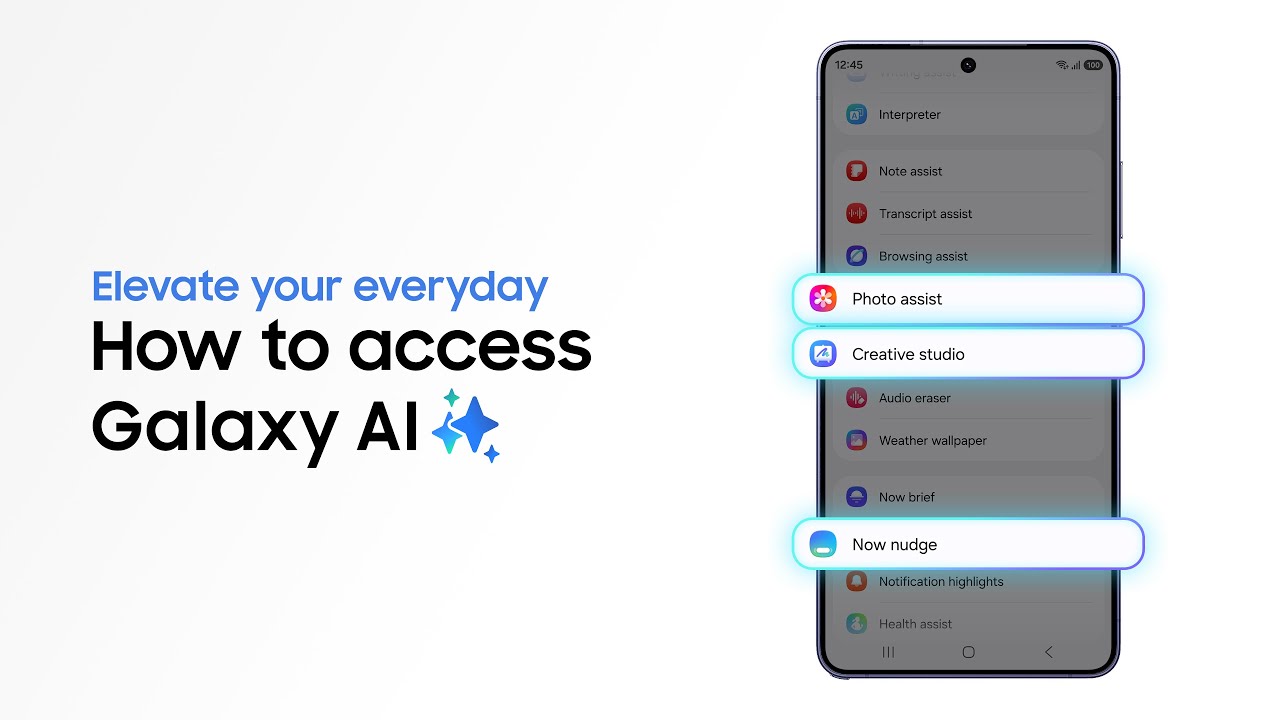
How can I make Live Translate even easier?
To make this even more useful when travelling, pairing your Galaxy S26 Ultra with Galaxy Buds4 or Galaxy Buds4 Pro can make a real difference. With Buds in, live translations feel more natural and immediate, as spoken responses come through clearly in your ears while you’re on the move or in noisy environments like airports or busy streets.
The Pro model’s Active Noise Cancellation helps block out background distractions so you can focus on the conversation, while low-latency audio keeps dialogue feeling fluid and responsive. Together, they make cross-language calls feel less like a tech feature and more like a real conversation.
2. All-day battery life that won’t let you down

If you’re stress-testing a phone’s battery life, taking it on holiday is a great way to go about things. After all, when else do we do as much 5G navigation, photography, video-taking, web browsing and long-distance calls? All these things take a toll on battery life, but with the Galaxy S26 Ultra’s 5,000mAh battery3, you’re safe for all-day use.
It’s a large capacity that makes the phone a powerhouse for getting through travel days, but extra features make it even more powerful. One called Adaptive Battery uses AI to help your phone to conserve power when you don’t need as much, saving it for more intensive periods in the day. Another, Super Fast Charging 3.0, ensures that you can charge your phone back up in minutes rather than hours, which is perfect for the rare occasions when you do need to top it up for the rest of a day or evening.
3. Browsing Assist to make foreign web pages way easier to navigate
Anyone who’s spent time abroad knows the challenge of trying to navigate web pages in other languages – whether you’re trying to check when a tiny museum opens or to figure out what you should do near your hotel.
With Browsing Assist4 on the Galaxy S26 Ultra, the web becomes a much more welcoming place – it can summarise whole web pages for you, including those in languages you don’t speak, to give you the key details all in one go. This is a time-saver, and ideal for those moments on trips where decision paralysis might set in if you don’t get the information you need as soon as possible.
4. Note Assist is the ultimate planning assistant, with AI

Before most of us ever set foot on a transit bus, let alone a plane, we’re probably all deep in the planning phase with months to go, working out itineraries and saving tips we get from friends who’ve been to places before. Those tips and ideas can be gold dust, but they’re also very easy to lose track of, especially if your Samsung Notes app is as full as some of ours.
So, Samsung’s Note Assist5 feature is a bit of a lifesaver for anyone who can get overwhelmed by all their notes.
What can Note Assist help with?
Note Assist has all sorts of uses; it can organise and summarise your notes for you, but also collate them into properly laid-out ideas and sketched-out plans, potentially saving you hours of searching and saving. That’s right – the notes are all searchable using the feature.
It can feel like having a travel agent in the palm of your hands, if your notes have enough detail for things to all come together in one place, and it turns planning into a way more enjoyable experience.
5. A lock screen that genuinely helps simplify your life on travel days

On the day itself, travelling in the modern world is a fully digital experience, and there’s nothing worse than fumbling around for reservation codes, boarding passes, confirmation messages and two-factor authentication logins. A traditional lock screen can quickly become completely impossible to manage, but Samsung has another handy feature to make that sort of problem a thing of the past.
Now Brief is a quick AI-powered summary of your notifications and messages, and it’s the perfect way to keep your clutter under control at times when you have more important things to focus on (like what to order at your beachside restaurant). Filter out the noise and see quick versions to make it way easier to unplug and detox from your normal life – that’s what travel’s all about, no?
6. Privacy Display ensures your sensitive documents aren’t for anyone else’s eyes

When you’re travelling, you’ll likely find that sensitive documents like passport scans, drivers’ licences and other personal information are needed more often than you might assume, and that brings privacy into the spotlight. Thankfully, the Galaxy S26 Ultra has a practically unique option on this front that we absolutely love.
How does Privacy Display work?
If you toggle the Privacy Display6 setting on, your display will instantly become much harder to see from side-on angles, making it way easier to have sensitive details on-screen without passersby being able to ogle them.
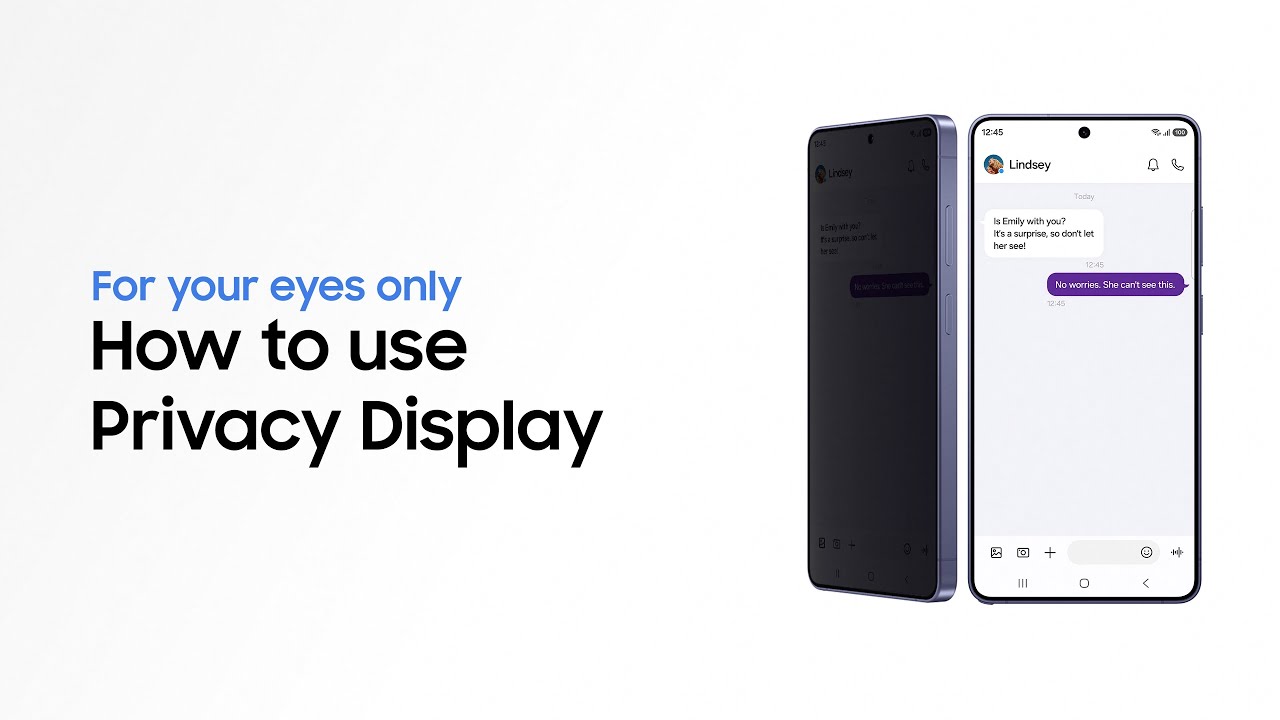
It’s a brilliant idea that’s been implemented perfectly, and it’s ideal for trips. Plus, it’s a feature that you won’t find on any other Samsung phone.
If you think the Galaxy S26 Ultra could be perfect for your travel plans and trips, then be sure to head to the official Samsung website to learn more about it. You’ll find details of all its AI features, hardware choices and more, to help you see what a difference it could make to your next big adventure.
1 Samsung account login is required for certain AI features. Galaxy AI features are provided for free. Future releases may include additional advanced features that are offered as part of a paid subscription plan. Different terms may apply for AI features provided by third parties. 2 Real Time Interpreter and Live Translate available when paired with compatible Samsung Galaxy devices with Galaxy AI features. Samsung account login required language pack downloaded. Service availability may vary by language. Accuracy of results not guaranteed 3 Typical value tested under third party laboratory conditions. Rated minimum capacity of the Galaxy S26 Ultra is 4,855mAh. 4 Available to use on Samsung Internet. Requires network connection and Assist Samsung account login. Summarise feature may be limited or unavailable on certain paid websites. Character limit applies. Language pack download may be required. Accuracy of results not Guaranteed. 5 Samsung account login is required. Requires network connection. 6 Requires manual activation in settings to function. Privacy Display feature is not AI-powered.
-
 Behold, this is the Mass Effect 5 we'll never get to play – leaked trailer shows us exactly what we're missing
From what this trailer reveals, BioWare's closure is an even bigger tragedy than previously thought
-
 Forget chunky sneakers, Vivobarefoot's new Japanese collaboration takes barefoot footwear from the skatepark to the snowy mountains
Two very different shoes with one distinctly Japanese approach to the outdoors


-
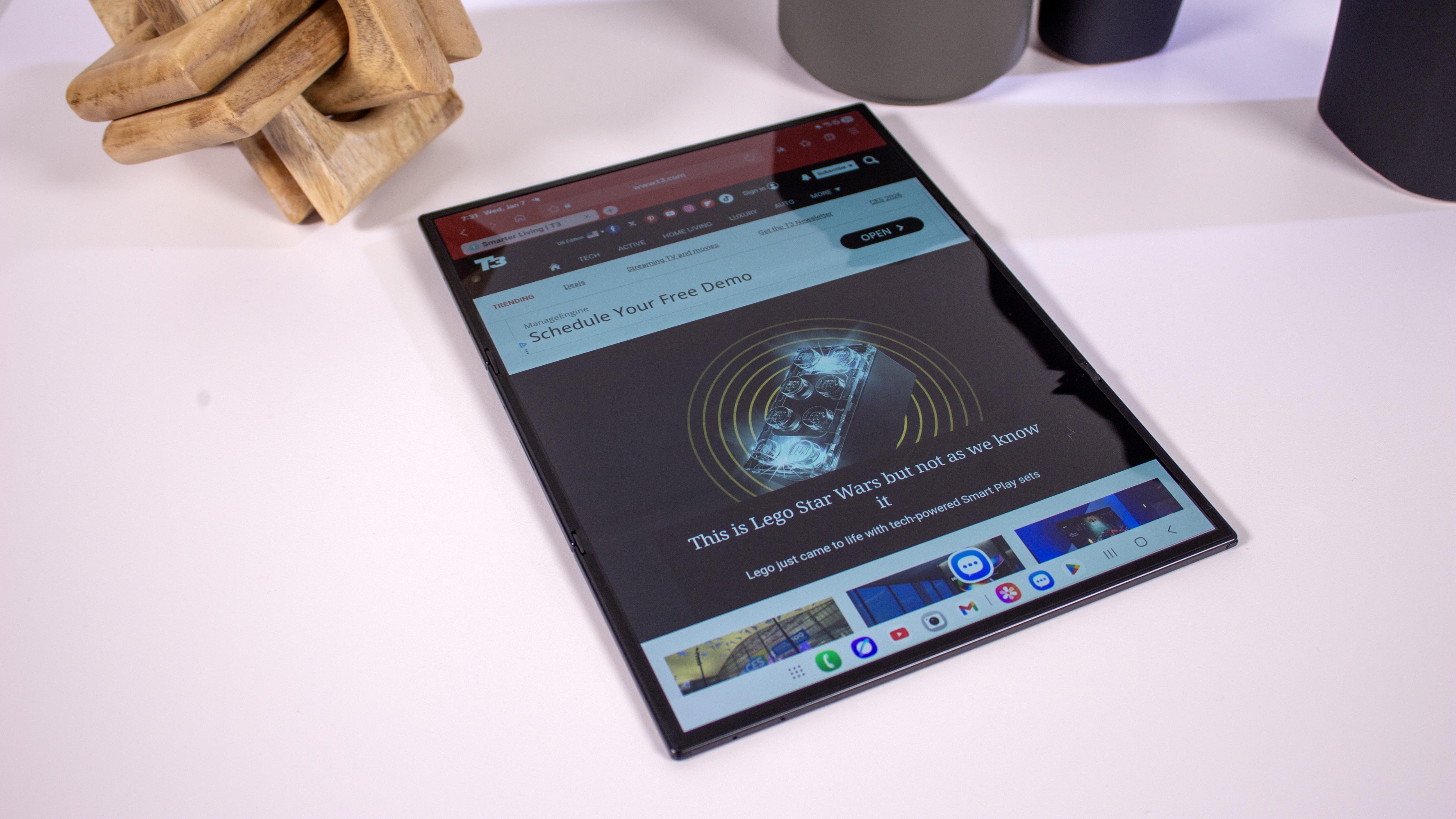 Samsung said to be upping its foldable game next year with six new phones – including a Galaxy Z Slide
There's a folding phone for everyone in Samsung's leaked line-up
-
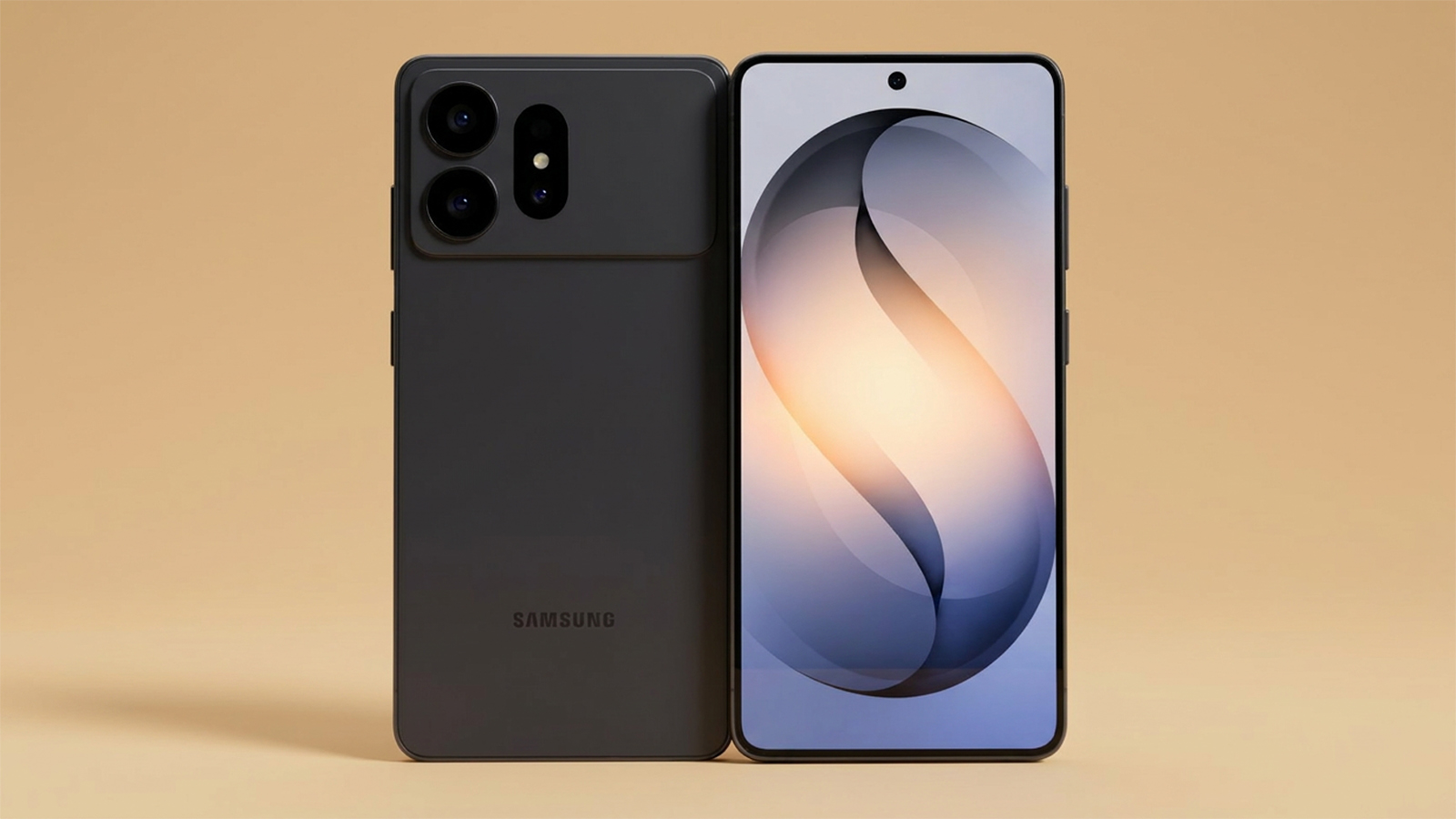 Samsung Galaxy S27 cases reveal camera configurations... and many fans' worst fears
Samsung's next flagship phone could radically change the design, with some unsure about the S27 Ultra
-
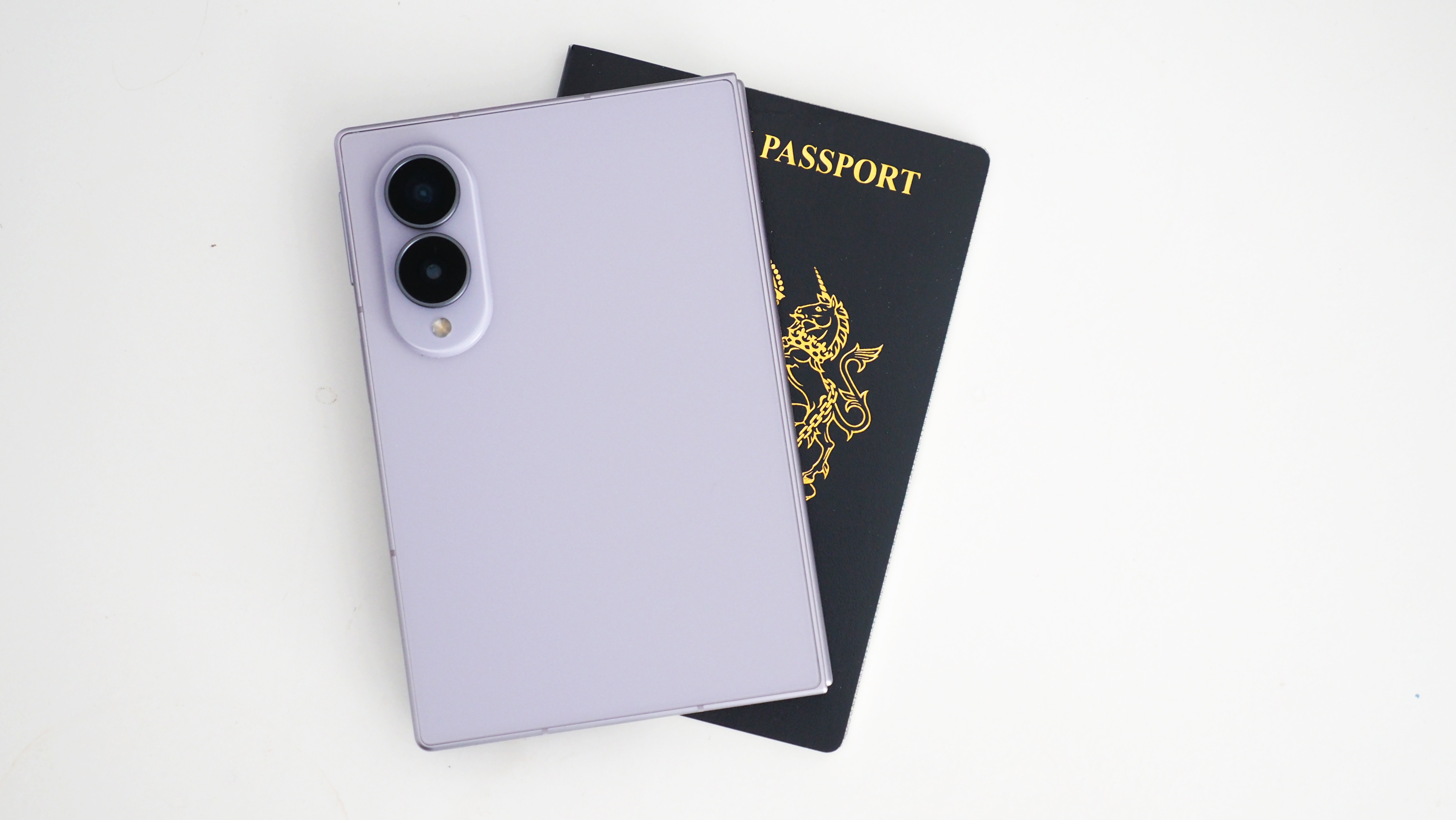 It looks like wider "passport" phones are becoming a thing, even when they don't fold
The latest folding phone trend could jump to regular devices
-
 Samsung's Ray-Ban rivalling smart glasses leak in every style and colour
Hold on to your hats, Samsung's smart glasses onslaught is about to start
-
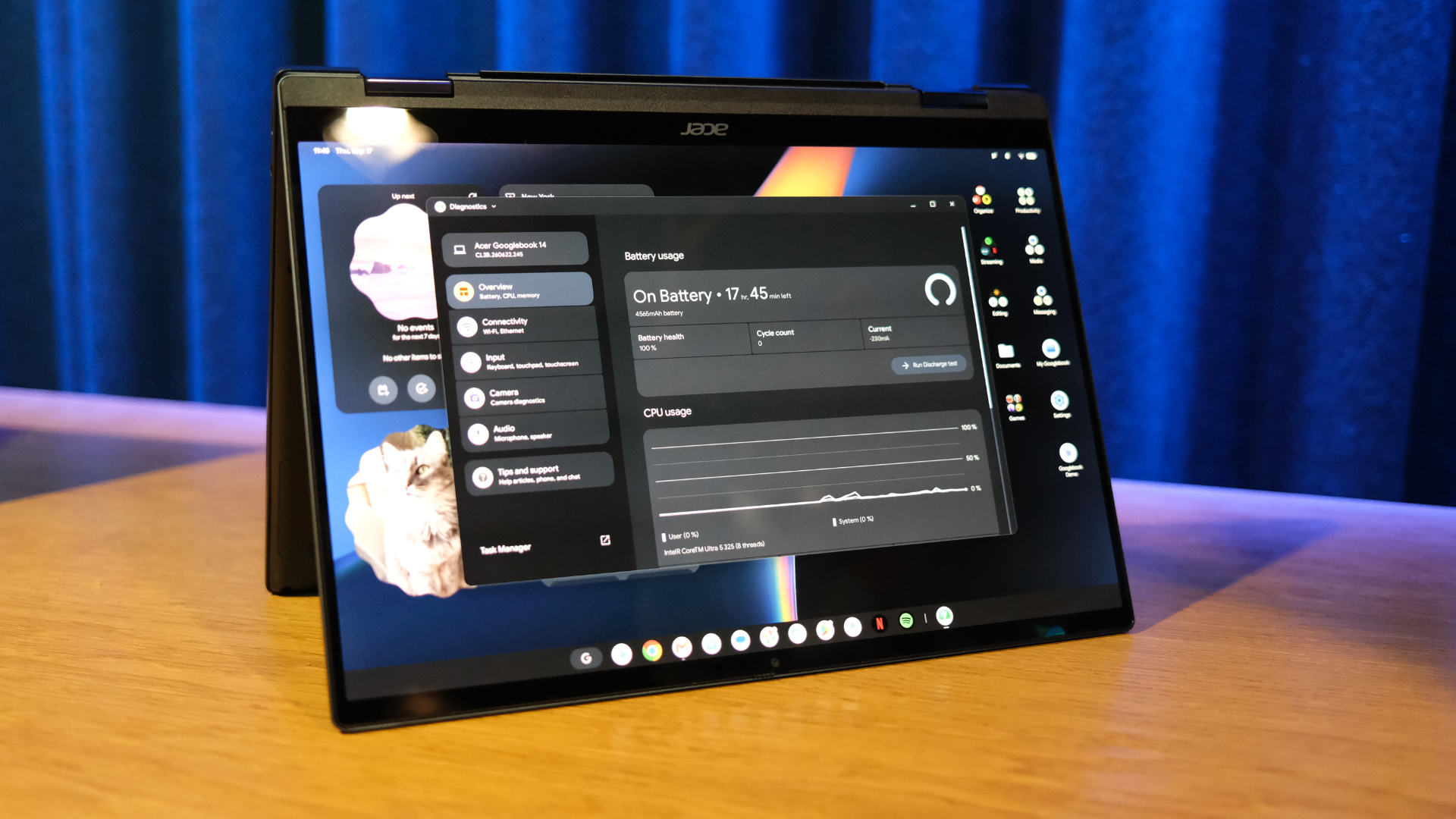 Your new Googlebook now plays nicely with a Samsung Galaxy phone after essential update
Google moves quickly to expand day one support
-
 Samsung could have an exciting AirPods Max challenger in the works
New high-end headphones from Samsung could launch in 2027
-
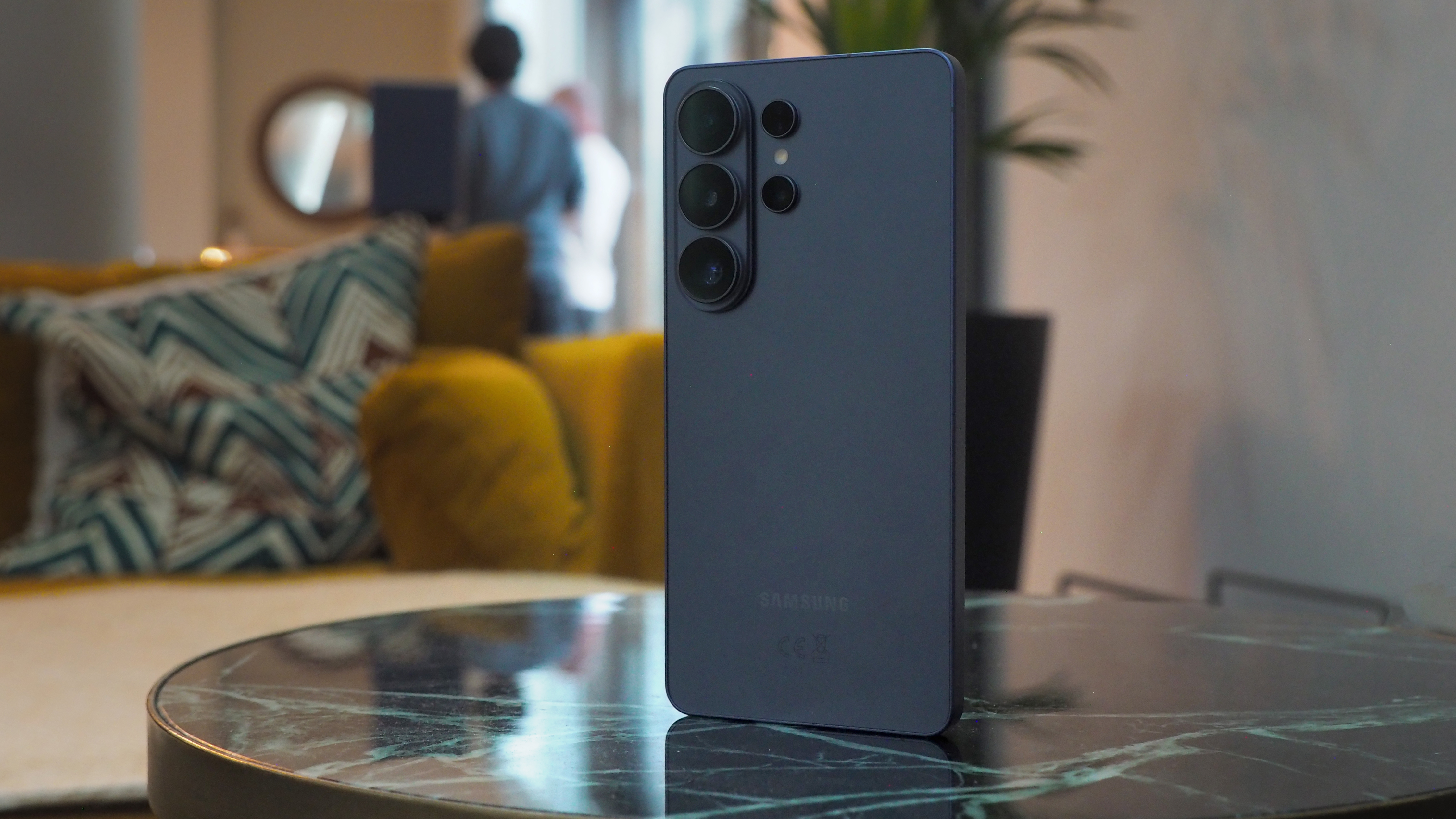 Samsung Galaxy S27 Ultra colour options leak from a trusted source
And there isn't a burgundy model in sight
-
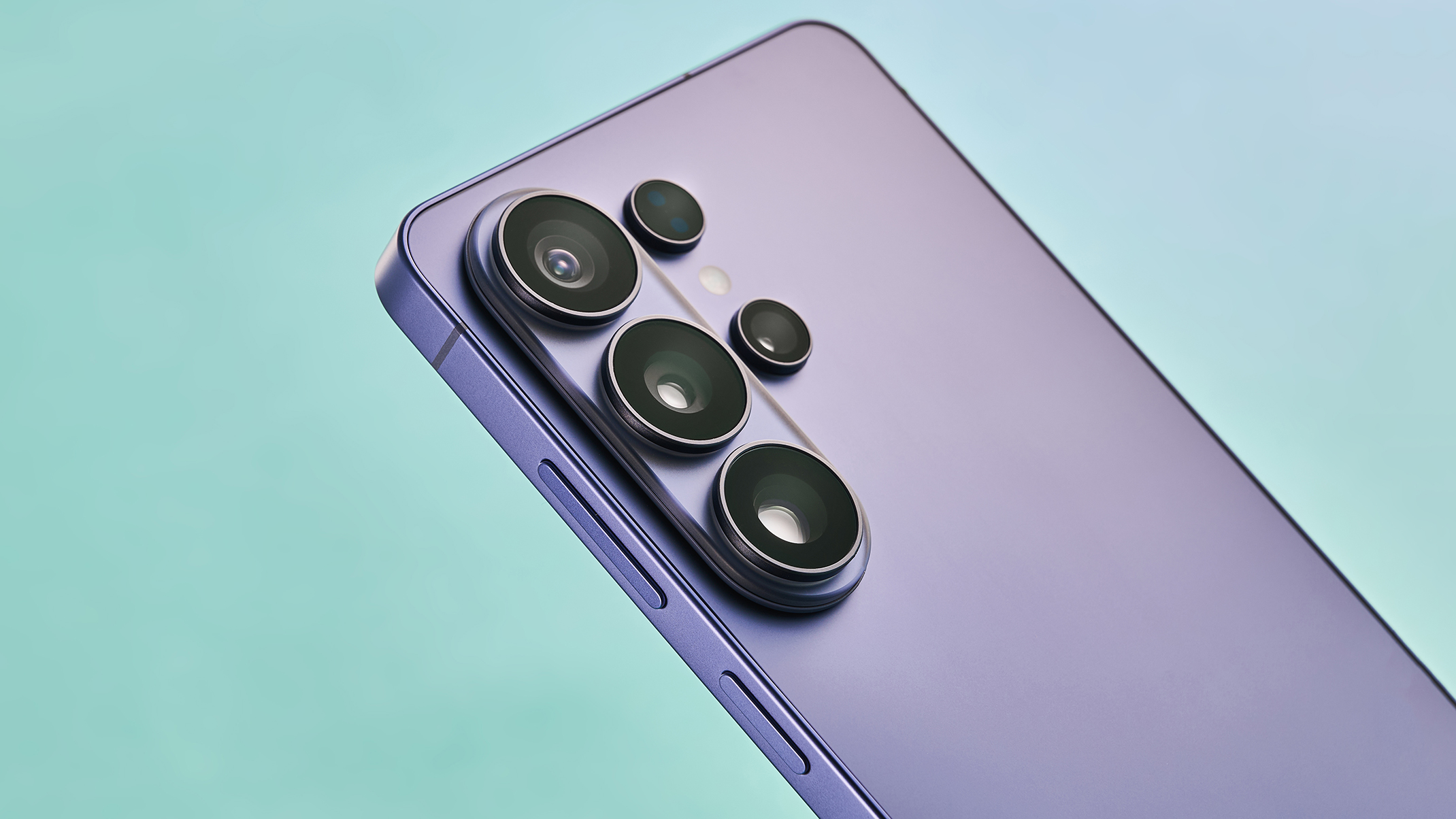 Samsung Galaxy S27 Ultra camera details leak and could be like switching from Nikon to Canon
The next Samsung camera could look different – as could its pictures


