
TL;DR: Anyone who’s spent time juggling a personal and work phone owes it to themself to upgrade to the Samsung Galaxy S26 Ultra, which has a long list of features to help with both personal and professional tasks, all in a stunning design.
Juggling a work phone and a personal one can be a real pain – anyone who’s spent more than a few days doing it most likely agrees with us on that front. The good news is that it’s not something you really have to do anymore, not least when you take a look at a handset like the superb Samsung Galaxy S26 Ultra.
This is the sort of smartphone that can quickly complete tasks that used to be reserved for laptops, thanks to the sheer power it has under its hood, but also the number of excellent software decisions Samsung has made while building it. If you’re particularly curious about how the Galaxy S26 Ultra can help with both your work life and your home one, though, keep reading for some of the biggest points you should know about.
How can the Galaxy S26 Ultra help me sift through my messages and notifications?
One of the AI features that the Galaxy S26 Ultra brings to the table that will probably be most noticeable to people is the Now Brief1 system. This uses Galaxy AI2 to intelligently summarise your notifications and messages, giving you a quick precis of key updates about your day, from meetings to reminders, without requiring you to read everything as it arrives in full.
It doesn’t take too much time to figure out how helpful this can be, especially if you’re juggling (for example) an account for your work messages, alongside an alternative one for your personal life. Getting your threads from each app summarised can help you work out when you need to jump on a call, and when you can afford to leave something on read.
Can the Galaxy S26 Ultra organise my notes and ideas?

The Galaxy S26 Ultra can transform your chaotic notes thanks to Note Assist3, a feature that can summarise and even enhance your notes. Open up most people’s Galaxy phones, and you’ll likely find a Samsung Notes app full of jotted down thoughts, ideas, reminders and lists that aren’t exactly organised in the most regimented way
Without any real work from you, your list of notes can now basically become a searchable, structured system waiting to be tapped into. You’ll find it much easier to keep track of all your bits and pieces, and it all happens automatically – equally perfect for work projects or the weekly shop.
What writing tools does the Galaxy S26 Ultra have to help me compose messages?
Since the explosion of AI in the last couple of years, you wouldn’t really want a phone that didn’t include some proper writing assistance – and Samsung’s Writing Assist4 very much ticks that box. Whether you’re composing a sensitive work email or reaching out to a mate, this feature is perfect to help you refine your messages.
That might mean tightening up your grammar, tweaking your tone, or ensuring that your point actually gets across, but regardless of your aims, it’s a brilliant tool to help you avoid miscommunication or misunderstandings.
What smart features mean the Galaxy S26 Ultra can help me work faster?

For those who need to wrangle complex calendars, there’s Now Nudge5, a system that lets your Galaxy device respond when it detects dates and appointments in your messages, showing you what’s already in your calendar to save you swapping between apps to check your schedule. That’s a massive time-saver when you have a busy work and home life to manage.
If you’re trying to stay on top of a growing workload, there’s nothing worse than an ancient work phone that slows you down constantly as you turn to tasks, emails or messages. So, Now Nudge is just one great example of how you’ll be able to work more efficiently with the Galaxy S26 Ultra.
Can the Galaxy S26 Ultra help protect my work files from prying eyes?

When it comes to stopping people from looking at whatever’s on your phone screen, the Galaxy S26 Ultra basically stands head and shoulders above anything else on the market thanks to the excellence of its new Privacy Display6 feature. When you toggle this on, your Galaxy S26 Ultra will narrow its viewing angles heavily, so that people looking at it from the side will be able to see way less than on a usual display.
It’s a genius marriage between hardware and software design, and incredibly impressive from a manufacturing point of view – and makes the Galaxy S26 Ultra a stunning choice for work security. Plus, of course, it comes as the cherry on top of the more established excellence of Samsung Knox7, the security layer that keeps your files, apps, messages and browsing data secure without any extra setup required from you.
If these great features have you thinking that the Galaxy S26 Ultra could be a great fit for your own carefully-balanced work-life, be sure to head to the Samsung website, where you can learn more about what makes it such a standout smartphone this year.
1. Samsung account login and network connection required.
2. Samsung account login is required for certain AI features.
3. Samsung account login is required. Requires network connection.
4. Samsung account login is required. Requires a network connection. Must meet length requirements to activate feature. Service availability may vary by language. Accuracy of results is not guaranteed.
5. Samsung account login required. Supported apps only. Accuracy of results is not guaranteed.
6. Requires manual activation in settings to function. Privacy Display feature is not AI-powered.
7. Valid Samsung Knox Account required.
-
 Where we're going we don't need roads – DeLorean taking to the skies in world's first electric flying car racing league
DeLorean is taking its next step beyond the road, becoming the first American constructor to enter the world's first electric flying car racing series
-
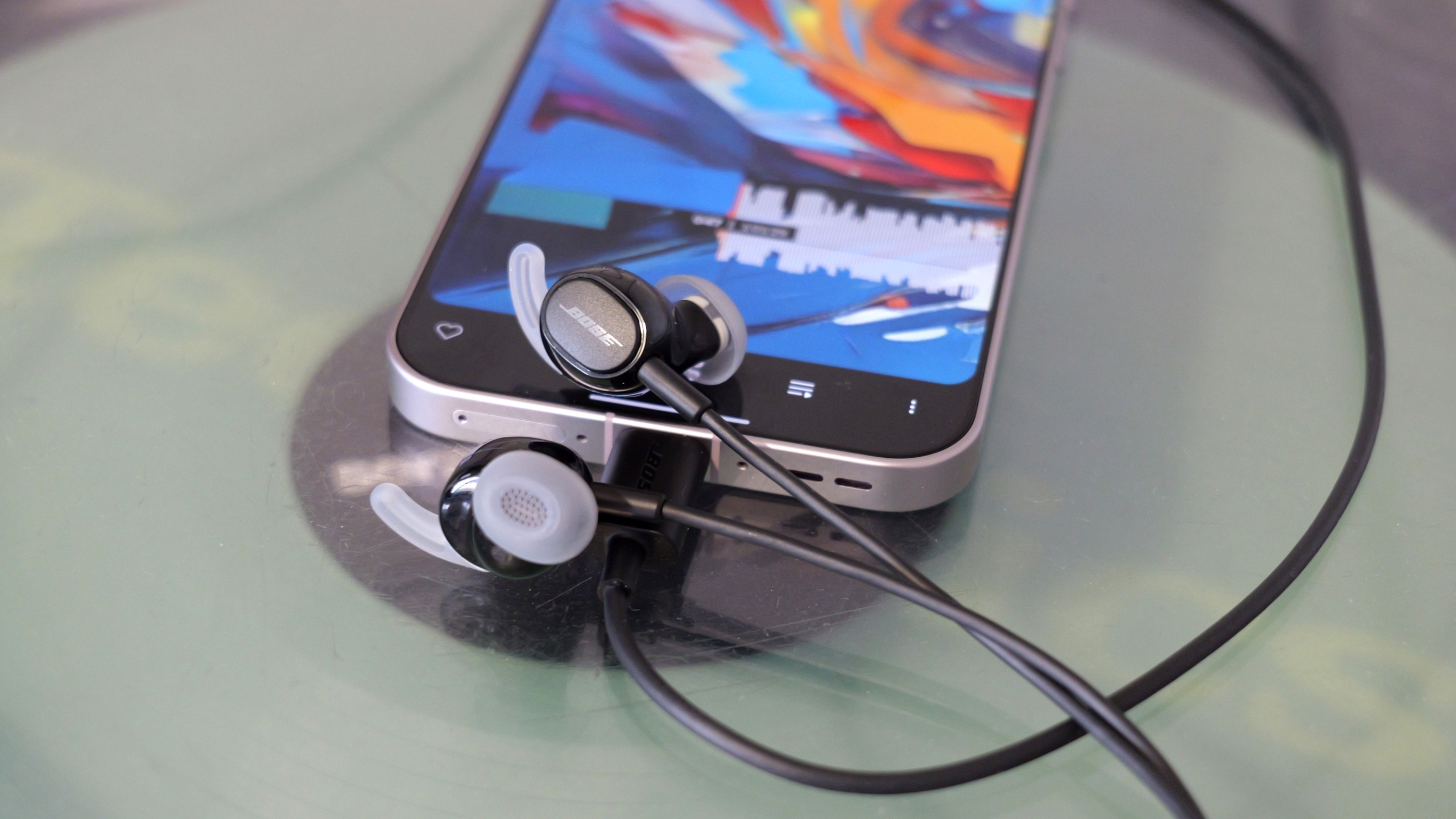 I tried Bose's new ANC earbuds with a battery that NEVER runs out – here's why they're sold out in most places
The Noise Cancelling Wired Earbuds use a device's USB-C to source power


-
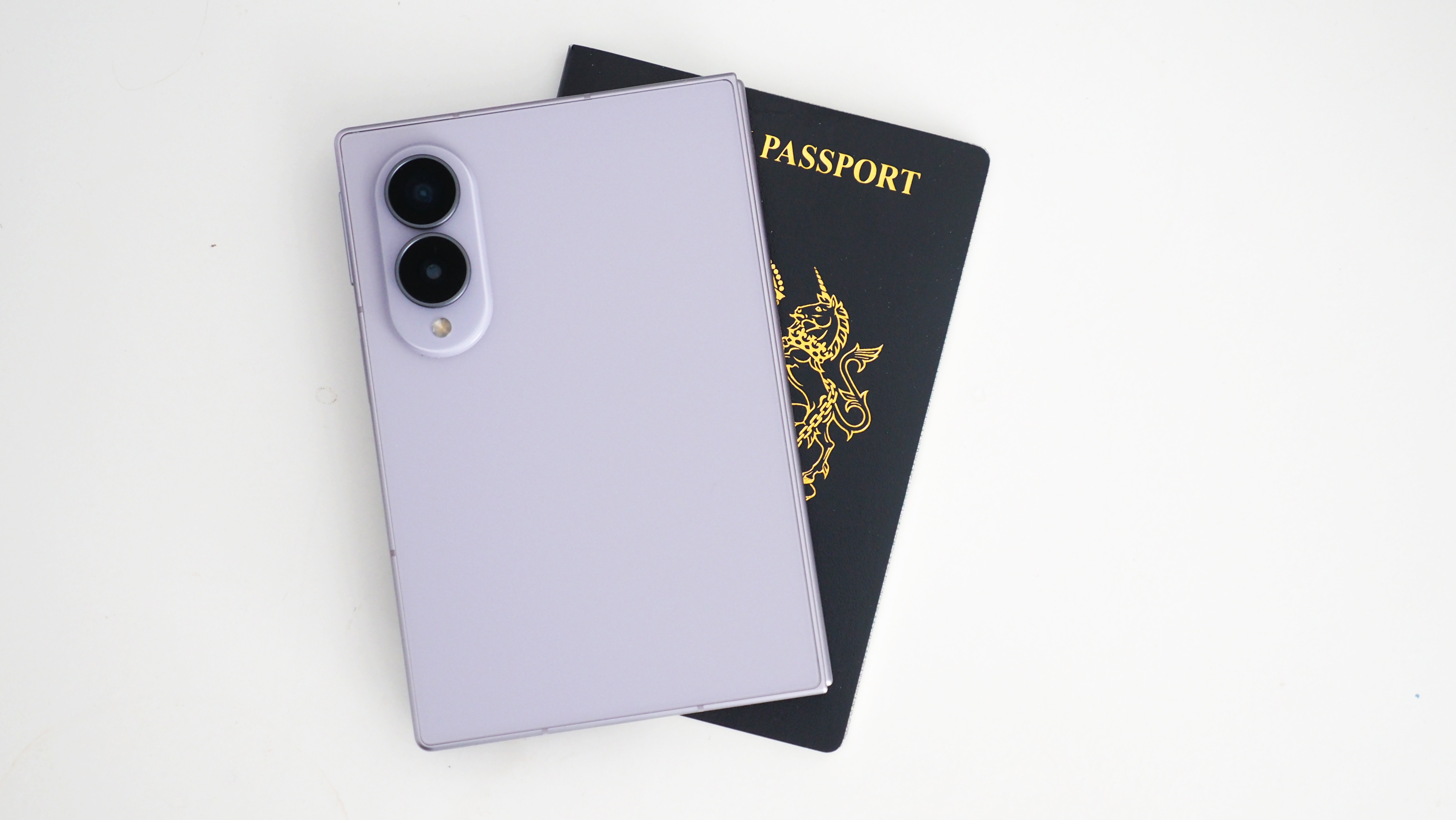 It looks like wider "passport" phones are becoming a thing, even when they don't fold
The latest folding phone trend could jump to regular devices
-
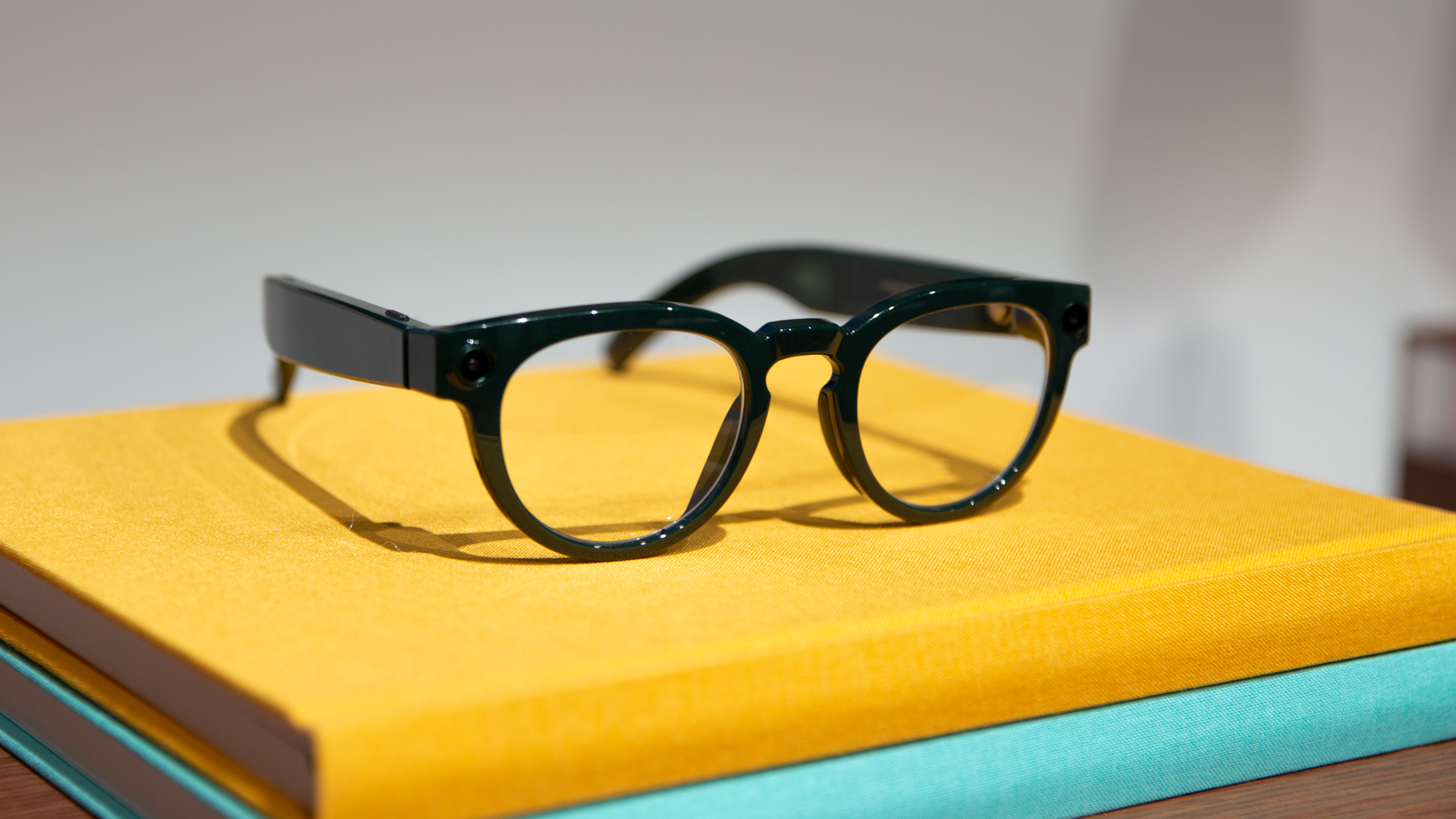 Samsung's Ray-Ban rivalling smart glasses leak in every style and colour
Hold on to your hats, Samsung's smart glasses onslaught is about to start
-
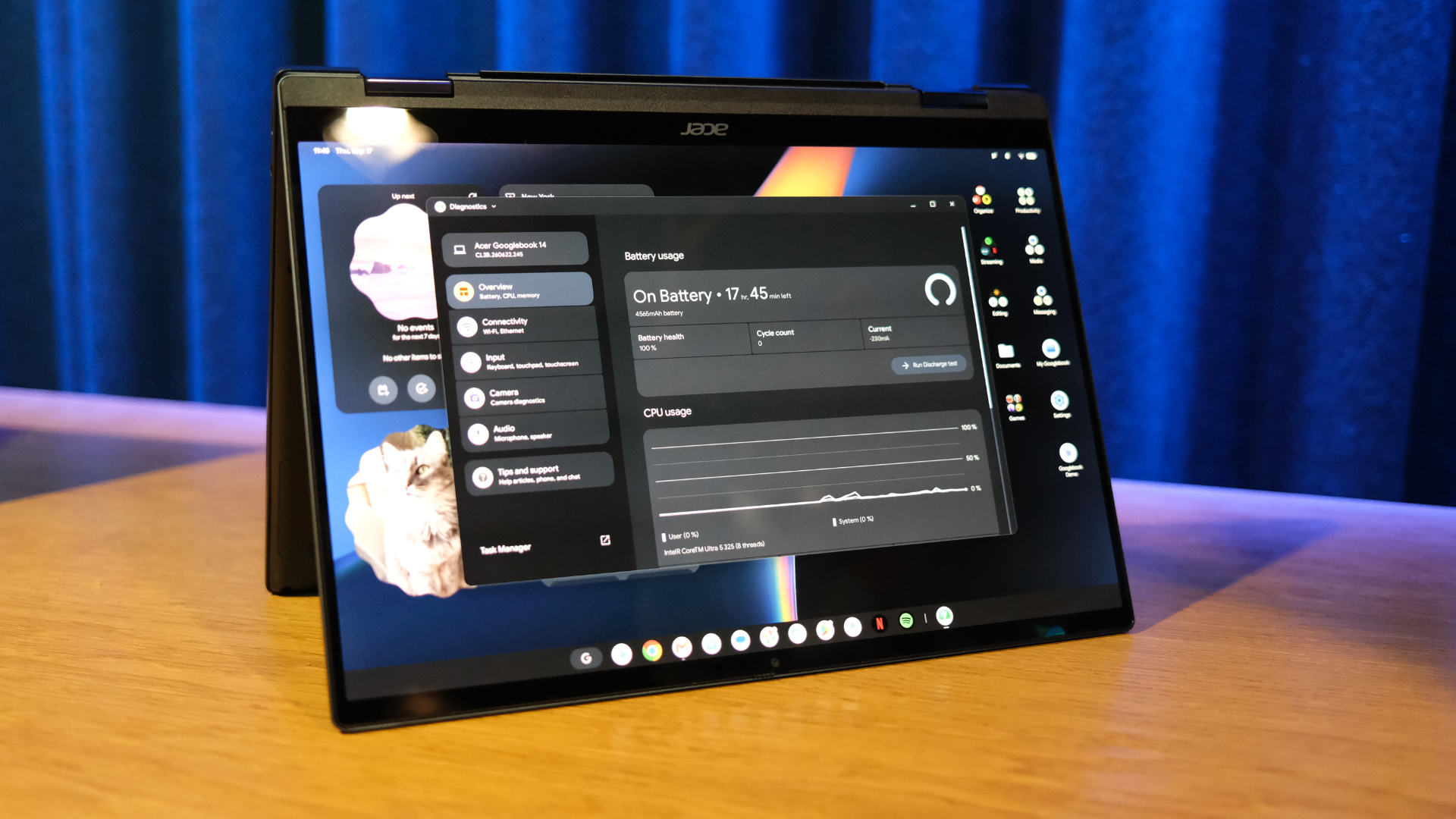 Your new Googlebook now plays nicely with a Samsung Galaxy phone after essential update
Google moves quickly to expand day one support
-
 Samsung could have an exciting AirPods Max challenger in the works
New high-end headphones from Samsung could launch in 2027
-
 Samsung Galaxy S27 Ultra colour options leak from a trusted source
And there isn't a burgundy model in sight
-
 Samsung Galaxy S27 Ultra camera details leak and could be like switching from Nikon to Canon
The next Samsung camera could look different – as could its pictures
-
 Behemoth batteries and ultra cameras – smartphones are taking an interesting new direction
While tech bands push the AI message, it's hardware that still resonates
-
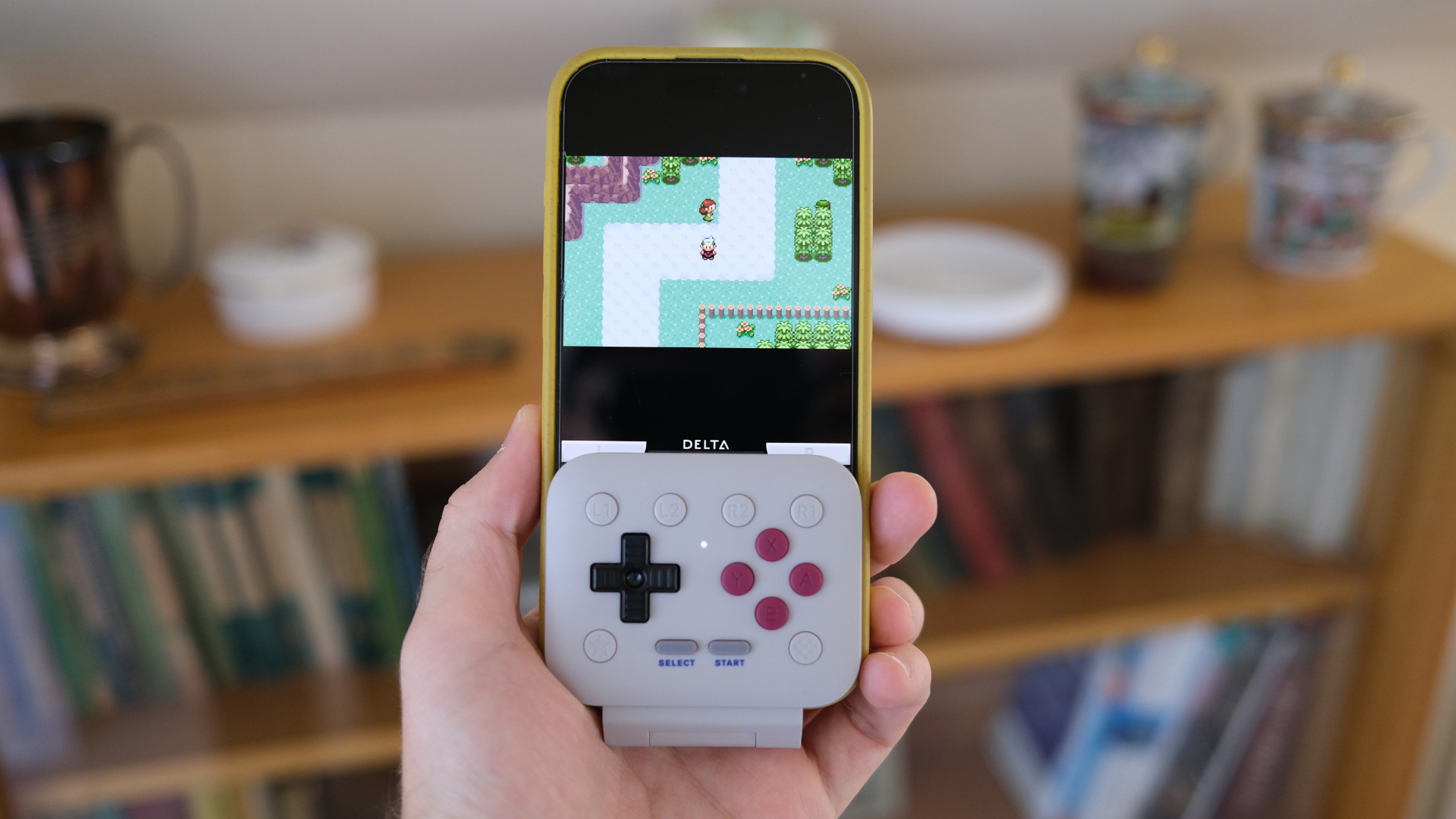 This tiny mobile controller is the one accessory I'd recommend for retro gaming on your phone
8BitDo has hit it out of the park with the FlipPad


