This ‘hidden’ electric toothbrush hack will extend its battery life when you travel – I wish I’d known about it sooner
If I knew this electric toothbrush feature, this would have saved me a lot of travel hassle


I travel a lot for work, and for obvious reasons, I take my electric toothbrush with me on all my trips. But after one journey, I got into my hotel room, unpacked my toiletries and found that my electric toothbrush was completely dead, even though I’d charged it beforehand.
After little deducing, I realised that when I’d packed my electric toothbrush, the contents in my bag must have accidentally pressed against the on/off button. So, while I was sitting on the plane, my toothbrush was working away, brushing absolutely nothing and draining the battery in the process.
I know what you’re thinking: this is why you put your electric toothbrush in its travel case – and you’d be right. Removing the brush head from the main body of the toothbrush, and storing it in its travel pouch helps guarantee your toothbrush won’t turn on and buzz away for hours, meaning you won’t lose use of it when you get to your destination.
But whether your electric toothbrush comes with a travel case or not, many of today’s electric toothbrushes don’t have detachable heads, in an effort to be more sustainable and create less waste. If this is the case for you, I recently found this ‘hidden’ travel lock feature which prevents your electric toothbrush from turning on accidentally – if only I’d known about this before!
The buttons on your electric toothbrush do a lot more than you might think. Aside from switching modes and turning on and off, your electric toothbrush’s controls can also ‘lock’ your toothbrush so you can save your battery and prolong the lifespan of its technology.
For most electric toothbrushes, you can activate the travel lock by pressing and holding the power button for up to five seconds. To ‘unlock’ your electric toothbrush, simply do the same. But some models are different, so I’ve listed how to use the travel lock on your toothbrush for Philips, Oral-B and SURI users.
How to use the travel lock on Philips electric toothbrushes
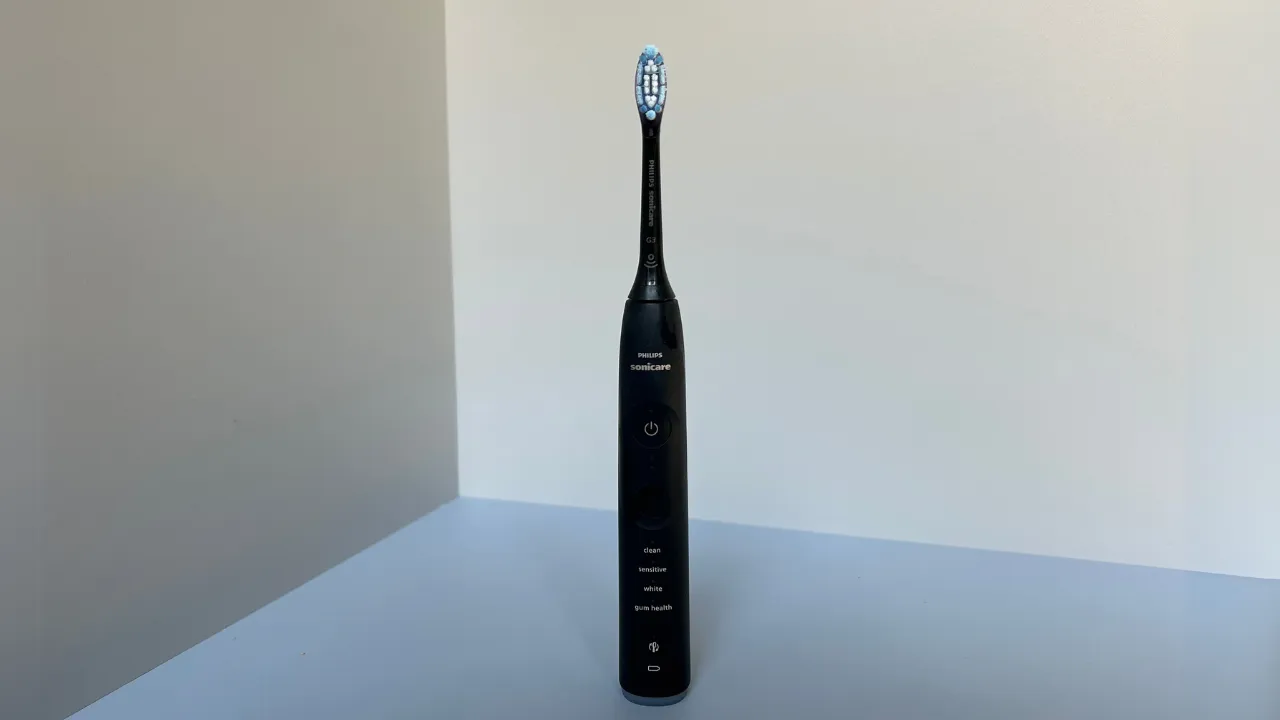
Philips electric toothbrushes all have similar methods for activating the travel lock. For Sonicare and ExpertClean models – we’re fans of the Philips Sonicare 7100 at T3 – you simply press and hold the power button for three seconds. To let you know the travel lock is on, the battery light will flash or a lock icon will show. Your toothbrush will also make a beeping noise.
The Philips DiamondClean brushes, like the Philips Sonicare DiamondClean 9900 Prestige, require you to press down the mode button instead of the power button.
How to use the travel lock on Oral-B electric toothbrushes

As Oral-B electric toothbrushes have gotten more advanced with each new generation, there are a couple of ways to turn on the travel lock. If your Oral-B iO toothbrush has a touchscreen, you can scroll through the settings to select the travel lock option. Alternatively, hold the power button for five seconds until a lock icon appears and the LED light around the head flashes.
For more recent Oral-B iO brushes, like the Oral-B iO6 and above, you can turn the travel lock on and off by using the Oral-B app. If your toothbrush is under iO6, like the Oral-B iO3, you’ll need to stick to holding down the power button – the same can be said for Pro and Smart toothbrushes.
How to use the travel lock on SURI electric toothbrushes

If you have a SURI toothbrush like the SURI 2.0, you simply need to press and hold the power button for five seconds. Above the button is a light which will flash orange to indicate it’s locked. The brush itself will also vibrate and beep.
