
Studying for school or university means moving around from lecture hall to local cafe and all points in between. This article will explore the importance of portability, build, and design in a student laptop—and how the Dell XPS 13 nails all the important qualities that students deserve.
TL;DR: The XPS 13 is compact and lightweight, so it'll easily fit in most bags, and you can carry it with you on your travels about campus or town with no fuss. This level of portability means you can get work done wherever you need
Dell has ensured that the XPS 13 has plenty of battery life to match its portable nature. This laptop is also well-built and thoughtfully designed, with a robust machined aluminum chassis that offers enough durability to cope with the rigors of a busy student life and being constantly on the move
The XPS 13 also boasts premium features you don't usually see in its affordable price bracket, including a touchscreen and backlit keyboard—very convenient additions that help you study anywhere
If you're a student, how much time does your laptop actually spend sitting on your desk? The answer may vary, of course, but it's likely to be along the lines of 'not very much'. It's a good bet that given typical scenarios in university or college life, a laptop will be carried from place to place—maybe from a lecture to a seminar, then on to a study session in the library—and it'll generally be on the move a lot.

Dell's XPS 13 excels with portability, and that's vital for a student laptop
Dell’s XPS 13 is a thin-and-light laptop that's very easy to carry with you. The XPS 13 has a width and depth of 297 x 201mm, meaning it's neatly compact, and at 12.7mm thin, this device will go in lots of bags or cases where other notebooks may struggle to fit. If you're carrying the XPS 13 in your hands, it's easy to manage; you won't feel the strain, as this laptop weighs just 2.2lbs (1kg). It’s the thinnest and lightest XPS laptop Dell has ever made, in fact.
If you can take a laptop with you anywhere you go, it stands to reason that you'll get more out of it, as you'll be able to use the device when on the move, out and about, whenever needed. Popping to grab a coffee in town? While you have a spare 15 minutes at a table as you're enjoying your drink, you can break out the XPS 13 and catch up on some emails, do a little studying, or maybe even a bit of casual gaming.
You can fit the XPS 13 on a small table or desk, or even a pull-down tray table, with no fuss. Even if there's no surface available at all, this is a device you can actually use comfortably in your lap (which, of course, is where the name 'laptop' originates). Granted, this isn't a great idea for lengthy periods of time, ergonomically speaking, but it's a useful ability in a pinch, and you won't get unpleasantly warm thighs using this notebook in your lap, either. This is because the XPS 13 stays nicely cool thanks to a cleverly designed dual-fan cooling system.
Has the XPS 13 got the battery life to match?
This is a good question, because if a laptop is highly portable, but the battery gives up the ghost too readily, then that limits the use-it-anywhere appeal, obviously. But the XPS 13 has the battery longevity to match its convenient size.
According to Dell's own testing, the XPS 13 is good for up to 17 hours of constant Netflix streaming. So, that's your viewing needs covered… but in all seriousness, it's all your needs covered. Even with more demanding use—such as when multitasking a bunch of apps—the XPS 13 battery will keep you going with many hours of battery life. That's always comforting to know, and it backs up the portable nature of Dell's laptop.

The XPS 13 may be light—but don't make the mistake of assuming that means it isn't durable
A student laptop should be light for all the reasons noted, but it's no good being lightweight if this means the device is at all flimsy—which very much isn't the case with the Dell XPS 13.
This is where a lot of more affordable thin-and-light laptops go wrong, though. They cut costs with a cheaper chassis, or a lid with too much flex, and other design elements that could make the device more prone to damage.
Dell has been careful not to make any such mistakes with the XPS 13. This laptop benefits from a machined aluminum chassis featuring a robust build quality, minimal lines and joins, and an overall premium feel. Not only is the XPS 13 durable enough to take a few knocks—essential in everyday life when you're roaming around a lot, especially in busy places with a lot of other people—but it looks like a premium device, too.
In other words, despite the affordable price tag, this Dell device remains an XPS laptop through and through in terms of appearance and build quality.

Dell designed the XPS 13 to punch above its weight with premium features
The XPS 13 doesn't just offer a level of premium construction that's not usually seen in its price bracket. It also packs features that make life easier for students—features that many other big-name laptops don't have.
An obvious one here is the 2.5K resolution color-accurate touchscreen. All Dell XPS 13 models come with a touch-enabled display, from the entry-level device upwards, and this is a trick other laptops generally leave out (as a cost-cutting measure). A touchscreen is a considerable benefit for swiftly scrolling down a long web page, for example, with a few flicks of your finger, or quickly tapping a link rather than trying to click it with the touchpad. Using the touchscreen can be particularly handy if space is tight, in a place where you have little elbow room, for example, or if the XPS 13 is cradled in your lap while you tackle a brief burst of work.
The keyboard backlight is another example of functionality that generally doesn't appear in more wallet-friendly laptops, and this can be priceless situationally. The XPS 13's chiclet keyboard is backlit so even in a dimly lit area, you can easily see the characters on the keys to type with fewer mistakes. Not that it's recommended to be writing an essay in a nightclub…
But on a red-eye flight in low lighting or a dark dorm where your roommate is trying to sleep, the keyboard backlight will prove a lifesaver for getting some last-minute study done.
When you consider these kinds of premium features in combination with the lightweight, portable and well-built nature of the XPS 13, it's clear Dell is a great choice to cope with the rigors of student life. It is, quite simply, a device that'll help you work and study wherever you need to get things done.
If you think a Dell XPS 13 is right for you, find out more on the Dell website: US readers click here and UK readers click here.


-
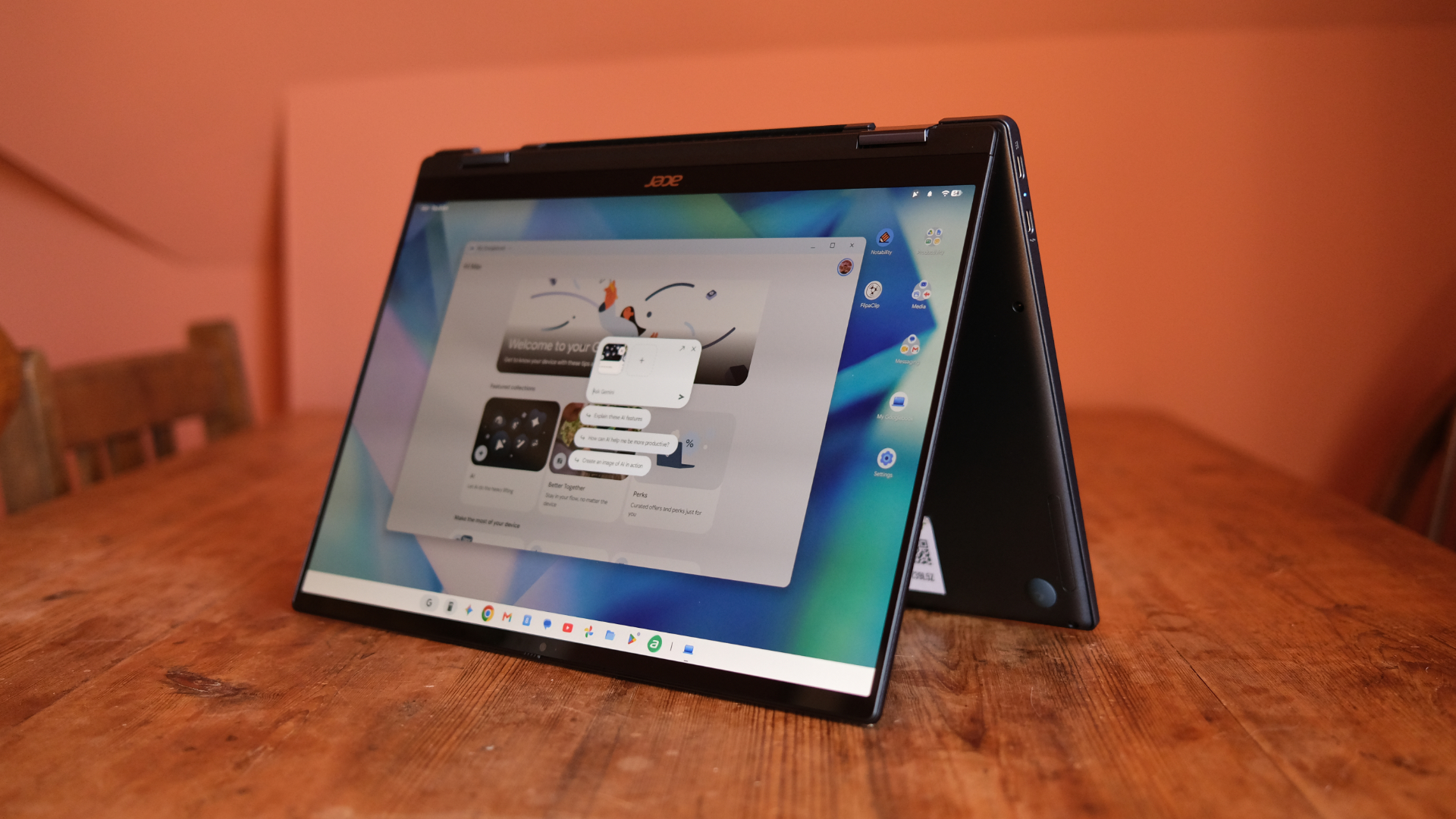 Acer Googlebook 14 review: The first wave in a revolution
Acer's two-in-one is a lovely slab
-
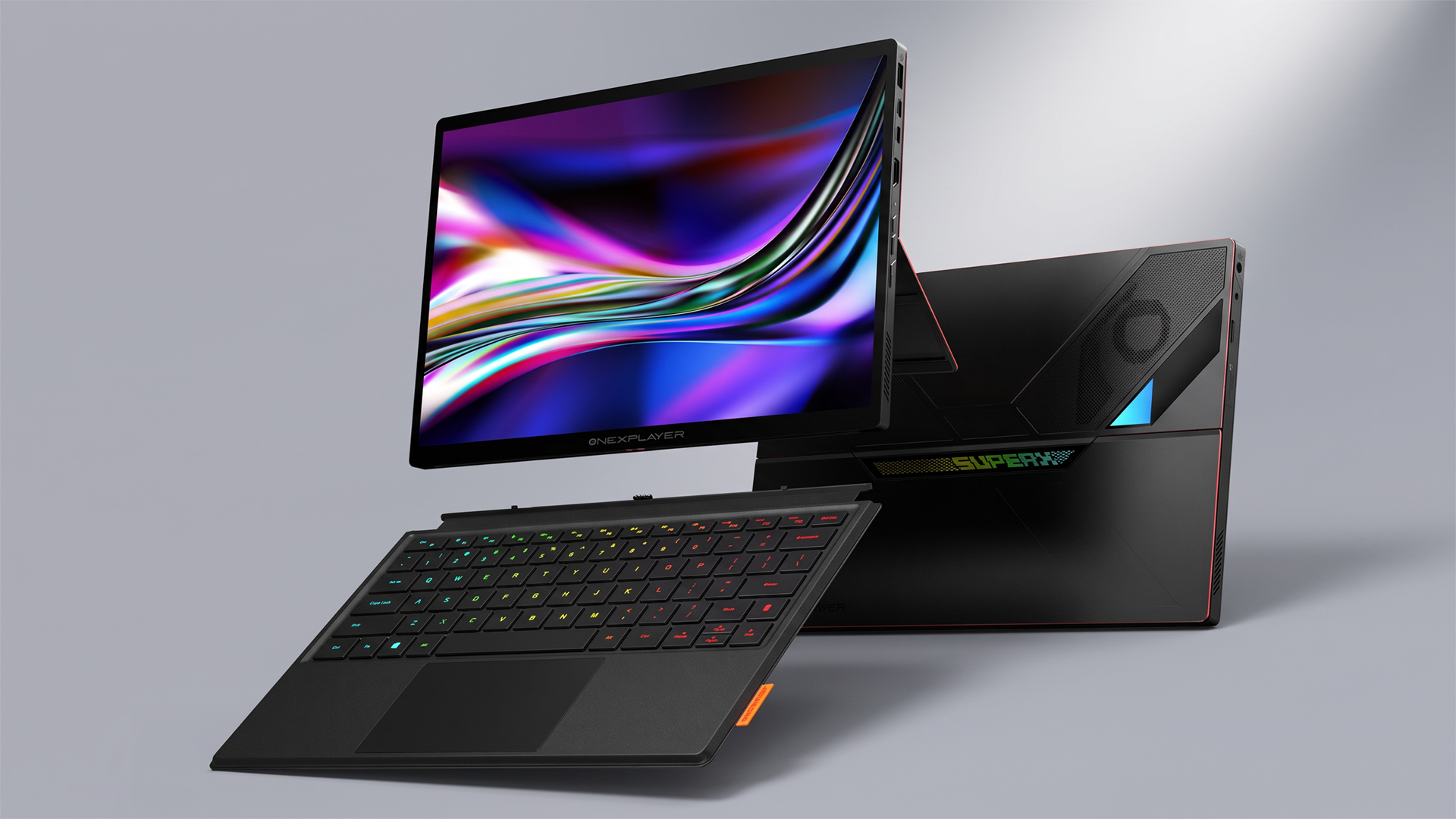 This could be the most powerful gaming tablet ever created – and it's coming soon
The OneXPlayer Super X Pro runs on the AI Max+ Pro 495 chip with 192GB of unified RAM
-
 Entertainment, work, study: 6 reasons the Dell XPS 13 is an everyday laptop worth looking at
The XPS 13 is a smart choice of notebook to cover all your daily needs
-
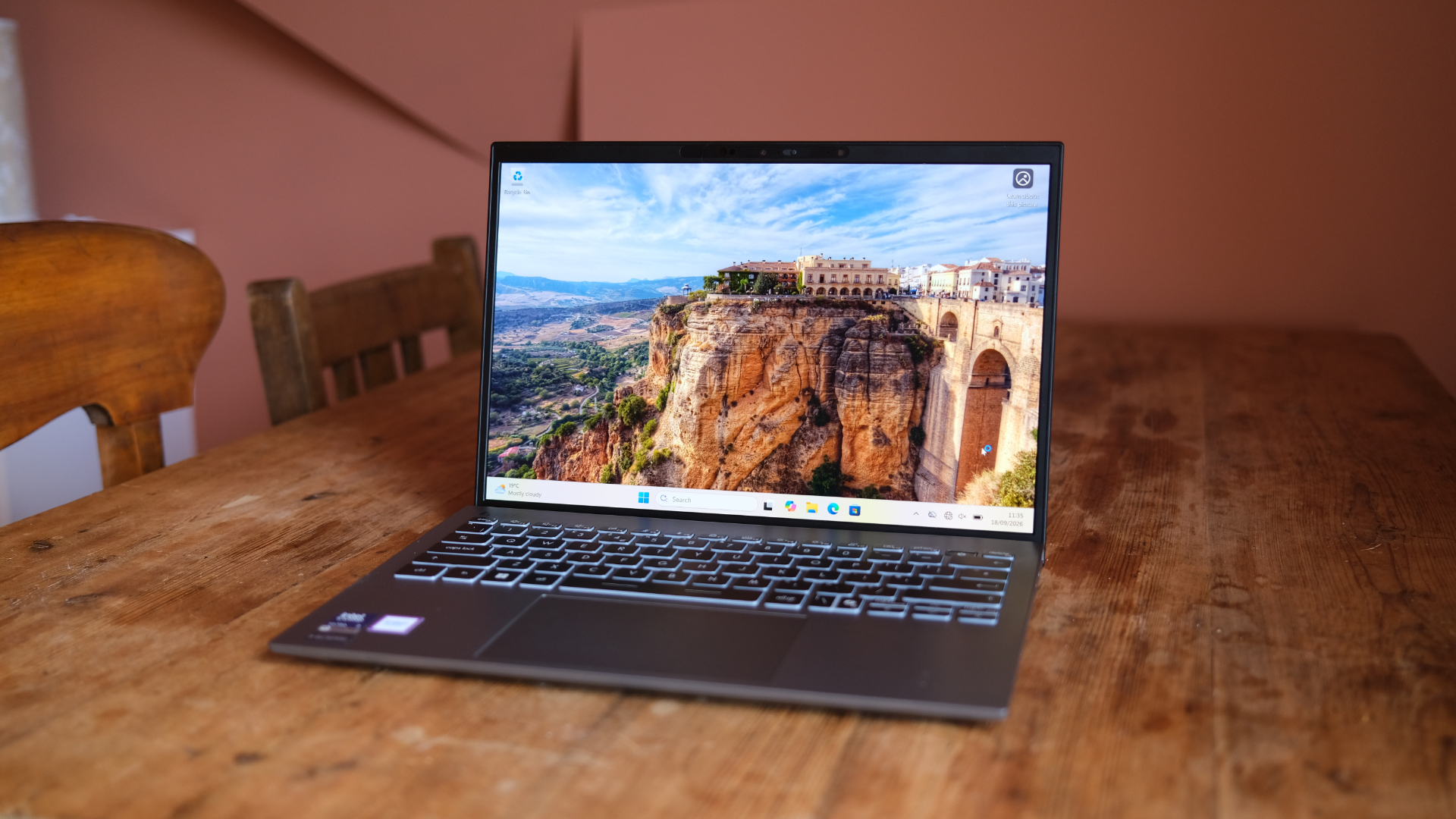 MSI Prestige 13 AI+ review: A super-solid Windows laptop
MSI's refreshed slimline laptop is hard to fault
-
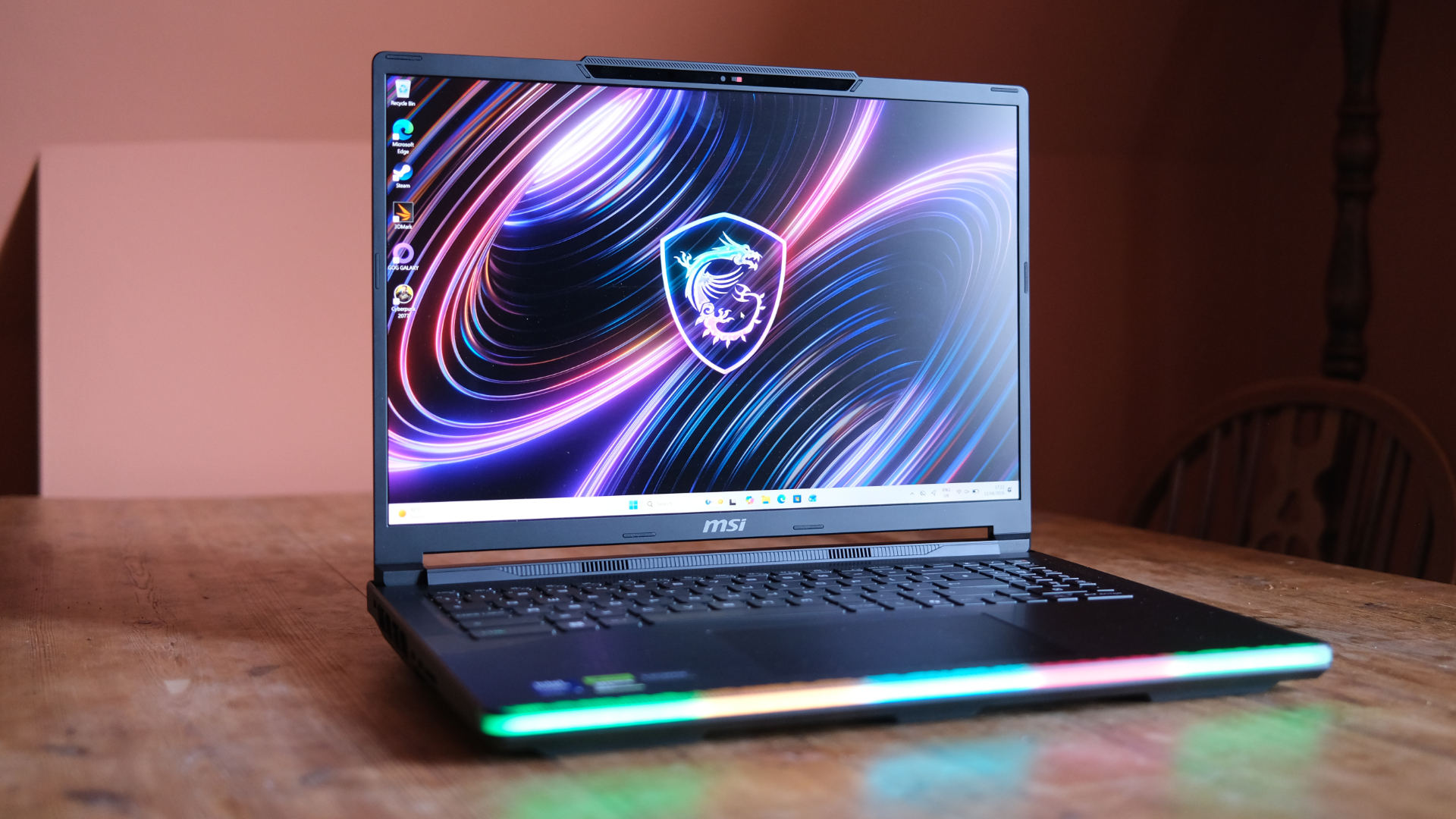 MSI Raider 16 Max HX review: A chunky gaming laptop that pulls no punches
For those who want beastly power, this MSI is the answer
-
 Vaio is back for those who remember the glory days of Sony laptops – and have money to burn
 -
 Google finally takes the wraps off its Googlebook revolution – and you’re going to want to see the prices
Googlebooks are here at last
-
 I tried all 5 Googlebook launch laptops – here are 5 things I learned
Google's going big on Googlebooks


