Sonos just revealed its new app, but don't panic – here are 5 things it can do
'Sonos 27' app takes an iterative new approach, like Apple with iPhone software


Quick Summary
xxx
There's no skirting around the fact that Sonos had a debacle with its attempted app update a couple of years ago. But that's now behind the company, which has changed leadership, invested time, and forged forward for the better.
Now, Sonos has revealed its latest new software vision, Sonos 27, the redesigned app set to act as the hub for all things Sonos. Its reveal arrives in tandem with two new product launches: the Sonos Beam Ultra soundbar and Sonos Ace Ultra headphones.
But just what's the core purpose of Sonos 27 and what does this software set out to do differently than what came before? The new iterative approach – 'Sonos 28' will follow next year, and so forth – is akin to Apple's iOS updates for its iPhone products.
That means you can expect an evolving network of updates and additional features, expanding the practicality of what your Sonos ecosystem can do over time. Here are 5 key takeaways from the new Sonos 27 app:
1. Sonos Fabric

Starting with what you probably know Sonos best for: grouping speakers together. But that didn't have a specific marketing name. Until now.
Which is what 'Sonos Fabric' is all about – it's the underlying architecture of all things grouped, paired and bonded together across your Sonos products and ecosystem.
Keep an eye out for that name change, therefore, as you'll need to get used to it as being the main hub of your Sonos connected family.
2. Design & Controls
With a new app invariably comes a new design. And Sonos 27 has got a bunch of new visuals and features, which I've summarised in bullet points below.
- Tab navigation
- Lockscreen controls
- 'Room Sort' organisation
- Virtual knobs for volume control
- Forthcoming (Q3/4): System Health views; Presets
As you can see from that list, Sonos 27 will offer layers within the app, more controls, and a greater sense of 'tactility' to its use.
Furthermore, the iterative approach is clear: later in the year Presets and System Health Views will follow, showing that persistent feature updates are part of the ongoing package.
3. Sonos 27 Voice
Building upon the original Sonos Voice is the updated Sonos 27 Voice control. It's a new voice assistant that's even more advanced.
You can prompt it into action using the "Hey Sonos" wake word, or you can bypass Sonos' system for a preferred Amazon Alexa or Google Gemini integration if you wish.
The goal with Sonos' new voice control is for more organic, conversational requests and further humanised context – less of the defined rigidity of the earlier system.
4. AI Agents
Speaking of choice, Sonos is also to expand its connection with artificial intelligence – with Sonos 27 MCP allowing you to connect to external AI systems of your choice.
Later this year Sonos Custom Agents will preview, pulling on Agentic AI to manage requests in more specifically targeted ways – a 'Movie agent', perhaps, as one example.
There's not much more information around this as yet, as it's a forthcoming feature. But effective results in other apps/services based on your Sonos use would be one likely potential.
5. Headphones & Surrounds

This one ties directly into the addition of Sonos' new Beam Ultra soundbar and Ace Ultra headphones being revealed alongside the new app announcement.
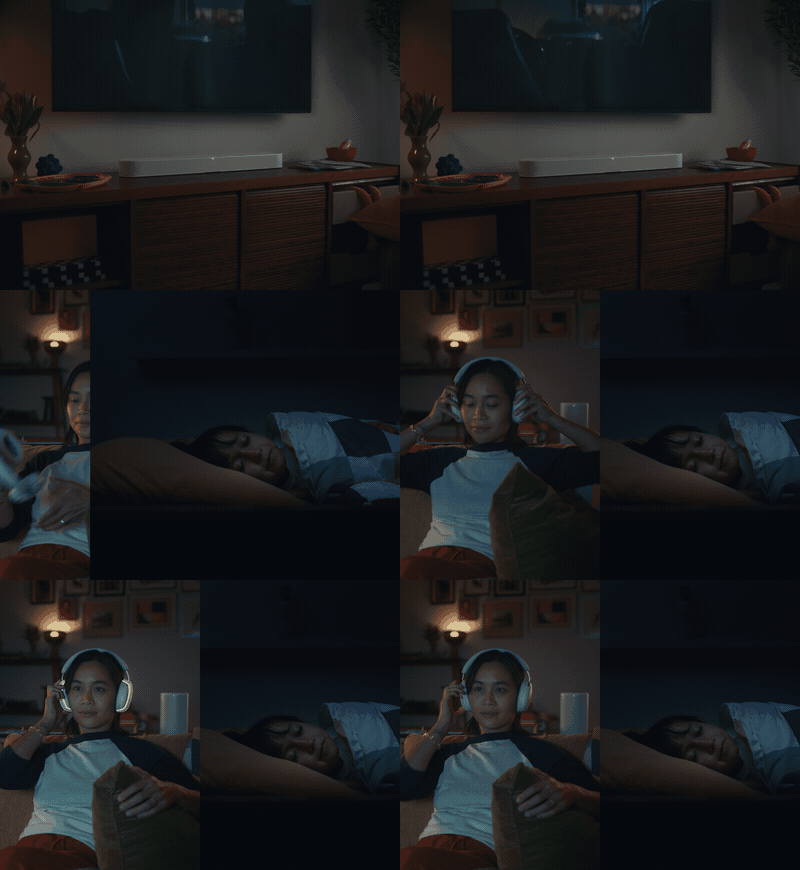
The Ace Ultra headphones can act like any other Sonos speaker, using its Headphones Engine 2 systen, so you can group or handover audio as you wish through the app.
The Beam Ultra, meanwhile, enhances its surround sound proposition, as it's now compatible with wireless (Wi-Fi capable) Sonos speakers – i.e. the Move 2 and Play speakers.
That means you can add a Sonos Play to your Sonos Beam Ultra soundbar and the app will understand its position relative to the setup. It's like a more advanced version of Trueplay.
This feature isn't Dolby Atmos FlexConnect – which allows you to freely position surround speakers anywhere you please – but a similar functionality using Sonos' proprietary technology.
