
TL;DR: The Samsung Galaxy S26 Ultra is an ideal phone to take to concerts thanks to its long battery life, superb photography and video capture capabilities, and the addition of AI tools to make your photos and videos stand out without needing any expert training.
Whether you’re about to head off to one of the most exciting gigs of your life, or just planning ahead for festival season and a long list of future dates, no one wants to go to a concert nowadays without a phone in their pocket that can properly capture the event that they spent so much time and effort getting access to.
So, if you’re eyeing up the Galaxy S26 Ultra, you’re already off to a good start, but you might be wondering just what sort of features it brings to the table for concertgoers. The good news is that you can keep reading this FAQ to find out some key ways in which it excels at concerts, which might help you reach a decision more easily.
Can I get steady concert videos from the Galaxy S26 Ultra?

Anyone who attended a concert in the early noughties will be able to empathise with the disappointment of getting home and checking out your phone videos to see a collection of blurry rubbish where you can barely see the stage. That’s a problem that the S26 Ultra completely sidesteps, thankfully.
For one thing, it has perhaps the most impressive stabilisation that a phone has ever offered, including a Horizontal Lock addition to the Super Steady feature that was present in previous Galaxy Ultra models. Horizontal Lock uses AI to give you video that’s remarkably stable and shake-free. It’s perfect for locking to the stage for a beautiful, steady video while you’re dancing, so you don’t have to compromise having fun to capture good content.
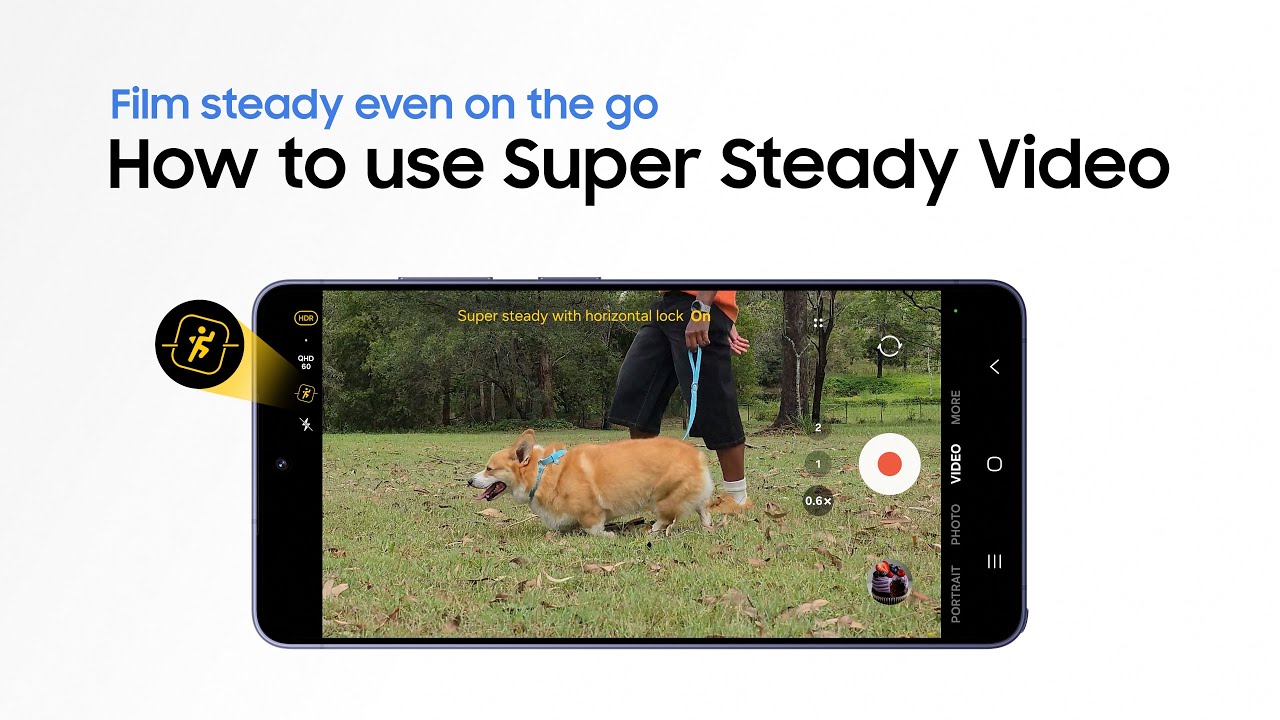
In terms of being able to see what you’re filming, though, Samsung has long had a reputation for amazing zoom performance, richly deserved. AI-powered zoom on the Galaxy S26 Ultra ensures that your videos can capture distant subjects with almost unbelievably clarity, giving you all the tools for superb videos without any fuss.
Will the camera still look good when it gets dark?

It’s all well and good taking photos while daylight lingers, but once it gets dark and the lighting rigs at concerts get more aggressive, the Galaxy S26 Ultra really starts to step up to the plate.
Its Nightography1 system makes sure that it’s at its best in low light conditions, with photos still coming out sharp and detailed thanks to a combination of massive new sensors in its camera array and some incredibly smart AI. You can expect consistently high-quality night-time photos from the Galaxy S26 Ultra.
If you want more finetuned control at any time during a concert, you can rest assured that the Galaxy S26 Ultra supports the APV codec (or Advanced Professional Video), letting you capture losslessly so that you can edit it to your tastes afterwards. That makes the phone useful for amateur and pro photographers alike.
Will I be able to hear the music clearly in my videos on the Galaxy S26 Ultra?

Some of us have concert videos we basically never re-watch because of background noise, like other people singing, that just spoils it a bit. With Audio Eraser2, though, you can easily edit your videos to get only the audio you want, and it’s a game-changer for use at concerts as a result.
Even more impressively, the feature now works on other videos, too, meaning you can even use it to clean up other people’s audio on YouTube, for instance. It’s a game-changer for making sure that everything you capture sparks joy years down the line.
Can I easily edit my photos and videos without needing pro tools?
On that note, though, when you get home from a concert that basically changed your whole life and personality, chances are you’ll want to do some editing to make your favourite clips and photos pop even more.
Firstly, thanks to the way it uses AI scene recognition, Galaxy AI3 will automatically optimise your settings for the best and most balanced photos as you shoot them, so you’re in safe hands in the first place.
Once they’re shot, though, you can edit photos in seconds thanks to Photo Assist4, which lets you make adjustments with written prompts or your voice, to instantly implement tweaks that used to require loads of work.
Will I run out of battery during the concert?

Finally, the Galaxy S26 Ultra packs in a sizable 5,000mAh battery5, which means that anxiety about running out of power is less of a problem than with other phones. Taking videos and photos can consume a lot of power, but with this battery you’ll be way better prepared at a gig, which is always a nice feeling.
The fact that it’ll last for hours on end while also remaining incredibly powerful, of course, is really the cherry on top.
Does it sound like the Galaxy S26 Ultra is the perfect companion for your next big gig? If so, head to Samsung’s website here to find more about the phone and to work out if you want to buy it – you won’t be making a mistake if you do.
1. Results may vary depending on light condition, subject and/or shooting conditions. 2. Samsung account login required. Six types of sound can be detected; voices, music, wind, nature, crowd and noise. Results may vary depending on audio source & condition of the video. Network connection required to be used on supported apps. 3. Samsung account login is required for certain AI features. Galaxy AI features are provided for free. Future releases may include additional advanced features that are offered as part of a paid subscription plan. Different terms may apply for AI features provided by third parties. 4. Requires network connection and Samsung account login. A visible watermark is overlaid on the saved image to indicate it was generated by Galaxy AI. Accuracy of output not guaranteed. 5. Typical value tested under third party laboratory conditions. Rated minimum capacity of the Galaxy S26 Ultra is 4,855mAh.
-
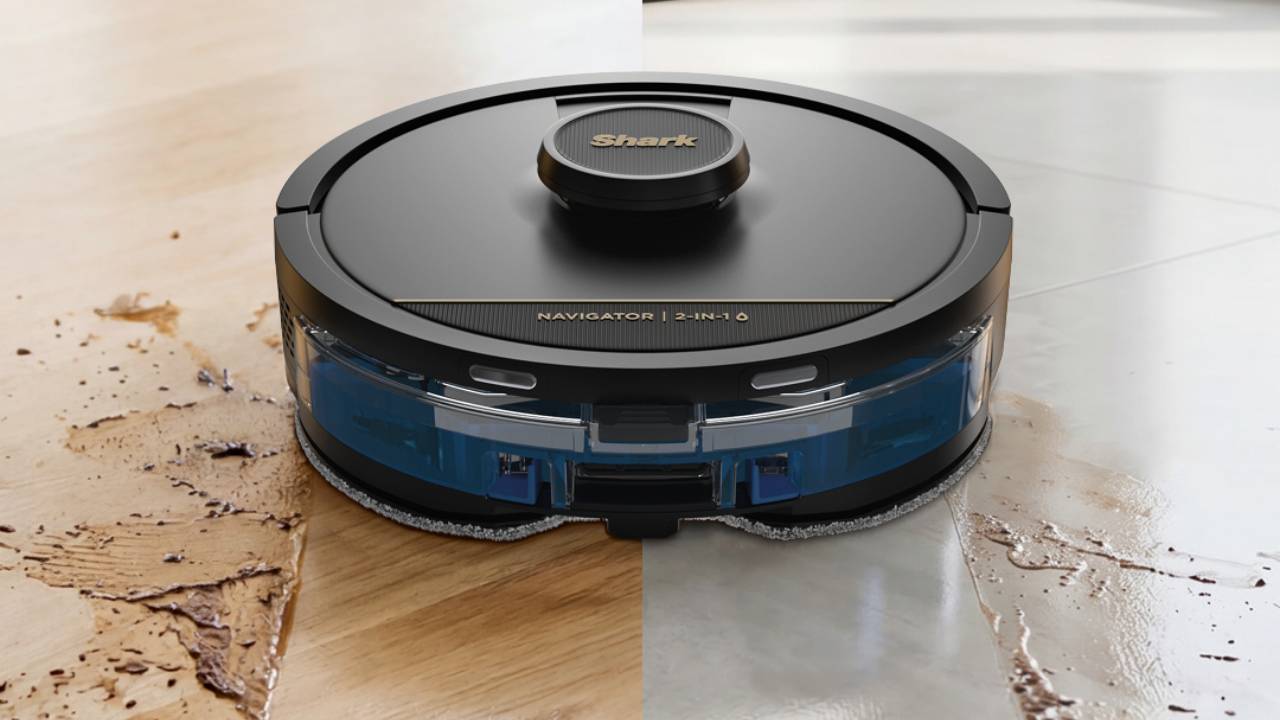 Shark launches beginner-friendly robot vacuum cleaner that sets up in just minutes
Shark debuts new robot vacuum and mop, but UK customers will have to wait for it
-
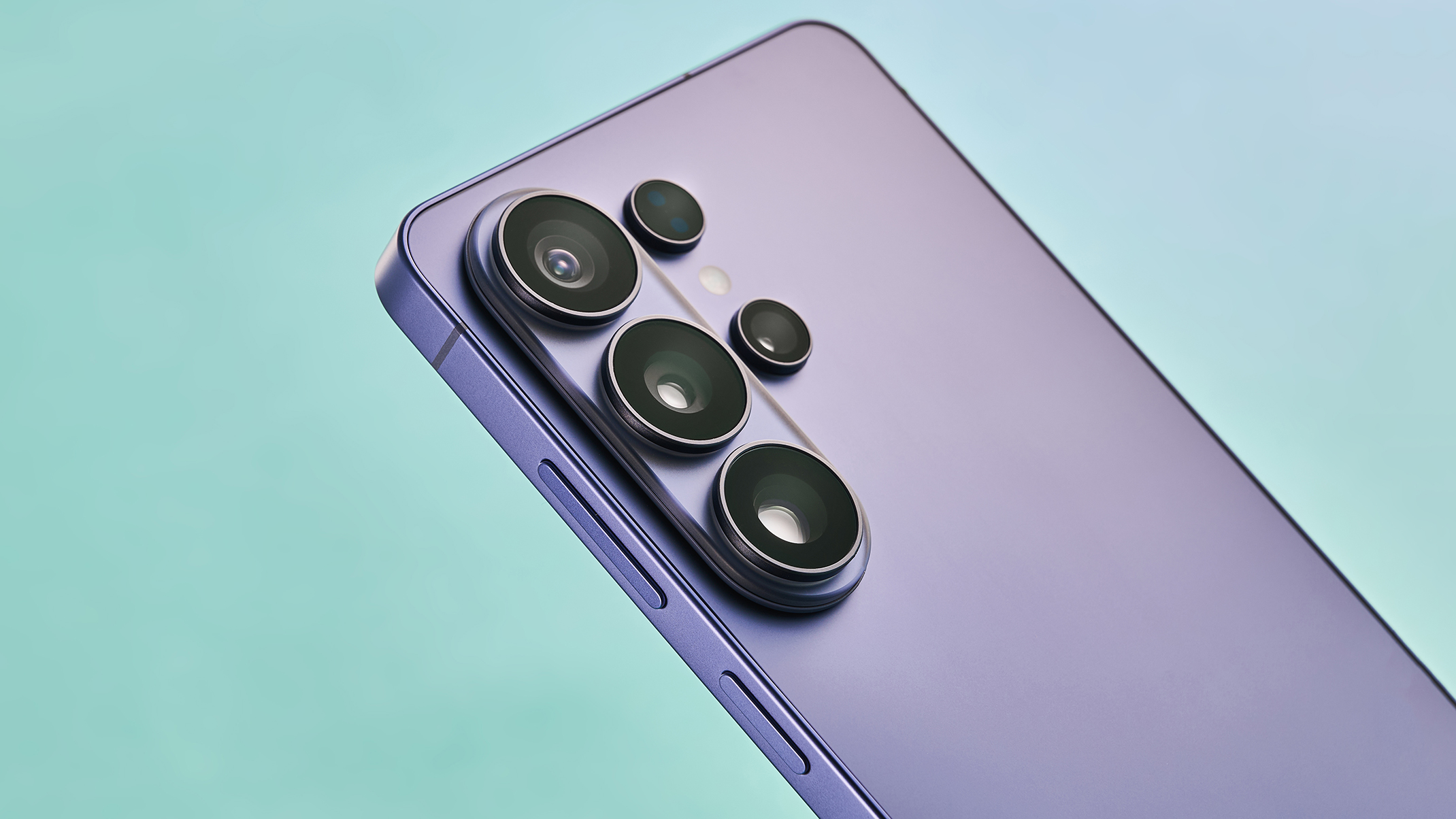 Samsung Galaxy S27 Ultra camera details leak and could be like switching from Nikon to Canon
The next Samsung camera could look different – as could its pictures


-
Samsung Galaxy S27 Ultra camera details leak and could be like switching from Nikon to Canon
The next Samsung camera could look different – as could its pictures
-
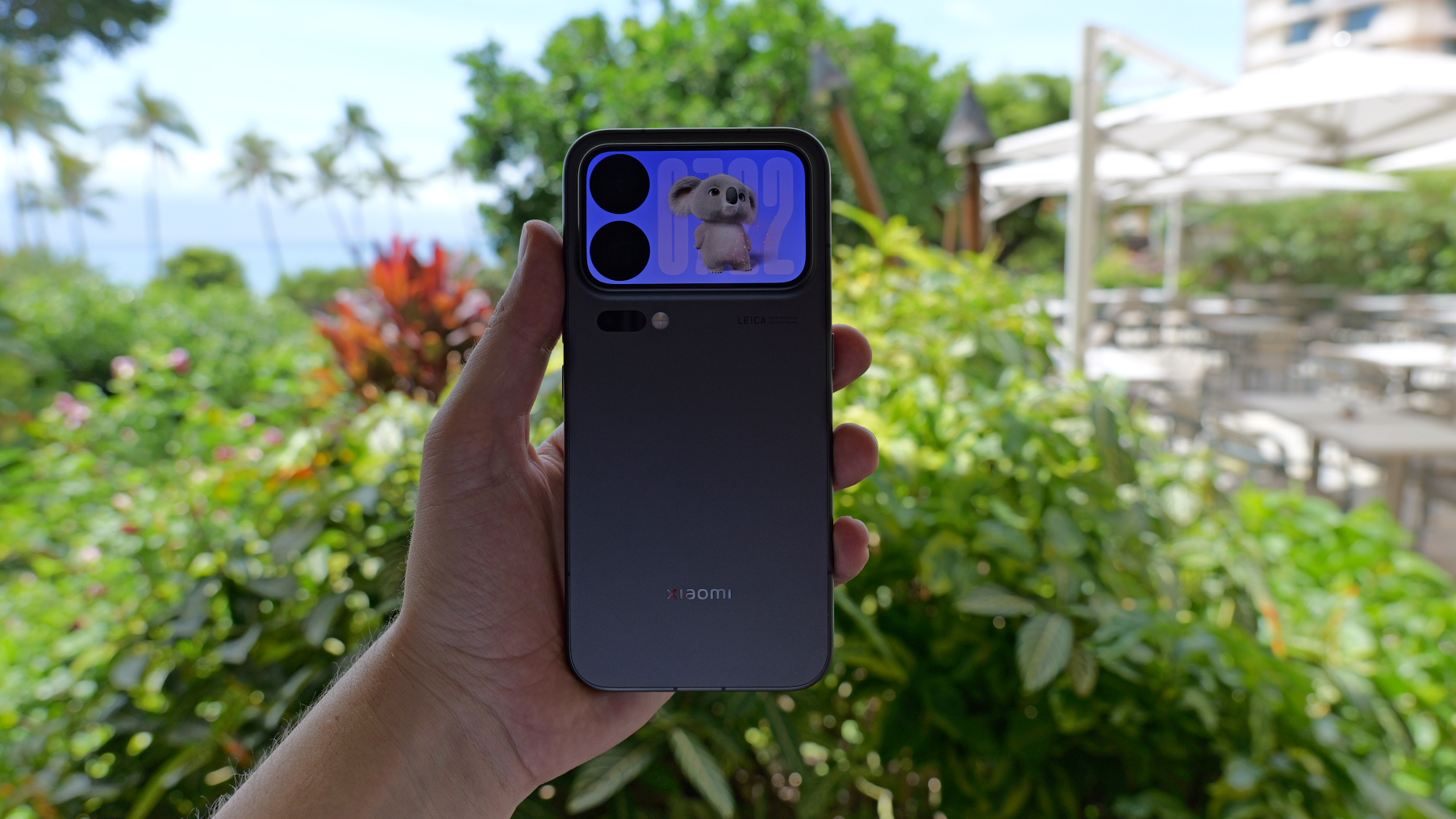 Behemoth batteries and ultra cameras – smartphones are taking an interesting new direction
While tech bands push the AI message, it's hardware that still resonates
-
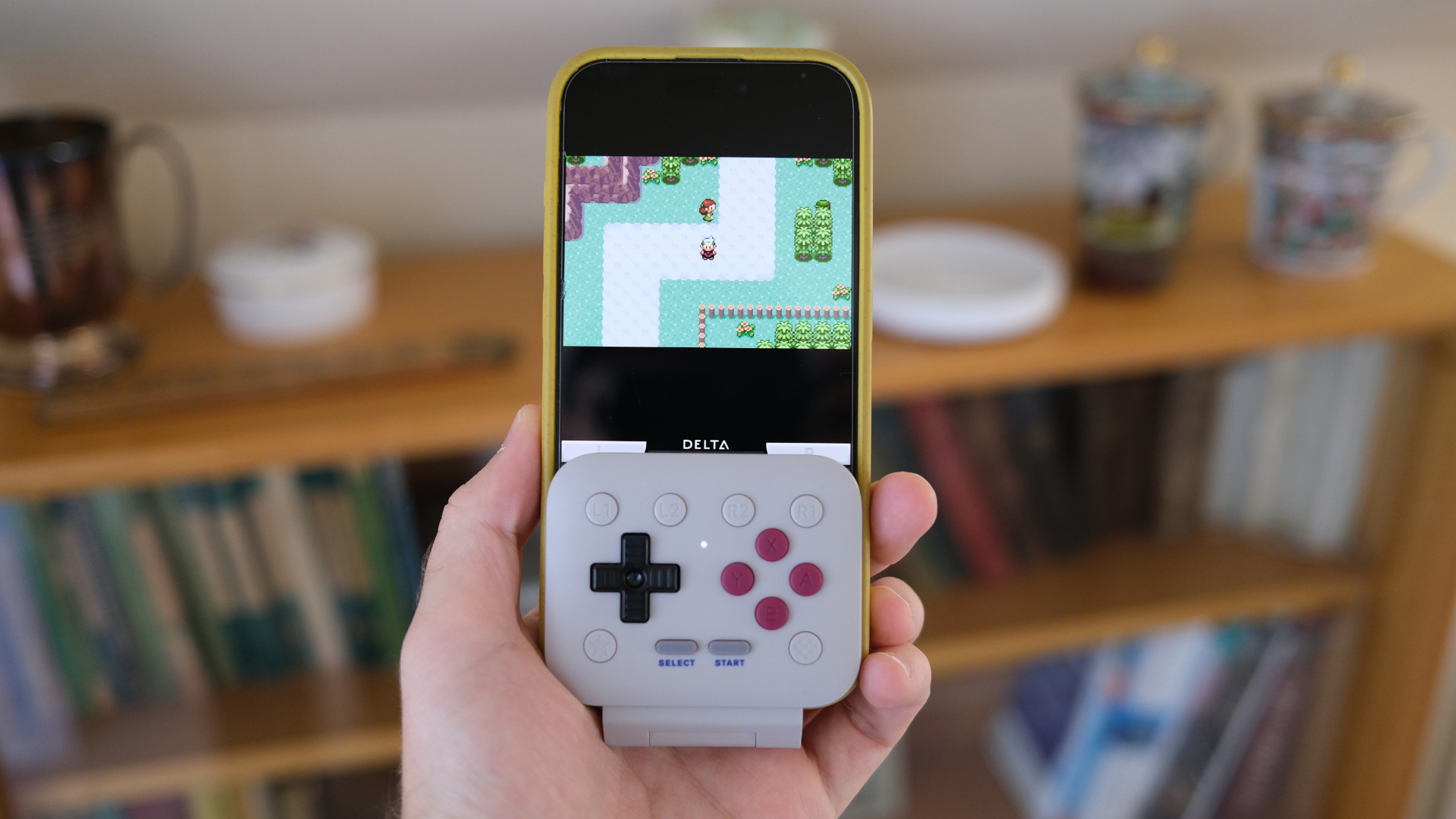 This tiny mobile controller is the one accessory I'd recommend for retro gaming on your phone
8BitDo has hit it out of the park with the FlipPad
-
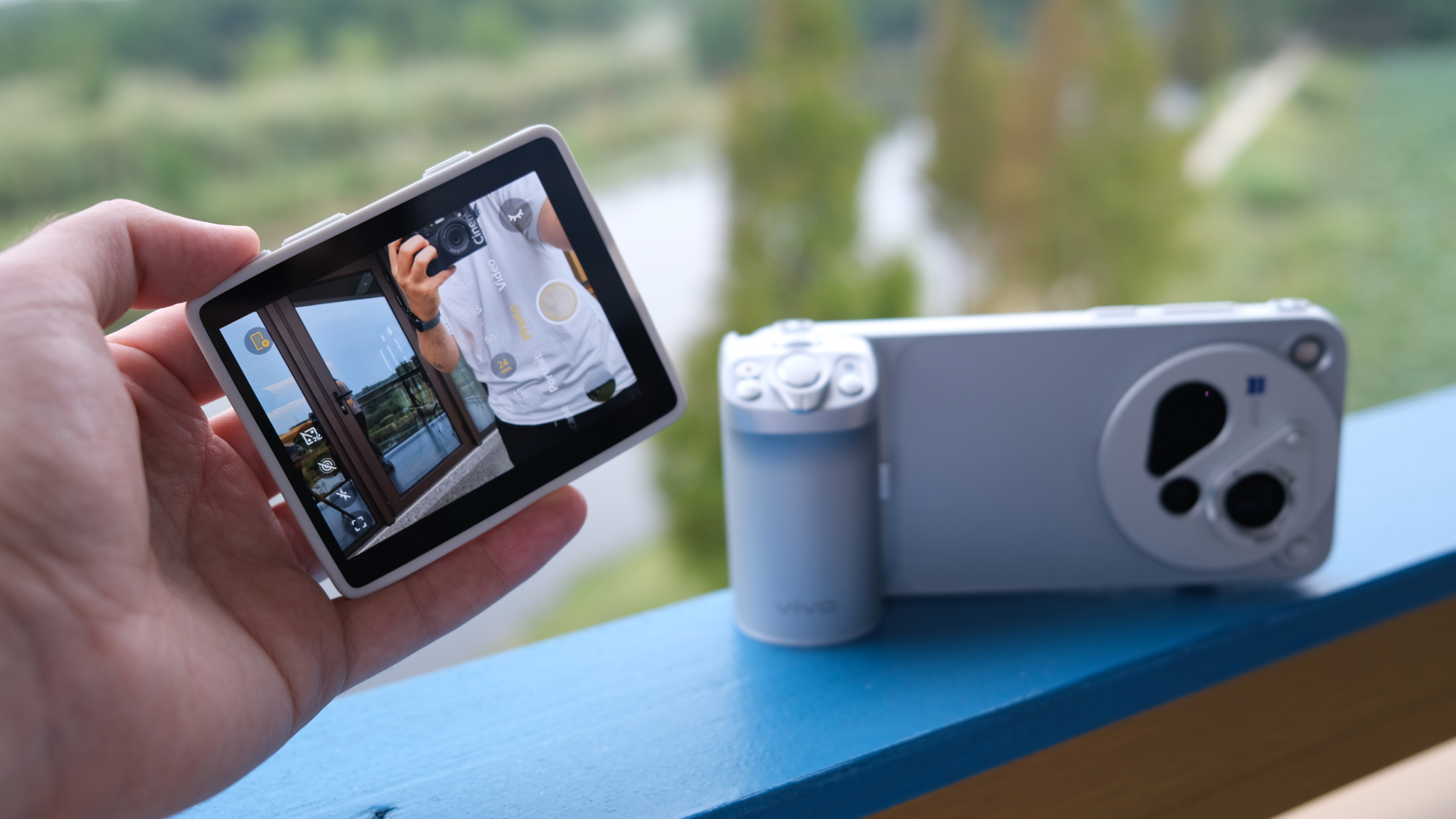 I'd love this accessory for my iPhone – but I don't think Apple will ever make it
Vivo's little additional screen is marvellous
-
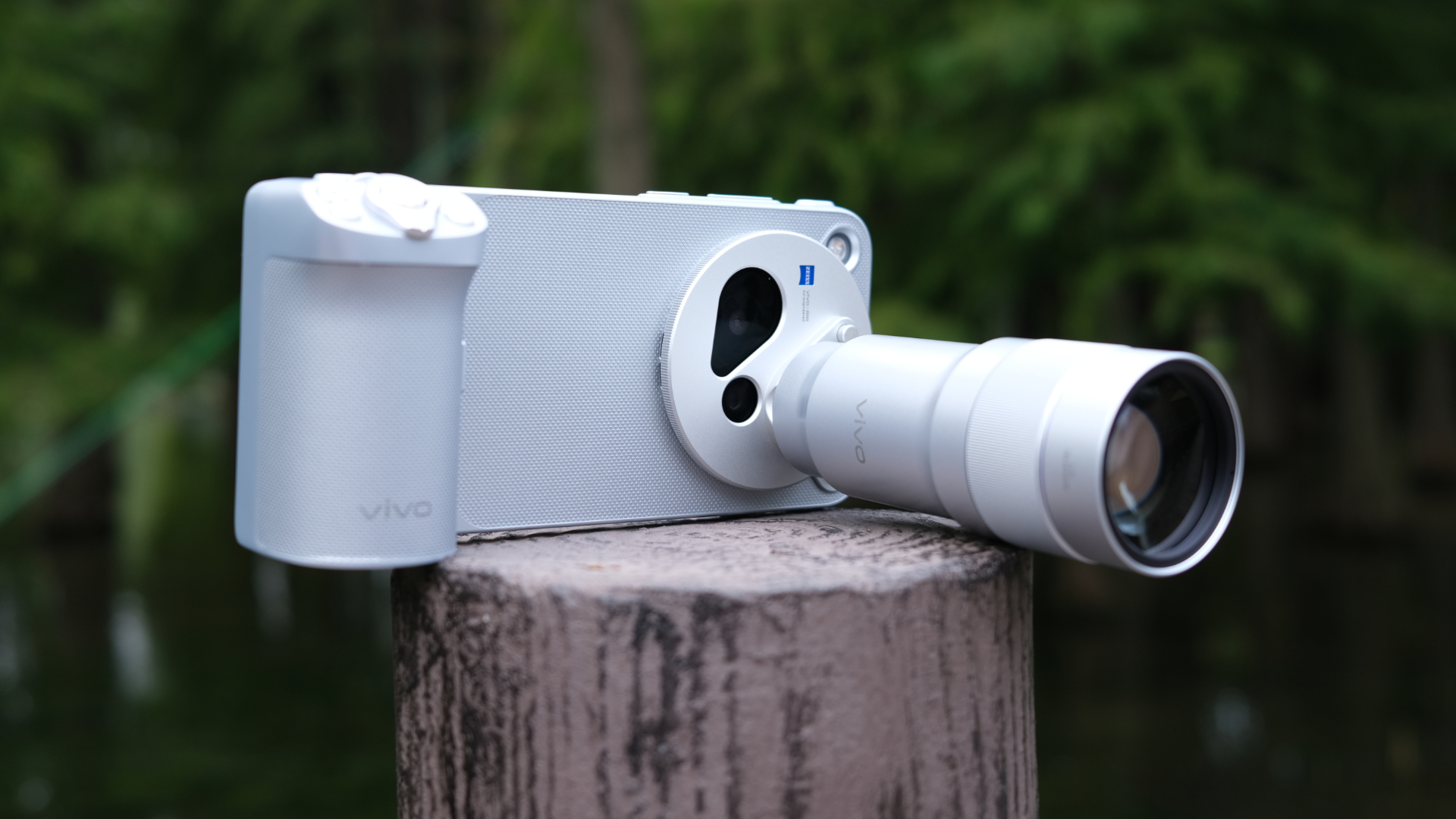 I used possibly the best smartphone camera system ever, and I didn't expect it to click like it did
Vivo's system of accessories is way more satisfying than I thought it would be
-
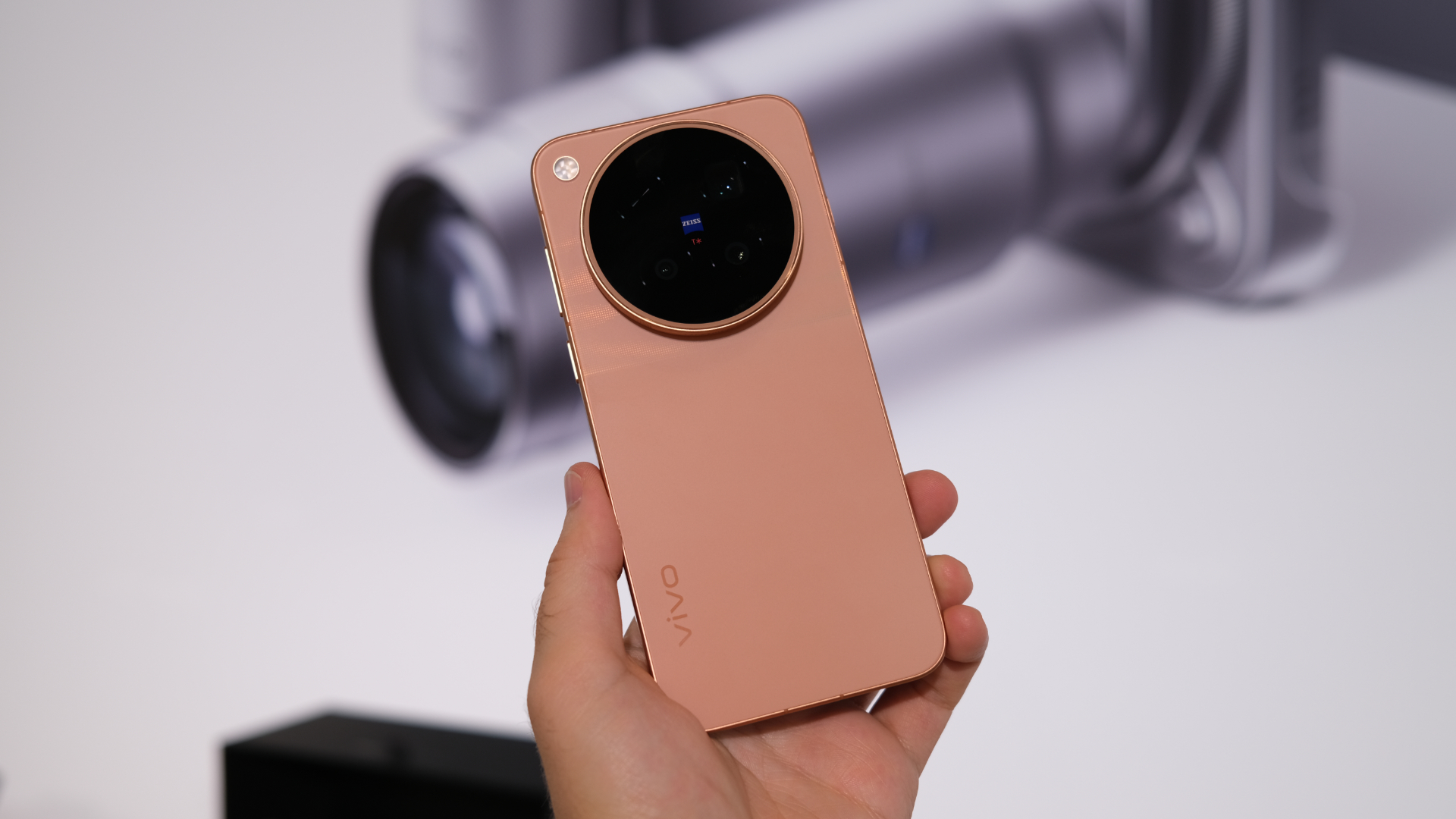 Apple's new iPhone 18 Pro camera might be nice, but this lesser-known Chinese brand could have it beat
Vivo's raising the game, and there are international versions coming
-
 Samsung update delivers hot new features for older Galaxy phones
Get the latest features on your older device
-
 Yes, the Galaxy Z Fold 8 display does bend at the corners, but that's normal says Samsung
Thankfully, we can put this panic to one side


