
TL;DR: Samsung’s AI features make the Galaxy S26 Ultra a total powerhouse for everyday tasks, with shortcuts and assists that can help you do what you want, faster – and with better results than ever before.
We all love our phones, and there’s no doubt that if you’re thinking of picking up the Samsung Galaxy S26 Ultra, then you’re probably pretty keen on the idea of having an extremely powerful handset in your pocket waiting to be called upon. It can mean the knowledge that you’re never going to be caught short without a device for a given occasion.
With the launch of the Galaxy S26 Ultra, though, Samsung has also teleported into the future with some fairly staggering features under the umbrella of Galaxy AI1. These aren’t just buzzwords, either; they’re features that you’ll soon be using every day to make life easier – and if you’re curious about them, keep reading, because some of them will have your jaw on the floor.
Now Brief tells you everything you need to know, and fast

Our phone’s lock screens have become super valuable real estate in recent years, at a time when every app under the sun wants your attention – so, having a phone that can sift through the noise and give you what you need to know, quickly, is a bit of a boon.
That’s exactly what Now Brief2 does on the Galaxy S26 Ultra, summarising your notifications and messages to give you quick versions that will help you figure out if you need to be opening apps immediately, or can enjoy some peace and quiet for a while.
Writing Assist gets your messages, emails and more even shinier
In a time of chatbots and AI, if there’s one absolute benefit we can all reap, it’s improved grammar in our messages. Writing Assist3 is a blessing for anyone looking to write more clearly and intelligently, and it can instantly refine your tone, grammar and clarity.
Whether that’s in emails, messages, social media captions or any other area, you’ll soon start to forget that you ever hesitated when making new drafts. You can just tap on the three stars icon whenever you’re composing some writing to improve it really quickly.
Note Assist keeps your life in order with searchable notes

Plenty of us now use our phones as digital receptacles for everything that occurs to us – from photos of restaurants we want to go to, to notepads full of ideas and reminders that we don’t really sort with any method. That’s what makes Note Assist4 such a game-changer.
It can organise, summarise and enhance your notes automatically, making them a genuine searchable database rather than a loose association of disconnected files. All of a sudden, your rough thoughts will become structured ideas – and you’ll be amazed at the inspiration it can help to spark.
Photo Assist makes perfect images a matter of seconds

If there’s one AI feature that people have loved most in recent years, we’d put money on it being Samsung letting you remove people and objects from the background of photos – but with Photo Assist5, it takes things to the next level.
This AI-powered photo editing suite takes all of the hassle and technicality out of the editing process, letting you make a wide range of adjustments incredibly quickly. Once you start to use it, and paired with the unbelievable cameras that the Galaxy S26 Ultra boasts, you’ll be able to produce practically professional-quality images in mere seconds, which is a bit mad.
Browsing Assist transforms the web and does the hard yards for you
The web isn’t quite what it used to be – and if you’re a little tired of finding pages and sites littered with gumpf and walls of text, having Browsing Assist6 can be a huge help. It lets your Galaxy S26 Ultra summarise webpages in the blink of an eye, making them more digestible and getting the most important information in front of you from the start. It makes browsing the web a pleasure again, which is saying something.
You can turn it on in the Samsung Internet app settings, and once you’ve activated it you’ll find the three stars logo on any webpage that can be summarised. Just tap on it to get a quick version.
Adaptive Battery helps your Galaxy S26 Ultra last longer when you need it
If there’s one thing that unites most phone users in the world, it’s battery anxiety – we’ve all been caught short by our phone dying at least once in our lives. Samsung guarded against this by giving the Galaxy S26 Ultra a huge 5,000mAh battery7, fit to last long without much trouble.
This hardware is made all the more powerful, though, by the Adaptive Battery feature, which lets the phone learn your usage patterns to conserve battery for when you’re most likely to use it by optimising power usage in the rest of the day. It’s a genius feature you won’t actively notice, but will benefit from all the time.
If all of these AI-enhanced features have left you thinking the Galaxy S26 Ultra could be the perfect phone for you, be sure to head to Samsung’s website to learn more about the phone and all of the other sometimes-staggering features it brings to bear.
1. Samsung account login is required for certain AI features.
2. Samsung account login and network connection required.
3. Samsung account login is required. Requires a network connection. Must meet length requirements to activate feature. Service availability may vary by language. Accuracy of results is not guaranteed.
4. Samsung account login is required. Requires network connection.
5. Requires network connection and Samsung account login. A visible watermark is overlaid on the saved image to indicate it was generated by Galaxy AI. Accuracy of output not guaranteed.
6. Available to use on Samsung Internet. Requires network connection and Samsung account login. Summarise feature may be limited or unavailable on certain paid websites. Character limit applies. Language pack download may be required. Accuracy of results not guaranteed.
7. Typical value tested under third party laboratory conditions. Rated minimum capacity of the Galaxy S26 Ultra is 4,855mAh.
-
 Mammut just let one of Japan’s most influential designers loose on its archive, and the results are gloriously excessive
Junya Watanabe has transformed Mammut’s alpine DNA into a seriously luxurious seven-piece collection
-
 Kristen Bell's back, and her hit show couldn't stop if it wanted to – another season beckons
Nobody Wants This is nearly back


-
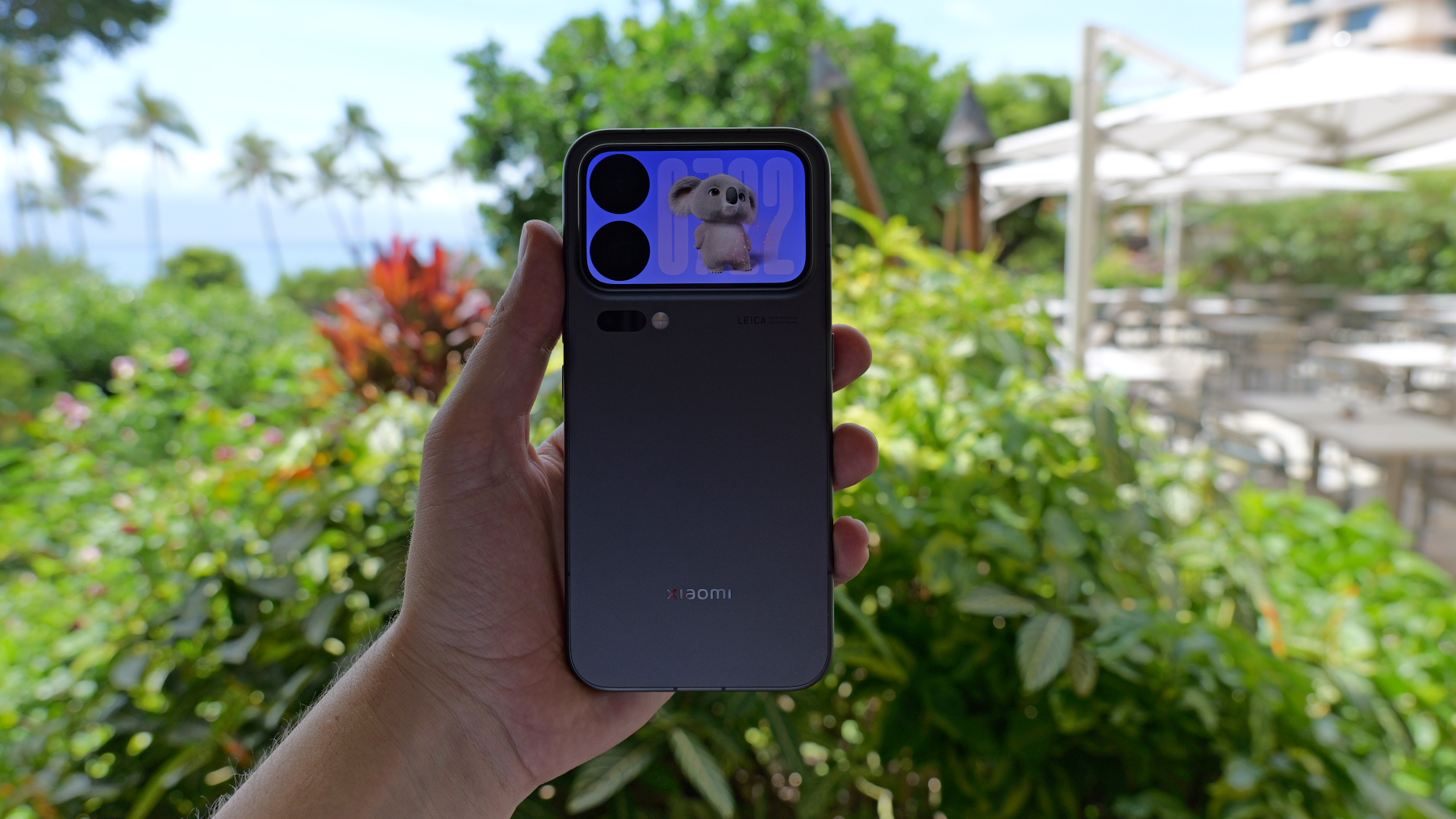 Behemoth batteries and ultra cameras – smartphones are taking an interesting new direction
While tech bands push the AI message, it's hardware that still resonates
-
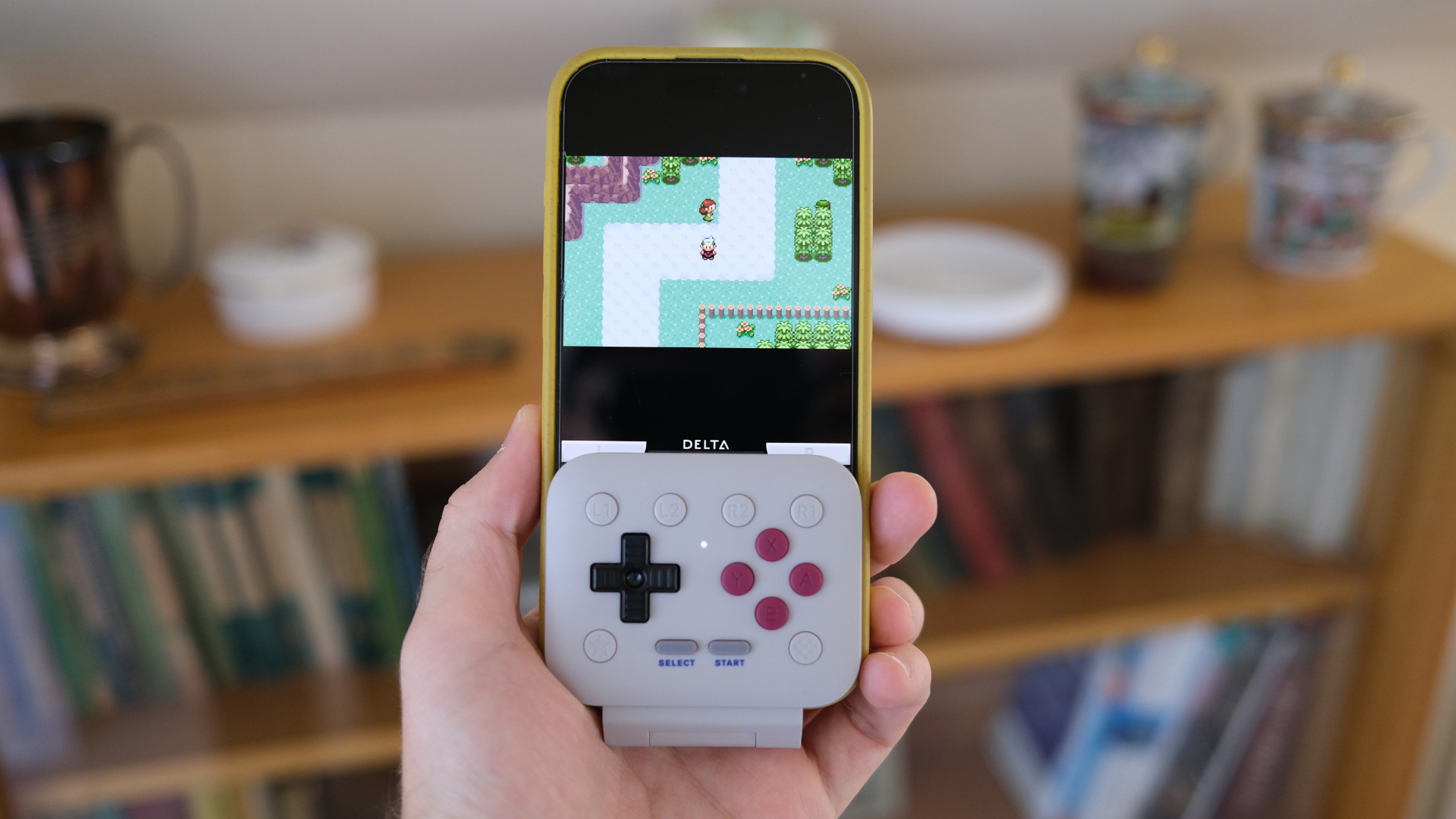 This tiny mobile controller is the one accessory I'd recommend for retro gaming on your phone
8BitDo has hit it out of the park with the FlipPad
-
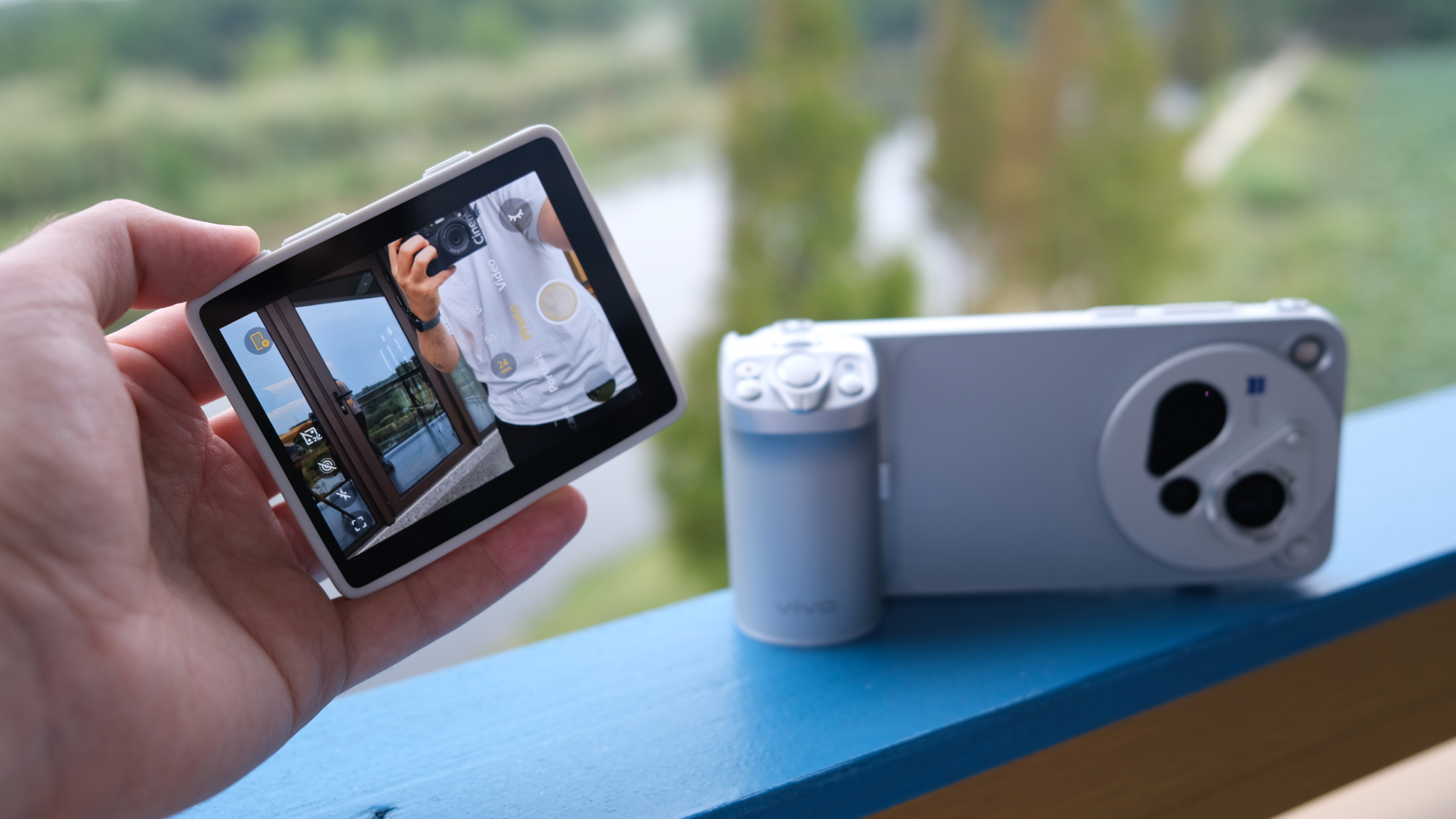 I'd love this accessory for my iPhone – but I don't think Apple will ever make it
Vivo's little additional screen is marvellous
-
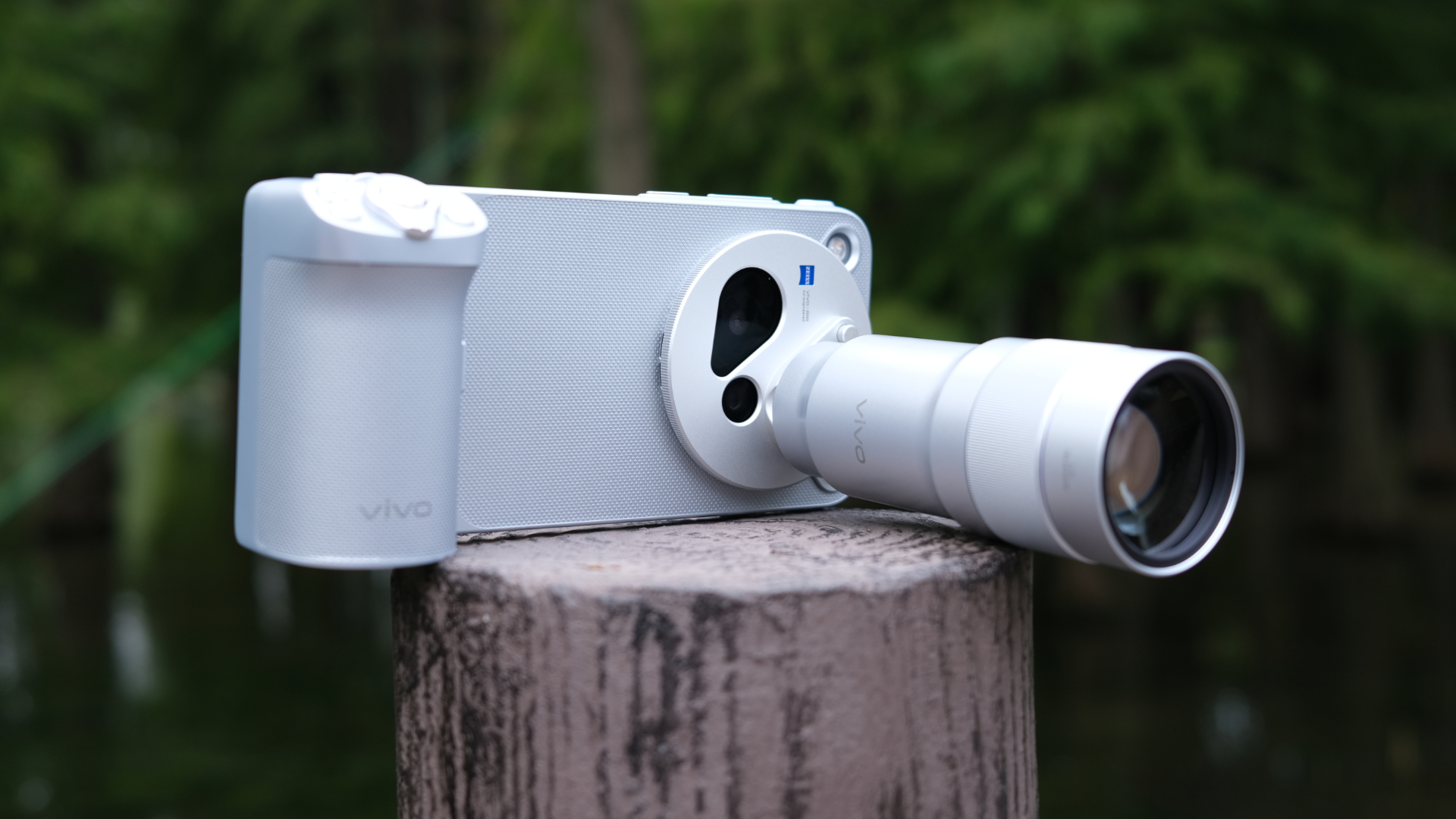 I used possibly the best smartphone camera system ever, and I didn't expect it to click like it did
Vivo's system of accessories is way more satisfying than I thought it would be
-
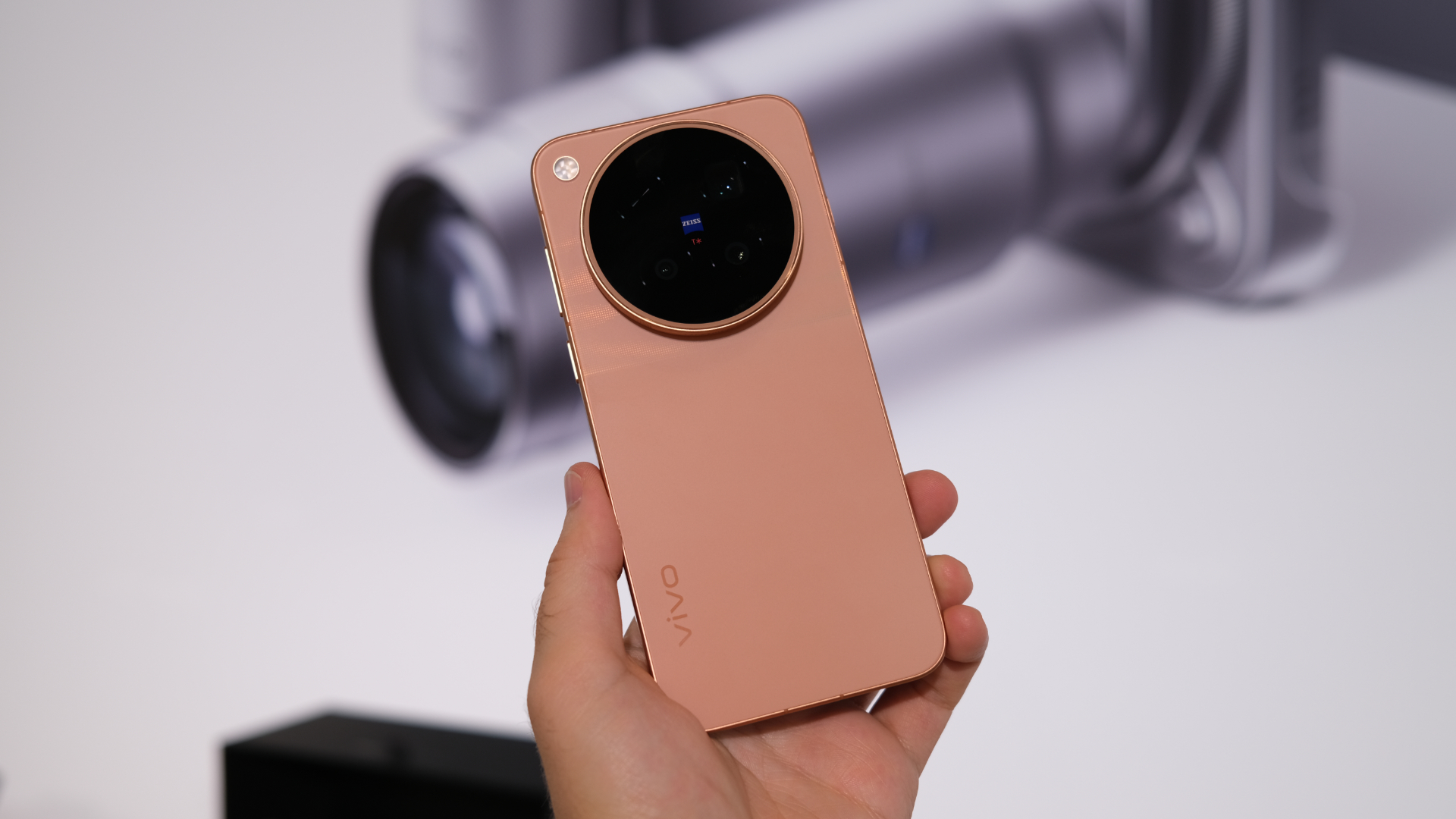 Apple's new iPhone 18 Pro camera might be nice, but this lesser-known Chinese brand could have it beat
Vivo's raising the game, and there are international versions coming
-
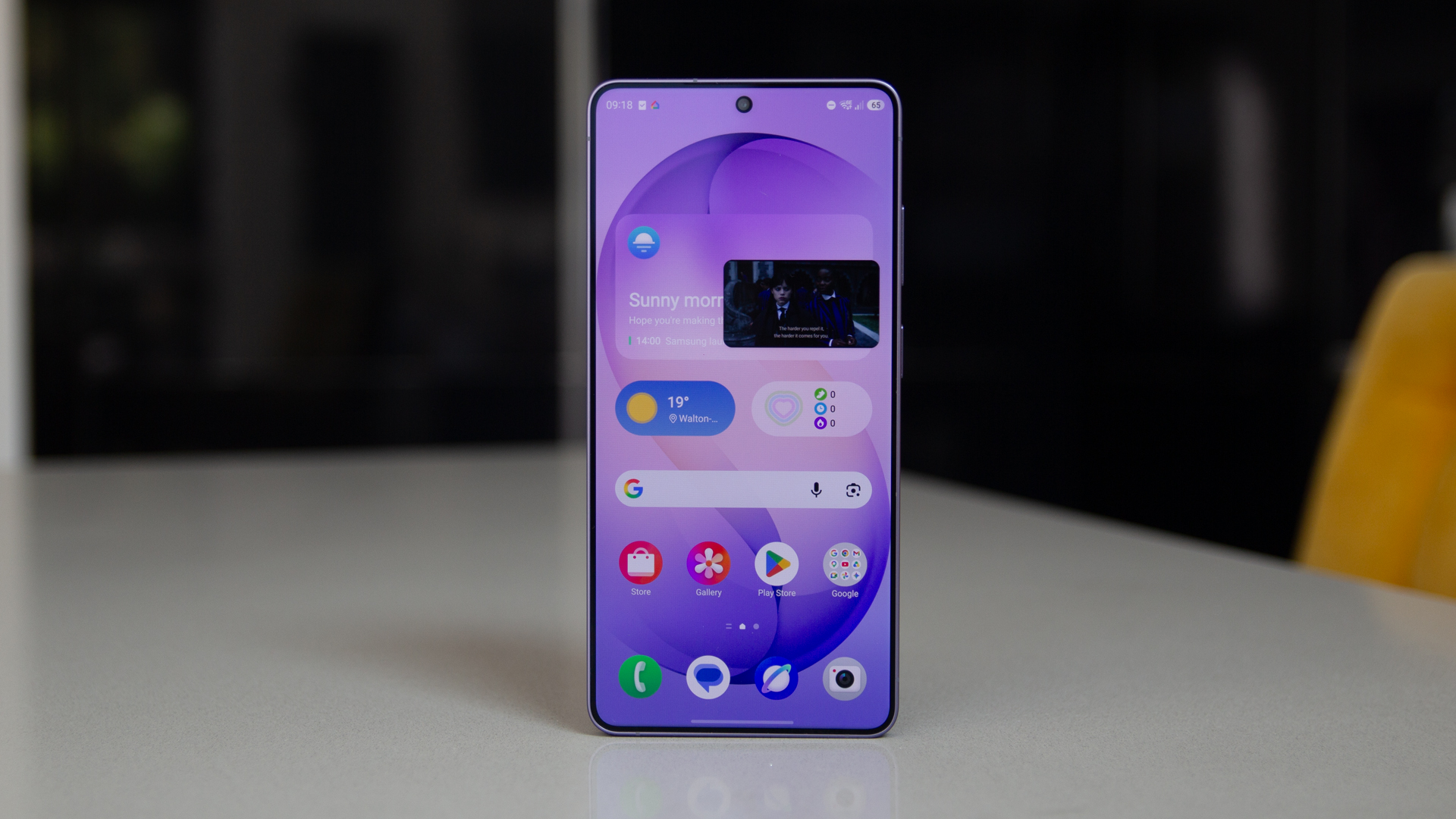 Samsung update delivers hot new features for older Galaxy phones
Get the latest features on your older device
-
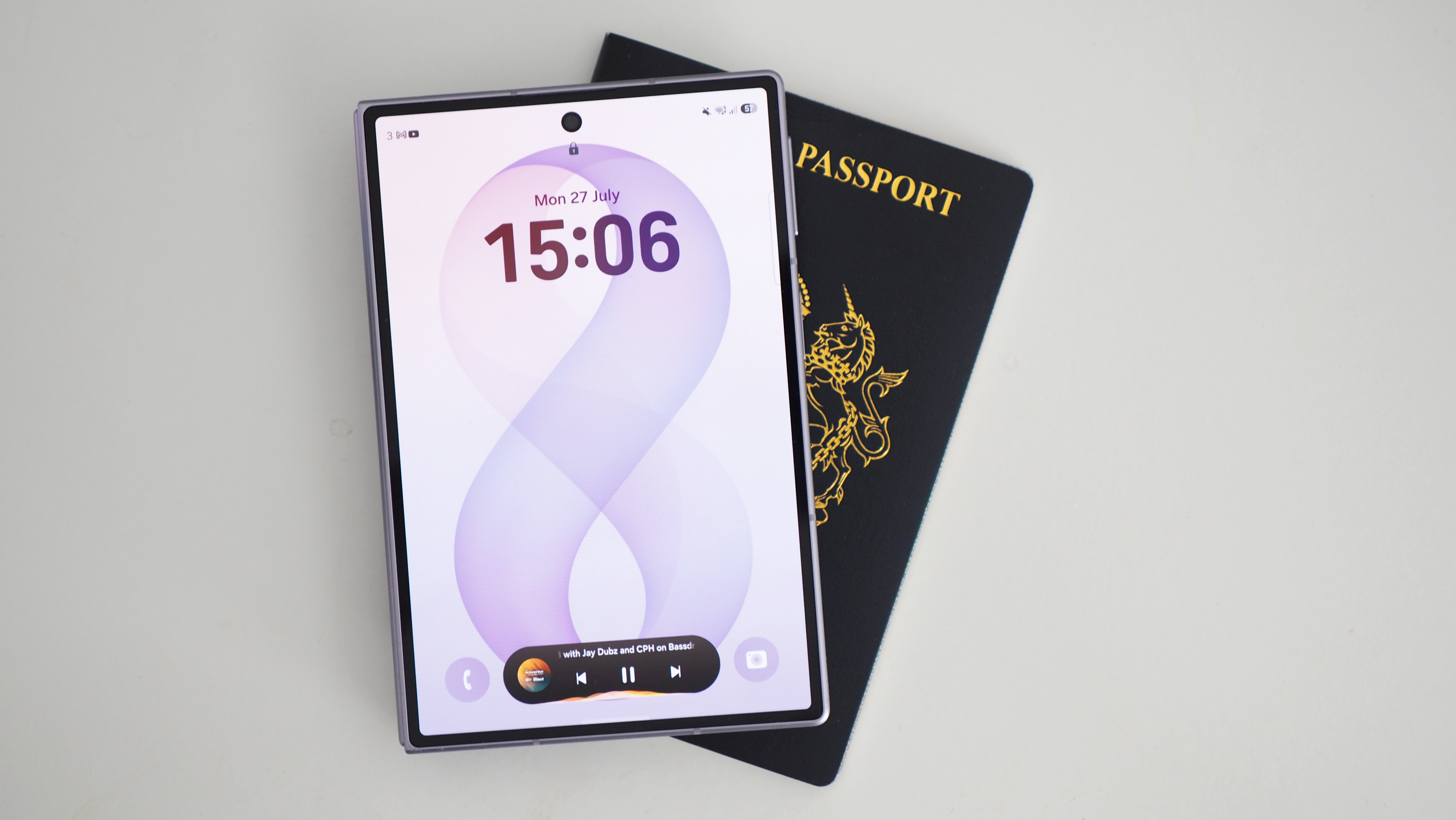 Yes, the Galaxy Z Fold 8 display does bend at the corners, but that's normal says Samsung
Thankfully, we can put this panic to one side
-
 Samsung Galaxy S27 series phones getting something iPhone can't match
Samsung could be about to take a big step forward with its phones


