
TL;DR: Dell's XPS 13 covers two crucial bases that make it an ideal laptop for students, offering portability in spades and a high-quality screen which sports a raft of features that you wouldn't normally find in the price bracket of this notebook
The XPS 13 is very thin at 12.7mm, and it has a compact chassis (297 x 201mm), so it'll easily fit in your bag or backpack. And at 2.2lbs (1kg), this notebook won't weigh you down, either – meaning you can carry and use the device anywhere (with battery life to back up that portability)
The LCD screen on the XPS 13 is impressively bright, so it remains readable even outside, and it's super-sharp with lifelike colors, meaning it's perfect for creative work (and watching movies). Eyecare is a big deal with this display, too, which is invaluable in terms of looking after your eyesight
When buying a laptop, it's easy to overthink things, especially given that there's a lot to weigh up and a myriad of specs to look at if you dive into all the nitty-gritty details. So, it's worth considering a different approach in light of an underrated piece of advice in life: keep it simple.
Is it possible to boil down a purchasing decision on a laptop to just two key specifications? Yes, it is, and this article does exactly that, outlining the two most important spec considerations for students that make the Dell XPS 13 a great choice as a companion notebook for college or university life.
It’s no surprise that outlets like TechRadar were impressed by the new XPS 13 at this year’s Computex.
The selected specs might surprise you, but as you'll see, there are some very good reasons for choosing a laptop based on its portability and screen as the most significant factors.

1. Portability is vital for a student laptop
A primary consideration for any student laptop is that it should be compact, thin and light, so it's easy to carry around wherever you may travel.
Dell's XPS 13 is seriously easy to carry around:
- At 12.7mm and with dimensions of 297 x 201mm for the width and depth of the chassis, it'll easily fit in any bag or backpack with no fuss
- The XPS 13 is also lightweight at 2.2lbs (1kg) meaning that if you do have it in a backpack, this isn't a device that will put any extra strain on your back
- Traveling by bus, train or plane? The compact size of the XPS 13 means the device will fit on a fold-down tray table. The small footprint of this Dell notebook means it'll comfortably sit on a small desk in a lecture hall, too
With a heavier or bigger laptop, you might hesitate to take it with you on some occasions, but not with the XPS 13. Whether you're moving about campus from lectures to seminars, or heading into town to work while treating yourself to a coffee at a café, you'll be able to easily carry this Dell notebook with you.
What portability is really about with a truly thin-and-light laptop is being free of restrictions in a very practical sense. With the ability to use the XPS 13 anywhere, and easily carry it around, you'll get a lot more mileage out of the laptop, period. In the case of a heftier laptop, if it's being left in your room because of its impractical size or weight, you're losing out on the opportunity to use it more – and you're potentially being less productive in student life as a result.
A laptop is meant to be portable for a reason, so this really should be one of your primary considerations when buying a new notebook. As a student in particular, you're bound to be working across a number of different locations and in diverse environments with perhaps only small spaces to fit your laptop.
It's a useful bonus that the sleek build of the XPS 13 also helps the laptop to look really premium, punching well above its weight given the affordable price tag attached to this Dell creation. The CNC aluminum chassis is built to be durable, too, which is another important consideration for a laptop that will be going everywhere with you, from short trips down the road to cross-country flights.
The CNC aluminum chassis is built to be durable, too, which is another important consideration for a laptop that will be going everywhere with you, from short trips down the road to cross-country flights.
What about battery life – if the XPS 13 is small, can it fit a large enough battery to last for a suitably long time while out and about?
You're right to be concerned that a thin-and-light laptop might skimp on the battery, and have a small power pack to save space, which would rather defeat the point of a portable laptop, if it didn't have much battery staying power so you couldn't use it on the move for all that long.
Thankfully, this isn't the case with the XPS 13. It has a battery that provides an estimated 17 hours of longevity based on Dell's testing of continually streaming Netflix, effectively giving you all-day battery life, and backing up its portable nature.

2. The screen is also a crucial consideration for so many reasons
You'll be spending a lot of time looking at your laptop's screen, so it's wise to ensure that the display ticks all the important boxes, and the XPS 13 does exactly that, from image clarity and color accuracy through to health considerations.
Dell has equipped the XPS 13 with an excellent LCD display offering a 2.5K resolution, which, at a screen size of 13.4 inches, means the resulting image is very sharp. The screen also offers 100% coverage of the DCI-P3 color gamut, which guarantees that the colors shown are lifelike and accurate. That's important if you're doing any creative work, such as photo editing, on the XPS 13, and it's a bonus for watching movies, too. Speaking of films, the XPS 13 has an InfinityEdge screen, meaning it has extremely slim bezels surrounding the display, which makes watching your favorite flicks a more immersive and engaging experience.
The XPS 13 also benefits from a bright screen, with the display mustering 500 nits, which is unusual in this price bracket (as is the fact that it's a touchscreen). What that brightness means is that even when you're using the laptop outside, or in a well-lit room on a sunny day, the screen remains nicely readable – and you won't be straining your eyes to make out the (plentiful) details.
Dell's Eyesafe® technology, which reduces harmful blue light emissions – while not affecting the quality of the colors – also helps to ensure that this display is comfortable to look at and view for longer periods, and better for your eyes, if you're glued to the screen finishing an essay for a deadline. Although you should always practice good habits and take a sufficient number of regular screen breaks, of course, no matter what laptop display or monitor you're using.
Finally, the XPS 13's screen has a variable refresh rate (VRR) that can reach as high as 120Hz, allowing for smoother scrolling of web pages or documents, which is again easier on the eyes (as well as better handling of fast motion content when you're watching movies, or dabbling in a spot of casual gaming).
The really clever bit here is that Dell's implementation of VRR can intelligently drop down to as low as 30Hz with static on-screen content – where a fast refresh rate isn't needed – and this helps to save power and therefore battery life. This aptly illustrates that a good screen isn't just about image quality, but also additional considerations such as how much battery stamina the laptop has when you're out and about.

Dell's XPS 13 has the goods to back up these two key strengths
It's clear that the XPS 13 is eminently portable and boasts a screen that's way out of its laptop league in terms of this device's price bracket, but what Dell has also packed in here is enough performance to drive your creative needs, productivity, and any other daily tasks you might want to tackle in student life.
This is delivered courtesy of a Series 3 Intel Core processor (with configurations up to 16GB/512GB) and the Series 3 Intel Core Ultra processor (with configurations up to 32GB/1TB) that helps to provide not just enough performance to multi-task a bunch of apps, but also an impressive level of power-efficiency that boosts battery life (a nifty dual-fan cooling system helps here, too, keeping the CPU running nice and cool).
This all adds up to the XPS 13 being an ideal laptop for students looking for a cost-effective and affordable device to take with them when they go back to school, college or university.
If you think a Dell XPS 13 laptop is right for you, find out more on the Dell website: US readers click here and UK readers here.
-
 Apple plans three new iPads early next year – should you buy an iPad mini OLED now or wait?
It looks like there will be a refresh to all other models within six months
-
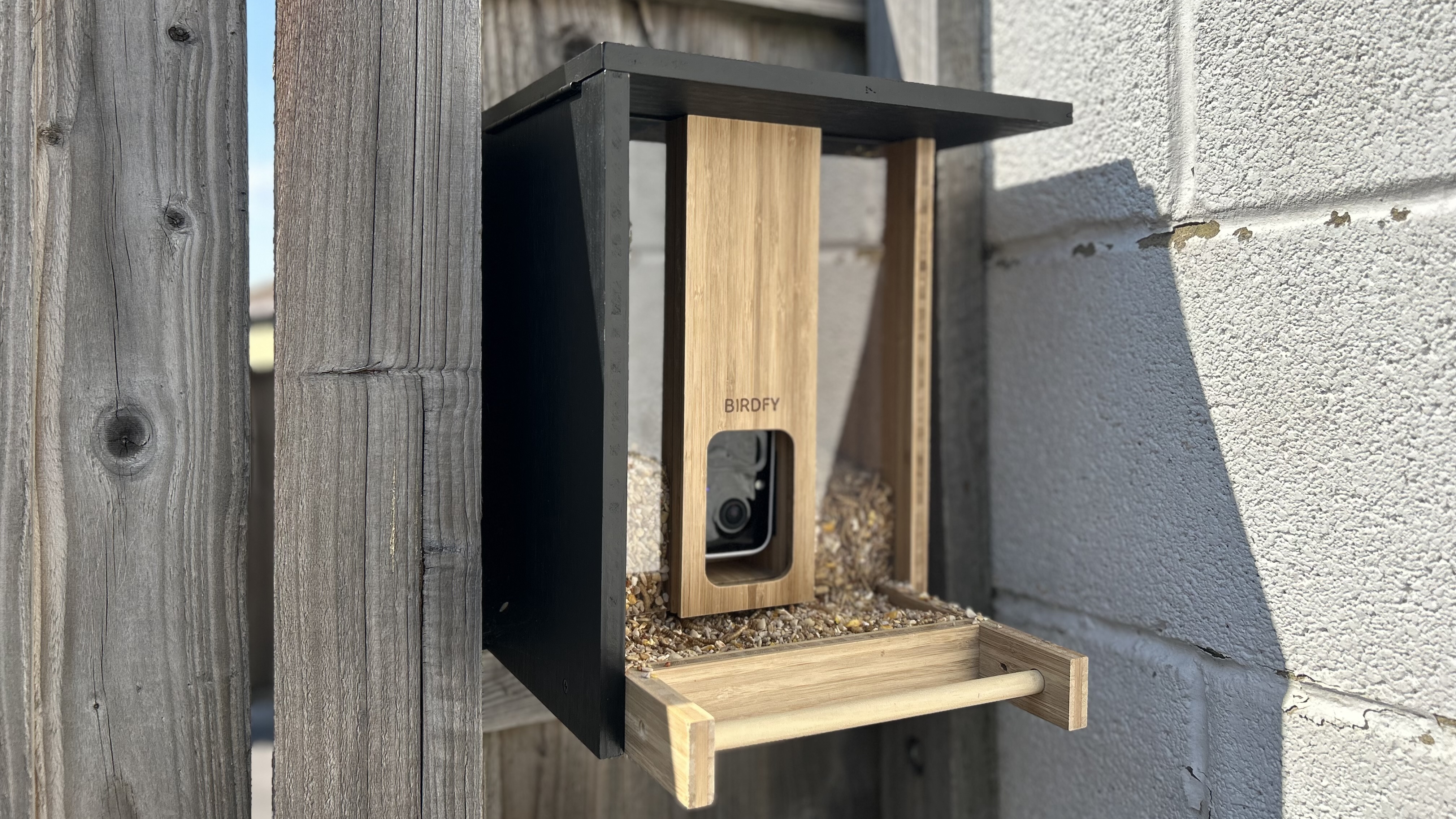 Birdfy makes bird identification free for life on all smart bird feeders
All users can now identify more than 6,000 bird species without a subscription


-
 After using Nvidia RTX Spark for a week, Apple's new MacBook 'PROLED' has my attention
These laptop prices are getting unreasonable
-
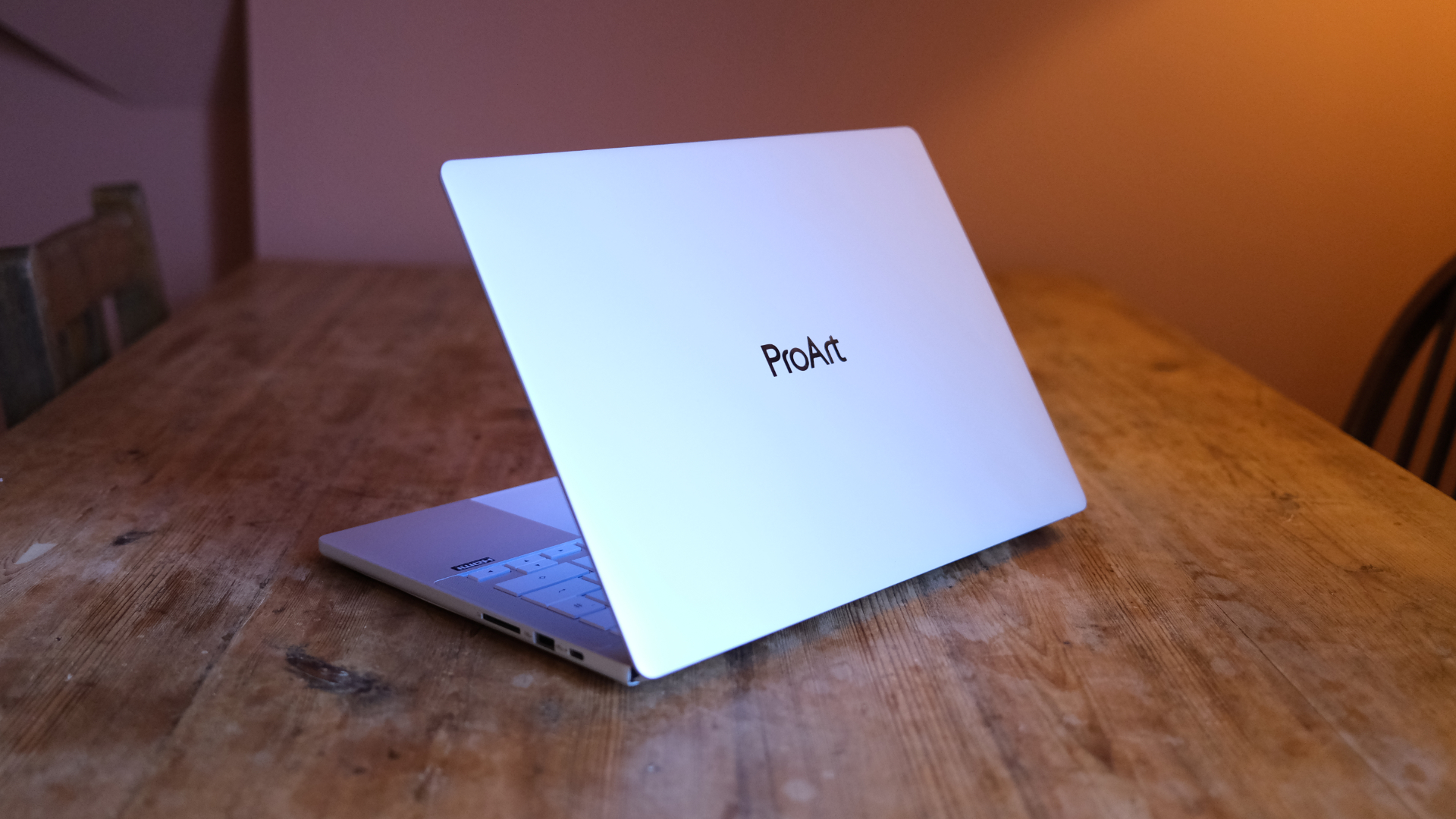 Asus ProArt P14 (RTX Spark) review: Nvidia's super-premium chip makes for a MacBook-like experience
The hardware's hard to hate – but that price is quite something
-
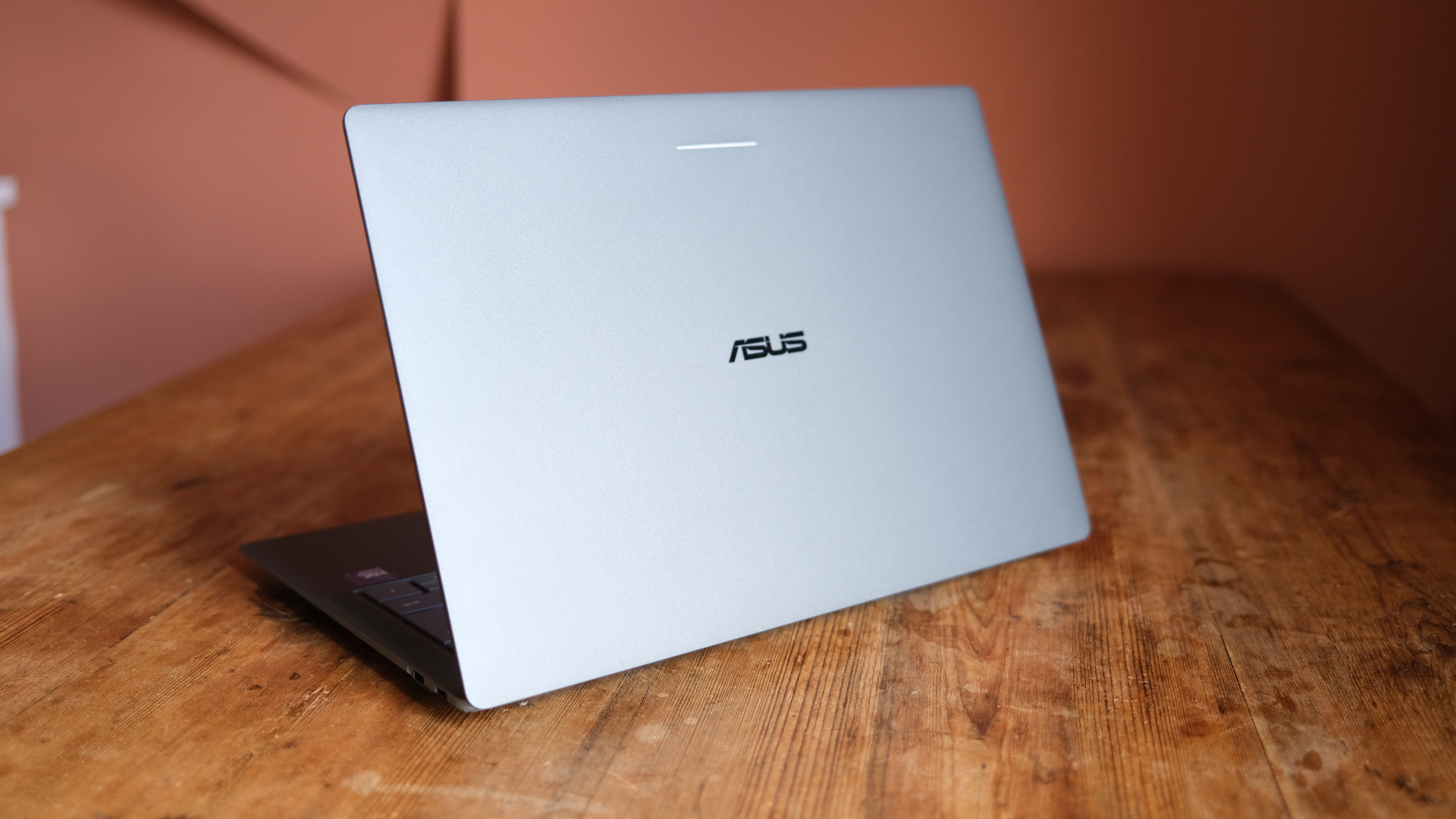 Asus Googlebook 14 review: Google's big idea, done right?
Asus' launch Googlebook is a lovely bit of kit
-
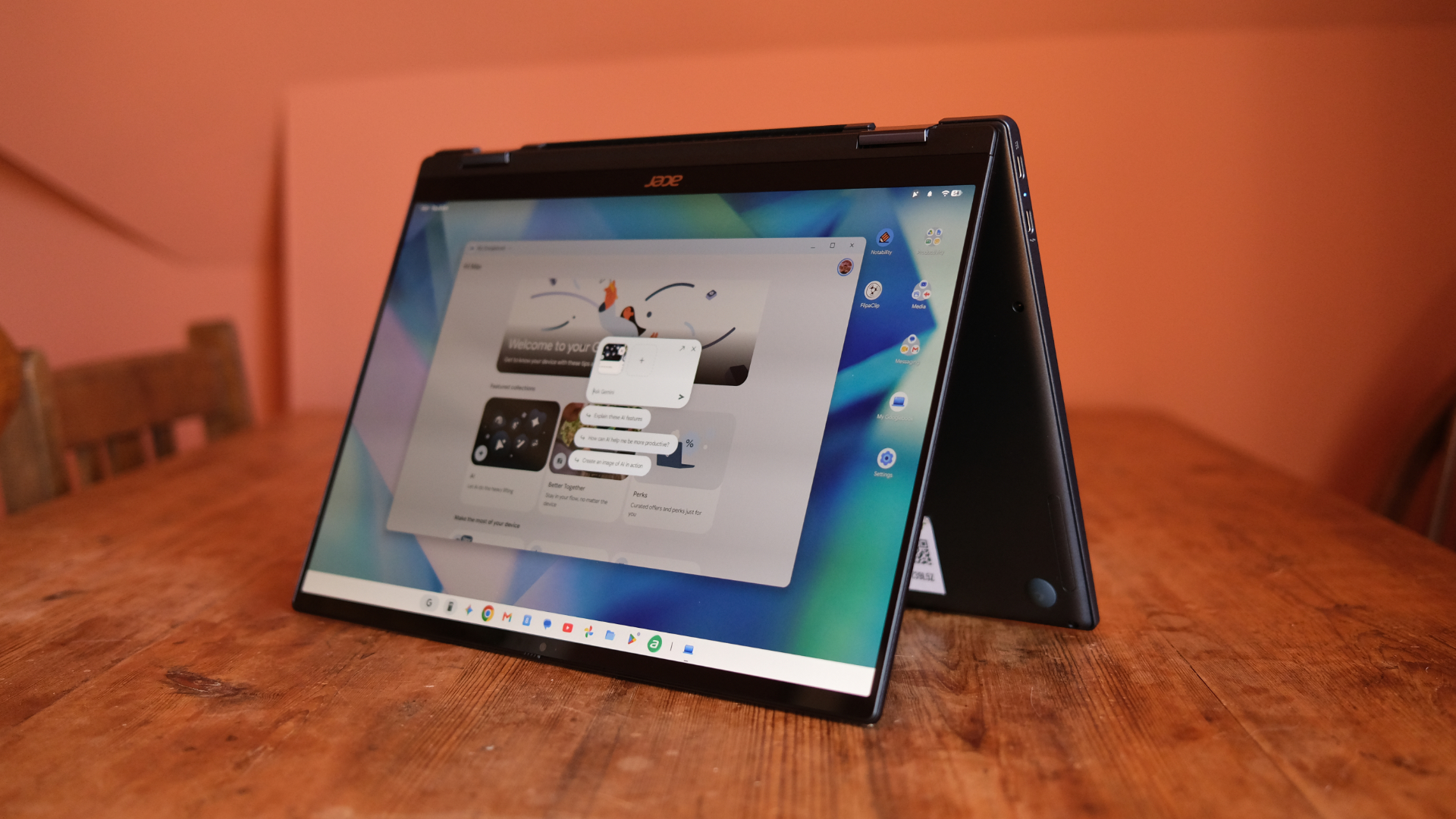 Acer Googlebook 14 review: The first wave in a revolution
Acer's two-in-one is a lovely slab
-
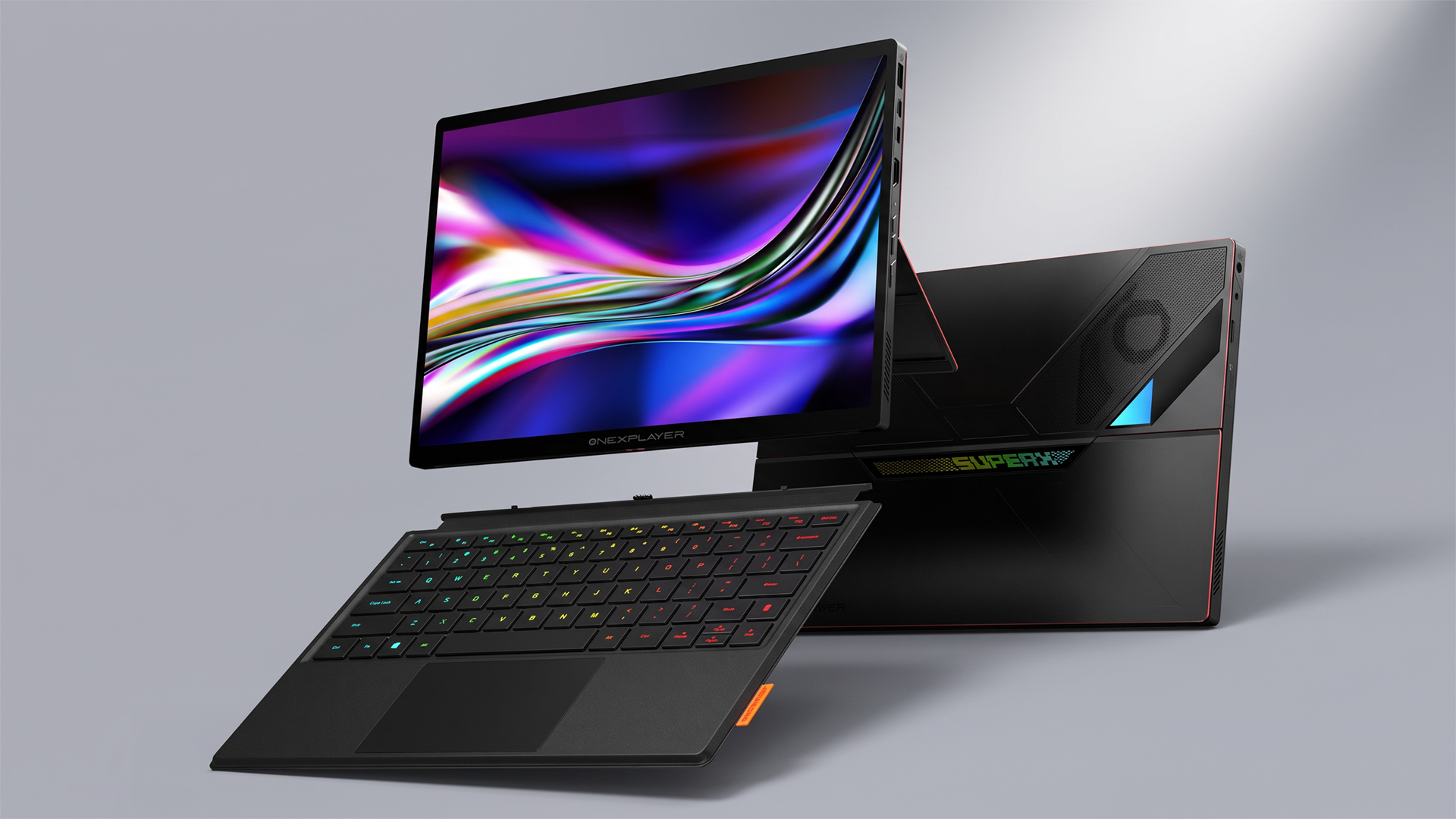 This could be the most powerful gaming tablet ever created – and it's coming soon
The OneXPlayer Super X Pro runs on the AI Max+ Pro 495 chip with 192GB of unified RAM
-
 Entertainment, work, study: 6 reasons the Dell XPS 13 is an everyday laptop worth looking at
The XPS 13 is a smart choice of notebook to cover all your daily needs
-
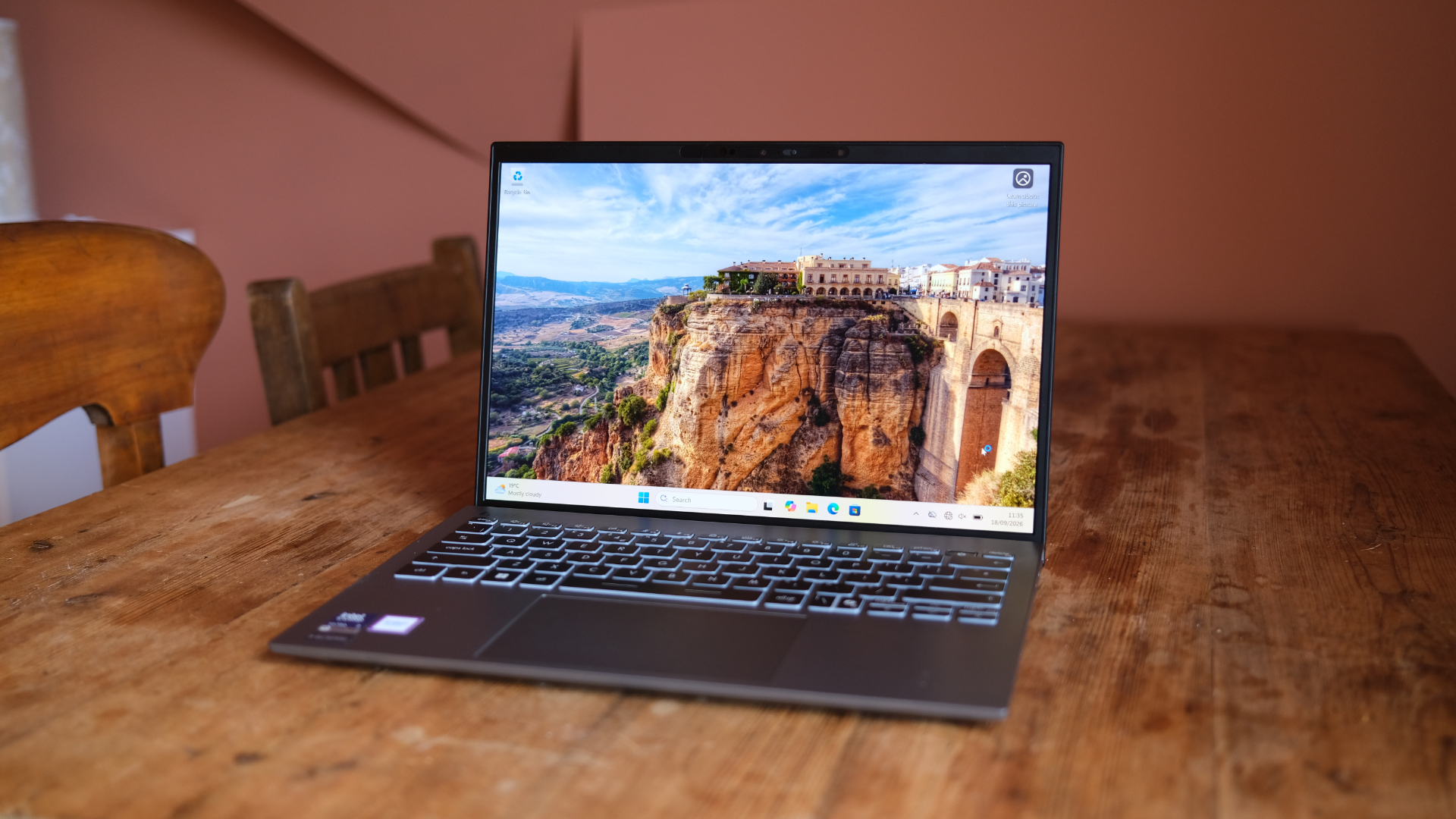 MSI Prestige 13 AI+ review: A super-solid Windows laptop
MSI's refreshed slimline laptop is hard to fault
-
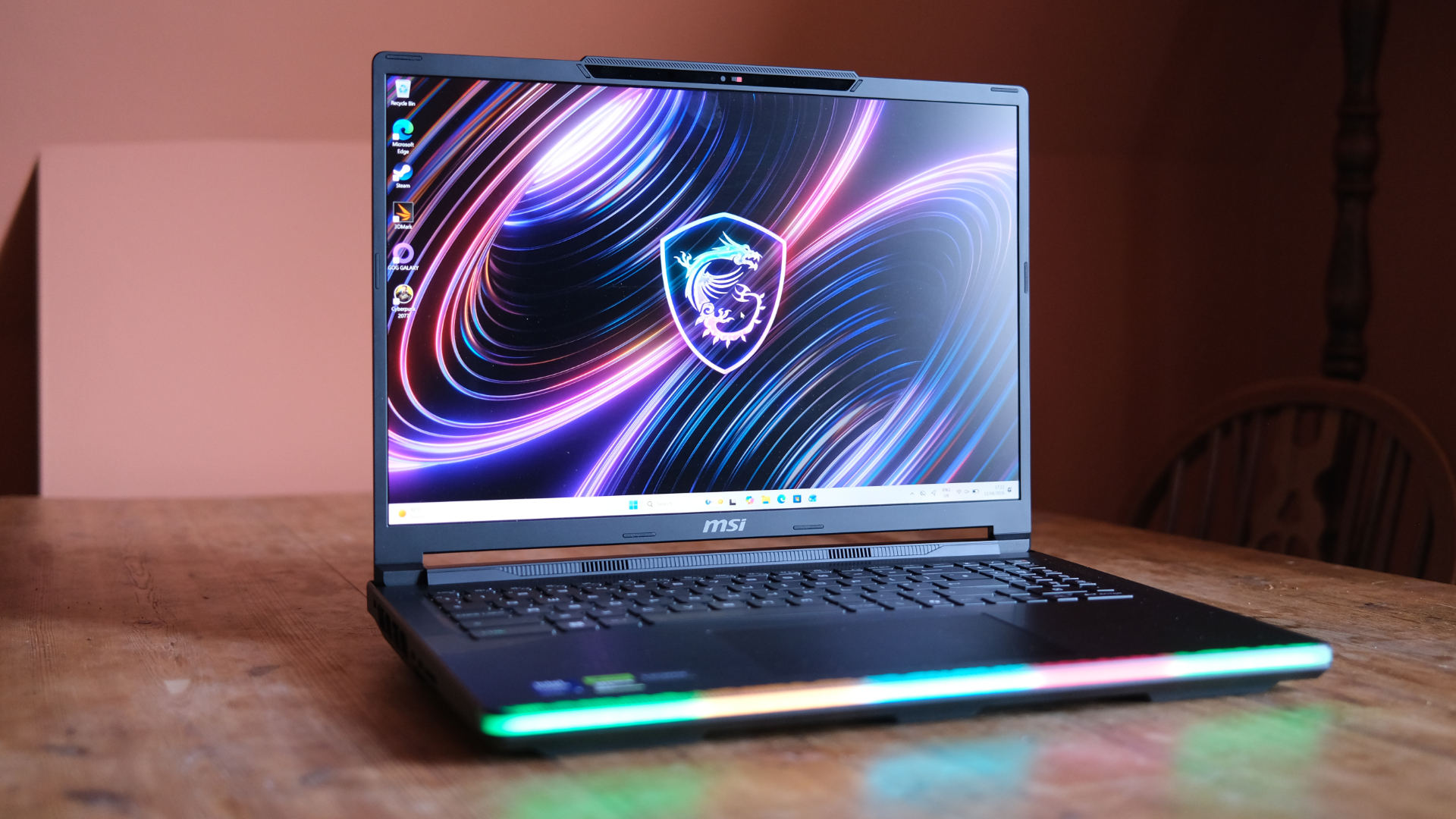 MSI Raider 16 Max HX review: A chunky gaming laptop that pulls no punches
For those who want beastly power, this MSI is the answer


