
TL;DR: A laptop built for portability has numerous benefits in student life, starting with the basics in that it'll easily sit on a small desk in the likes of lecture halls, and it'll fit in a bag or backpack without weighing you down
While some thin-and-light devices may compromise in terms of battery life, a high-quality portable laptop like the new XPS 13 won't. This Dell notebook offers plenty of longevity away from a power socket, which is crucial for a laptop that you'll carry around with you all day
There should be no broader compromises with practicality in a portable laptop either, and the Dell XPS 13 is a great example of a compact notebook that packs useful features not typically seen in its category or price bracket, such as a touchscreen, backlit keyboard and a commendably quiet cooling system
A laptop is built around the idea of portability, of course, but some notebooks are distinctly more portable than others. There are benefits to a seriously thin and lightweight laptop for students, some of which you may not have considered before, and this article will examine how such a device will improve your life on campus.
That includes the simple fact that a compact laptop will easily fit on a small desk in a lecture hall – or a tray table on a train – to enable working wherever you need to, through to considering practical features that a thin-and-light notebook needn't dispense with by way of compromise, such as having plenty of battery life.
Read on to discover five key ways in which a compact laptop can be an indispensable asset for a student at university, college or school, with Dell's new XPS 13 highlighted as a prime example of an affordable notebook that majors in portability (and more besides).

1. A compact and slim laptop can be used anywhere – even on small desks in a lecture hall
If a laptop is built with slimness and portability in mind – as the Dell XPS 13 is – this makes it versatile and usable on any surface, no matter how small (within reason).
The XPS 13 is, in fact, the thinnest XPS laptop ever produced by Dell, with a thickness of just 12.7mm and an overall footprint of 297 x 201mm (width by depth). That means if you're sitting at a narrow desk in a lecture hall without much space at all, you can still place the XPS 13 down comfortably and use it with no problems.
Naturally, the same is true wherever you take the device. On a short-haul flight with only a tiny pull-down table and want to work on your dissertation for a couple of hours? That's no problem with a laptop as compact as the XPS 13.
2. Carrying a thin-and-light laptop around all day won't strain your shoulders or back
Another big plus point with a compact notebook is that it's not going to cause you any physical strain in terms of putting an unwelcome amount of extra weight in your bag.
Not only is the XPS 13 the thinnest laptop that Dell has ever created in the XPS range, but it's also the lightest, weighing just 2.2lbs (1kg). That means if you put the device in a backpack, you're not going to feel any noticeable extra weight pulling on your back – and the same is true for your shoulder, if you have a bag with a strap that goes across that part of your body.
That lightweight nature – and the fact it's a compact device which fits neatly into any bag – means you can easily take the XPS 13 with you anywhere around campus, or to a café in town, or indeed on a train (where, as mentioned, it'll be usable on a seat-back tray table with no fuss, unlike larger laptops).

3. If a laptop is a smaller form-factor, won't battery life suffer – and isn't that just as important as portability in everyday student life?
If you intend to take your laptop with you wherever you go, it's very true that it isn't just important that the device is slim and light – it also needs to have enough battery life to last away from a power socket ideally through an entire day, and this is where some notebook manufacturers can make unfortunate compromises.
Of course, in a fundamental sense the two concepts of portability and battery longevity are pulling in different directions. You want a slim laptop, so you need compact components, including the battery – but a smaller battery means less longevity. Or perhaps you sacrifice the space used by other components in favor of the battery, but that leads to other compromises, perhaps including lesser performance levels.
Whichever way you look at it, these kinds of compromises are often made, but Dell has managed to navigate those complexities with some aplomb when designing the XPS 13. Thanks in the main to the compelling blend of performance and power-efficiency of the Intel Core Series 3 processor in the XPS 13 (or Core Ultra Series 3 in higher-tier models, coming July 20th 2026), Dell's laptop is suitably speedy and capable of tackling all everyday computing demands – including multi-tasking a bunch of apps – while being easy on the battery.
As a result, the XPS 13 offers a strong level of battery life to keep you productive throughout an entire day. Indeed, according to Dell's own testing, the XPS 13 can last for up to 17 hours of Netflix streaming*. This laptop is compact and portable, as well as performant while offering plenty of longevity on the go, and that's an ideal combination for student life.

4. Aren't smaller laptops simply less practical, though, with compromises elsewhere in the design – especially at the more affordable end of the market?
While clearly you do have to be careful about which compact notebook you purchase, a small and slim model that's affordable doesn't necessarily have to miss out on the goodies normally associated with larger, more premium devices on a practical level.
Again, Dell's XPS 13 is a great example of a portable laptop done the right way in this respect. Think a backlit keyboard is generally something you only get with a bulkier gaming laptop? Think again, as even at its affordable price level, the XPS 13 has a backlit keyboard (a feature not often seen in this price bracket with rival devices). This is a great addition for students, as it's not only gaming that might happen late at night, but also study sessions, with you perhaps having to work into the evening at the library to complete an assignment for the next day. In a more dimly-lit environment, a backlit keyboard is a serious benefit in terms of being able to easily see which keys you're hitting when you are typing away in the flow of essay composition.
The XPS 13 also packs other practical features that'll make coursework easier, like a touchscreen on all models, so you can conveniently tap on links to follow them or easily scroll through hefty documents or long web pages. It's worth noting that this screen offers a 2.5K resolution for pin-sharp images, as well as accurate color reproduction too (with 100% coverage of the DCI-P3 color gamut). With Dell's Eyesafe technology also present in the display, this helps with eye health by reducing harmful blue light levels (with no detrimental impact on the mentioned color accuracy). That's another substantial boon for those longer study sessions in the library.
Dell has gone to extra lengths with the premium-like design and practical elements of the XPS 13 given its price category, and these are features that you'll struggle to find on most big-name rival laptops that cost a similar amount of cash.
5. Quiet, please…
Another benefit of a thin-and-light laptop is that these devices don't have components that demand huge amounts of power that mean fans need to ramp up to cool them down all the time. Thin and light laptops use powerful but energy-efficient CPUs that only need fans when running very intensive tasks, so they're ideal for public places where you want your hardware to be quiet and unobtrusive.
If you're working in the library – or using your laptop in any other public space – the last thing you want is a noisy fan not just disrupting your concentration, but also putting off others who are busy with their own work nearby. Fortunately, thin-and-light notebooks are built to be quieter, with more efficient CPUs – and they don't have the likes of hefty discrete GPUs that are often the worst offenders in the fan noise category.
Dell's XPS 13 has dual fans capable of keeping the laptop's Intel processor cool and quiet. This adds up to an ideal combination of a cool and suitably noise-free laptop, while as already noted, the Intel CPU running the show inside the XPS 13 can more than pull its weight with any task you throw at it in your studies.
To find out more about XPS 13:
US readers can visit here
UK readers can visit here
*Netflix streaming battery benchmark: XPS 13 tested with Intel® Core 5 320 Processor, Intel Graphics, 2.5K LCD, 16GB and 512GB SSD. Testing conducted by Dell labs in May 2026 with display brightness set to 150 nits and wireless enabled. Battery configuration set to Standard and Intelligent Battery Extender disabled. Based on streaming Netflix Streaming 4k Video Playback. Actual battery life may be significantly less than the test results and varies depending on product configuration and use, software, usage, operating conditions, power management settings and other factors. Maximum battery life will decrease with time. The stated Watt Hour (WHr) is not an indication of battery life.
-
 Bluesound Pulse Flex review: Outstanding app control sets the benchmark
A super, egoless speaker with superb sound and controls
-
 NutriBullet SmartSense Blender Combo review: A powerful all-rounder that looks the part but feels a bit cheap for the price
NutriBullet's smartest blender yet packs 1,500 watts and a clever auto-sensing mode, but the plastic construction takes some of the shine off


-
 Acer Googlebook 14 review: The first wave in a revolution
Acer's two-in-one is a lovely slab
-
 This could be the most powerful gaming tablet ever created – and it's coming soon
The OneXPlayer Super X Pro runs on the AI Max+ Pro 495 chip with 192GB of unified RAM
-
 Entertainment, work, study: 6 reasons the Dell XPS 13 is an everyday laptop worth looking at
The XPS 13 is a smart choice of notebook to cover all your daily needs
-
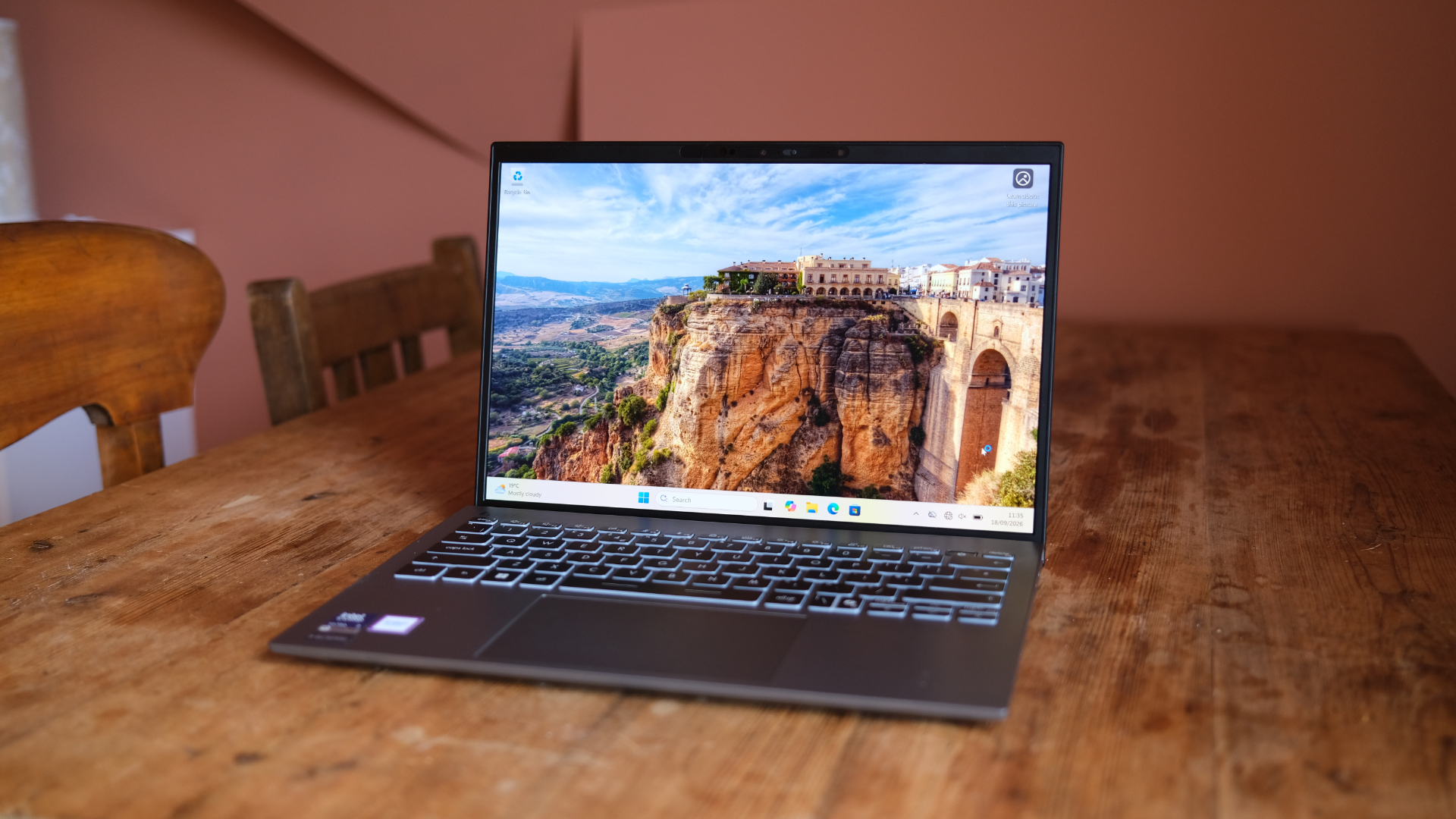 MSI Prestige 13 AI+ review: A super-solid Windows laptop
MSI's refreshed slimline laptop is hard to fault
-
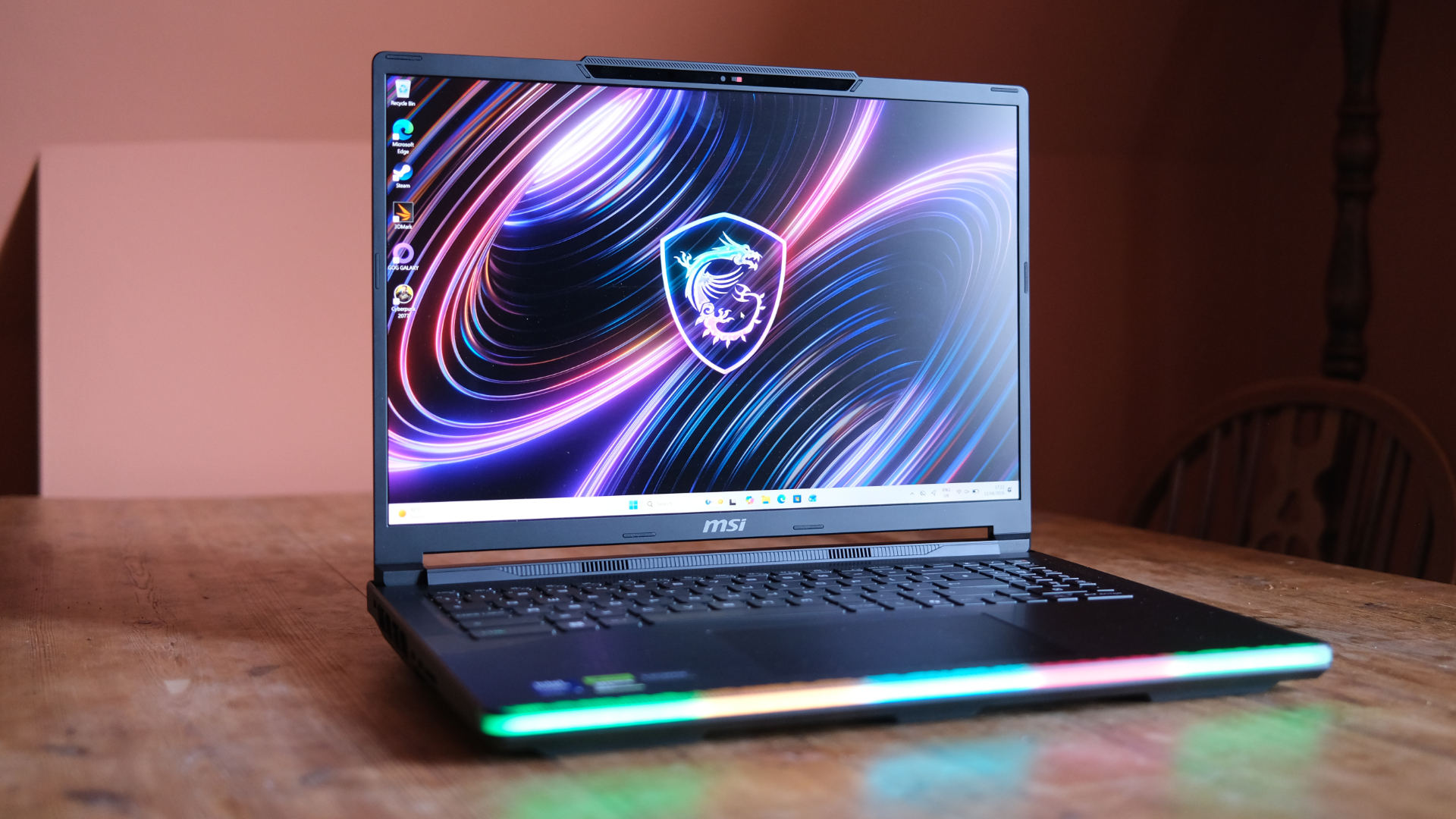 MSI Raider 16 Max HX review: A chunky gaming laptop that pulls no punches
For those who want beastly power, this MSI is the answer
-
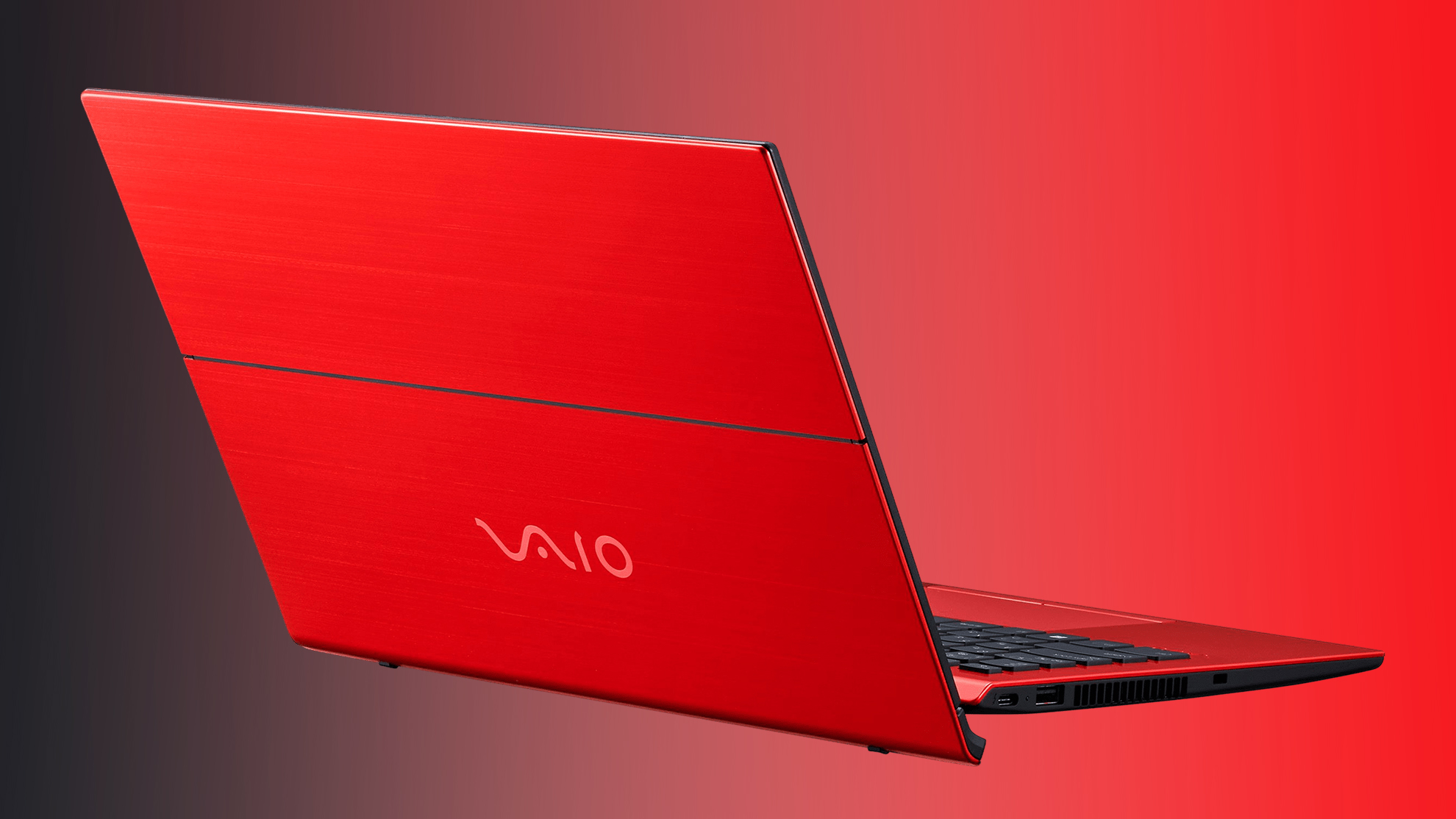 Vaio is back for those who remember the glory days of Sony laptops – and have money to burn
 -
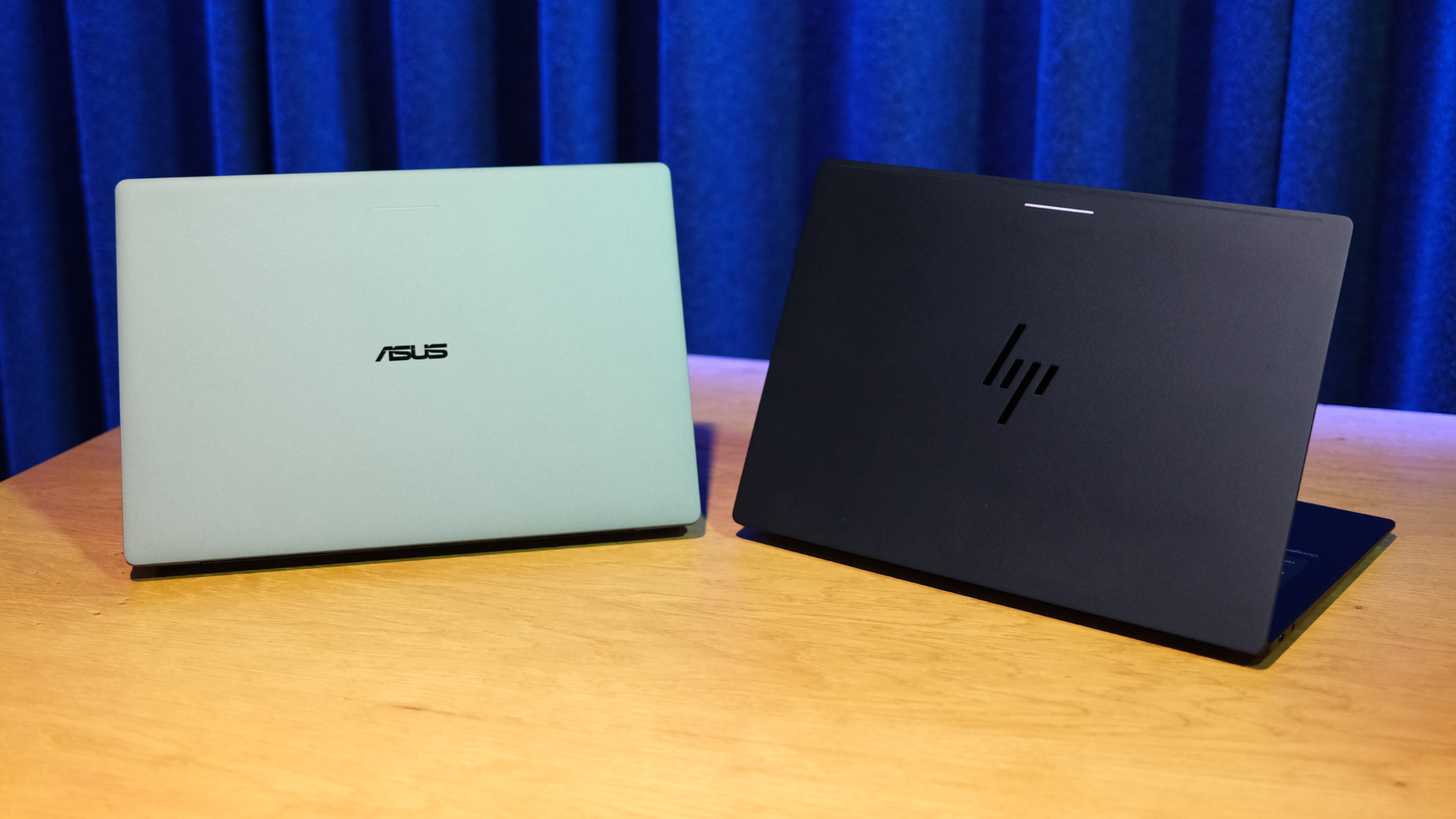 I tried all 5 Googlebook launch laptops – here are 5 things I learned
Google's going big on Googlebooks
-
 Google finally takes the wraps off its Googlebook revolution – and you’re going to want to see the prices
Googlebooks are here at last


