
The Dell XPS 13 is a compact, lightweight, and durable laptop made from premium CNC-machined aluminum designed specifically to minimize jointed parts and empty space for a solid build quality.
Tested for over 1,200 drops and 25,000+ twists, Dell puts the XPS 13 through its paces to ensure it’s one of the best laptops under $1,000 to withstand daily use over the long term.
TL;DR
- Dell tests the XPS 13 laptop with 1,200 drops, 25,000 chassis twists, and hinges tested over 20,000 times to ensure it can withstand daily use
- The XPS 13’s premium CNC aluminum body is incredibly thin, but still durably designed to minimize empty space and jointed parts
- High thermal thresholds mean the Dell XPS 13 can withstand short-term heat up to 65°C (149°F), making it durable even in hot conditions
- At just 2.2 pounds and 12.7mm thin, the XPS 13 is the thinnest and lightest XPS laptop Dell has ever made, but it’s tough enough to carry anywhere without worry
- Dell offers a wide range of compatible sleeves and backpacks to enhance XPS 13 durability on the go
- Standard warranty covers any issues with the XPS 13 in the first year, with Dell Care Premium offering extended coverage, repair services, and 24/7 support
How tough is the XPS 13?
The Dell XPS 13 is a tough laptop built to blend portability and durability in equal measure. At just 2.2 pounds and 12.7mm thin, it’s the lightest and thinnest XPS laptop Dell has ever made. That makes it ultra-portable, and the careful design of its premium CNC-machined aluminum chassis means it has minimal empty internal space and jointed parts.
To make sure the Dell XPS 13 can withstand daily use as well as lab conditions, it’s been validated to survive over 1,200 drops. That’s the kind of peace of mind that lets you use the XPS 13 anywhere without compromise.

How does Dell test XPS 13 durability?
Windows Central called the $699 XPS 13 the “best deal in computing,” with a better display, ports, and build quality than the MacBook Neo. Its CNC aluminum chassis has a premium look and feel, and it’s able to withstand more than 25,000 twists. The hinges are tested over 20,000 times to ensure long-term durability during everyday use, too.
Dell also puts the XPS 13’s keys through their paces, testing them for two million presses each. Even the multimedia and power buttons are tested for up to 40,000 presses, so you can rest assured that the most crucial inputs remain usable for a long time to come.
Does the XPS 13 run cool and quiet?
The XPS 13 features a dual-fan cooling system that helps keep its internal temperatures down and the laptop chassis comfortable to the touch, so you can use it directly on your lap. To help maintain low temperatures and long battery life, the XPS 13 is configured with efficient components.
XPS 13 processor options cater to specific performance needs:
- Intel Core Series 3 Processor: Optimized for efficient everyday performance in web browsing, office work, and HD media streaming, available in configurations up to 16GB RAM and 512GB SSD.
- Intel Core Ultra Series 3 Processor: Delivers increased performance headroom for everyday multitasking, with support for up to 32GB RAM and 1TB SSD storage.

The XPS 13 is also rated to withstand short-term heat up to 65°C (149°F), so if you leave it in the car or direct sunlight, you can rest assured it is durable even under high-temperature conditions.
How can you protect your XPS 13?
The XPS 13 is tough enough for daily use by itself, but Dell offers a range of compatible laptop sleeves, bags, and backpacks that can further help protect your XPS 13 and make it even more durable against drop and impact damage.
The Dell XPS 13 measures less than 12 inches on its longest side, making it small enough to fit into almost any backpack or messenger bag. At 2.2 pounds, the XPS 13 is built for everyday work and travel, so you can throw it in a bag to move between hot desks, meeting rooms, and commuting and trust this laptop will stand up to the demands of everyday use.
The hinges are tested over 20,000 times to ensure long-term durability during everyday use
The XPS 13’s 52Whr battery gives it up to 20 hours* of streaming on a single charge, making it reliable even if you spend a long time away from an outlet. To protect your XPS 13’s battery life over the long term, don’t let it run out completely, and avoid letting the laptop get too hot for too long.
Although the XPS 13 can withstand short-term heat up to 65°C (149°F), its battery will degrade under long exposure to high temperatures.
What happens if something goes wrong?
The XPS 13 is built to last, with the ability to withstand many drops and impacts. But if something does go wrong and you need some help, the XPS 13 comes with a robust warranty and care package. The specific warranty length and coverage vary by region, but for enhanced protection, Dell offers its Care Plus and Care Premium services, which provide 24/7 phone support, and proactive AI-based troubleshooting and system maintenance.

Is the XPS 13 ready for daily use?
The XPS 13 is more than tough enough to withstand the rigors of daily use. Its premium CNC-machined aluminum body has been tested to withstand up to 1,200 drops, and 25,000+ twists—even its keys are rated to withstand two million presses. You can enhance durability further with a compatible laptop bag or sleeve, and smart battery decisions, helping your XPS 13 to last for years to come. With Dell’s excellent warranty and service offerings, you’ll have all the support you need in the event that something goes wrong.
Explore the Dell XPS 13 and find the configuration that fits your day. US readers click here UK readers click here.
*Netflix streaming battery benchmark: XPS 13 tested with Intel® Core Ultra 7 355 Processor, Intel Graphics, 2.5K LCD, 16GB and 512GB SSD. Testing conducted by Dell labs in May 2026 with display brightness set to 150 nits and wireless enabled. Battery configuration set to ExpressCharge and Intelligent Battery Extender disabled. Based on streaming Netflix Streaming 4k Video Playback. Actual battery life may be significantly less than the test results and varies depending on product configuration and use, software, usage, operating conditions, power management settings and other factors. Maximum battery life will decrease with time. The stated Watt Hour (WHr) is not an indication of battery life.


-
 I touched a MacBook – but it was a quiet design change that surprised me
The new touchscreen MacBooks might become a status symbol
-
 After using Nvidia RTX Spark for a week, Apple's new MacBook 'PROLED' has my attention
These laptop prices are getting unreasonable
-
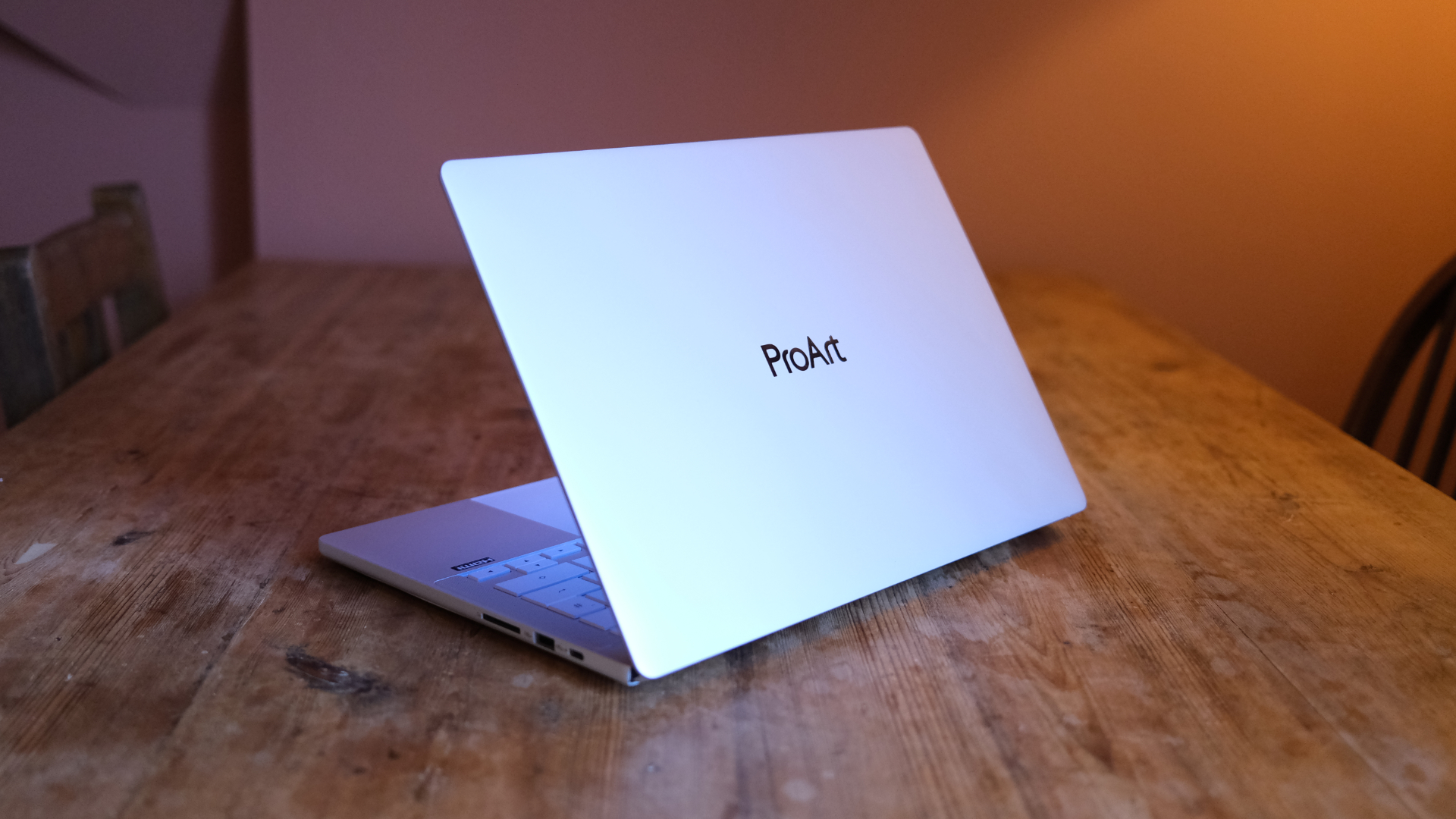 Asus ProArt P14 (RTX Spark) review: Nvidia's super-premium chip makes for a MacBook-like experience
The hardware's hard to hate – but that price is quite something
-
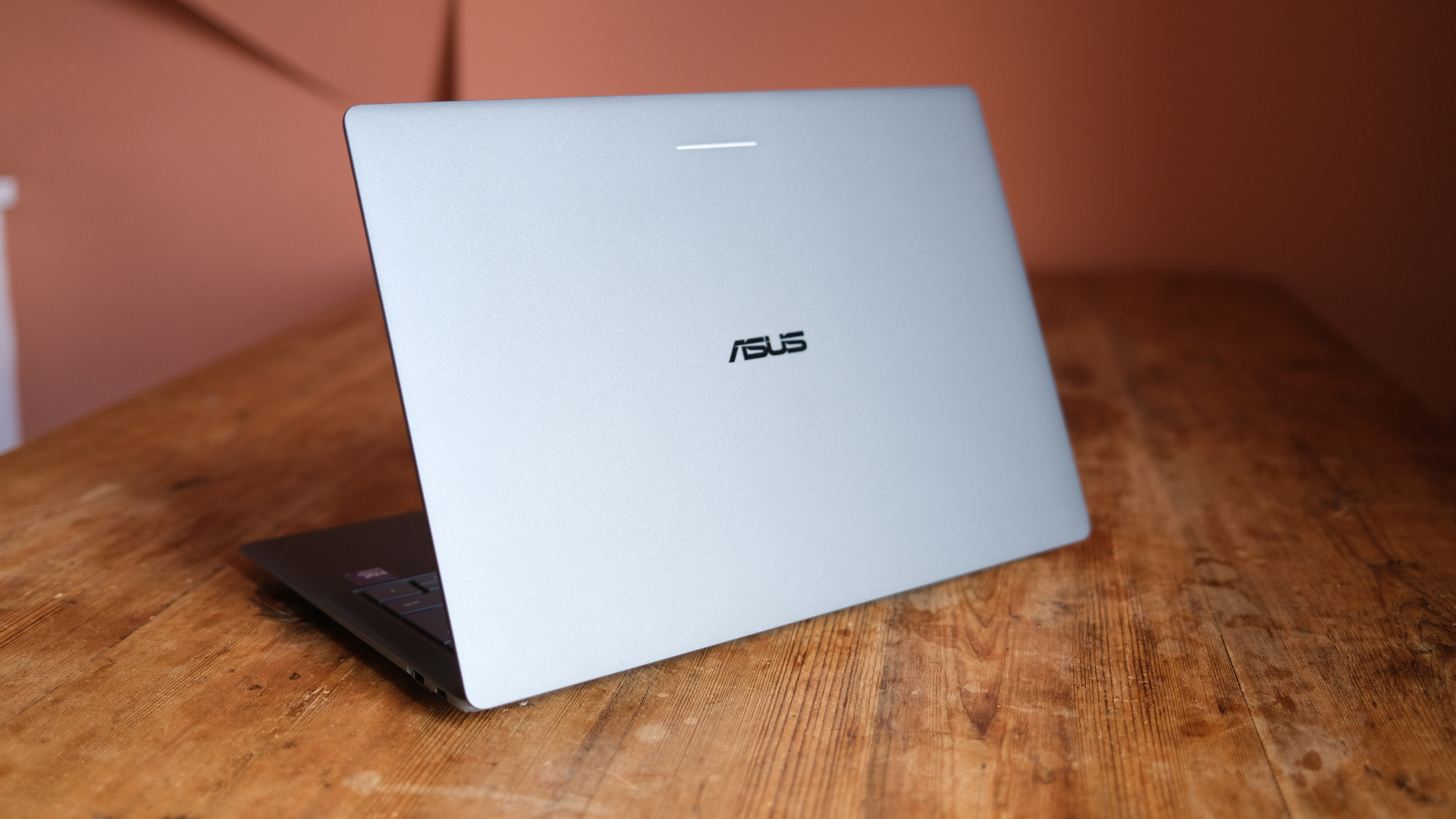 Asus Googlebook 14 review: Google's big idea, done right?
Asus' launch Googlebook is a lovely bit of kit
-
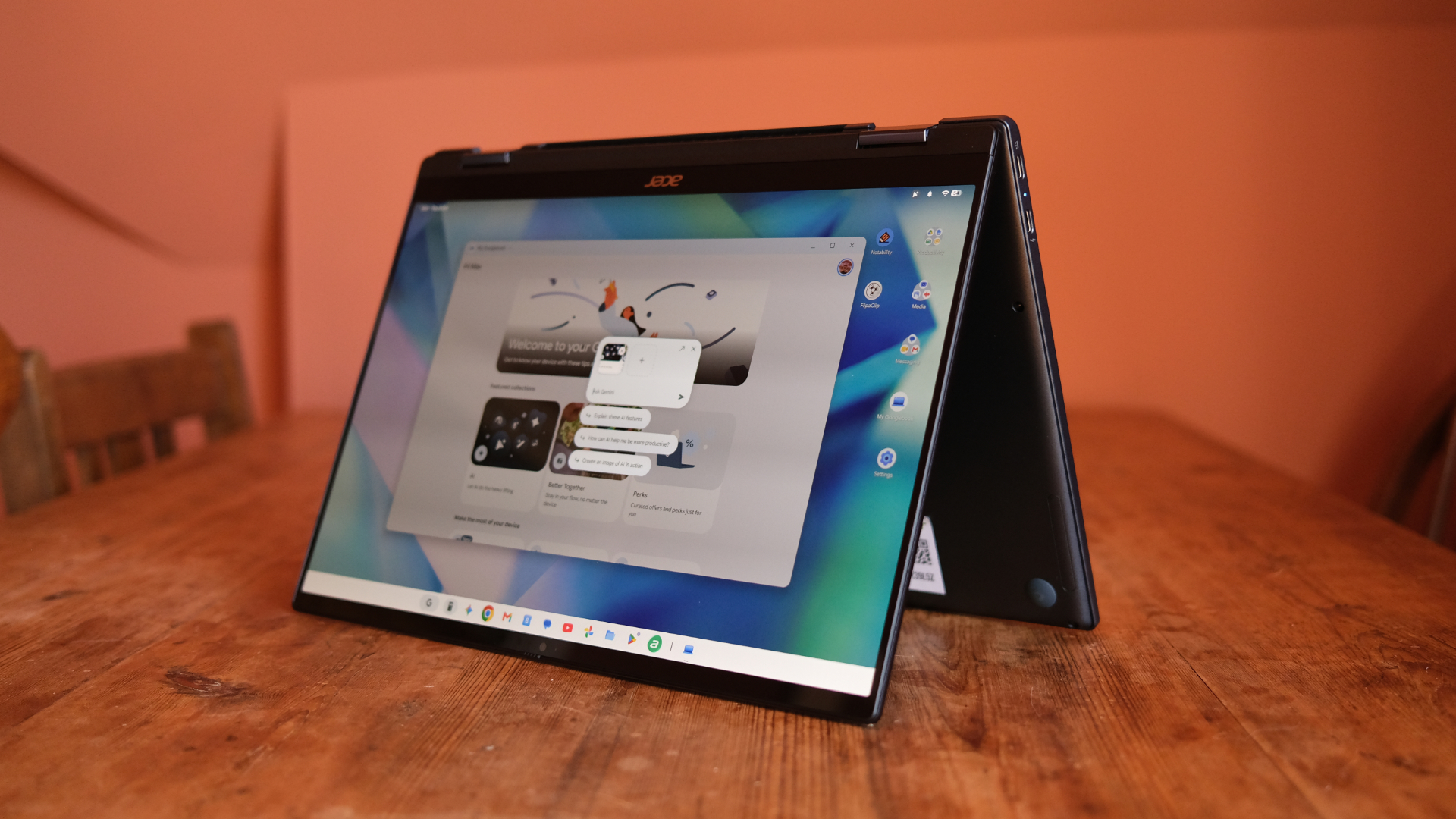 Acer Googlebook 14 review: The first wave in a revolution
Acer's two-in-one is a lovely slab
-
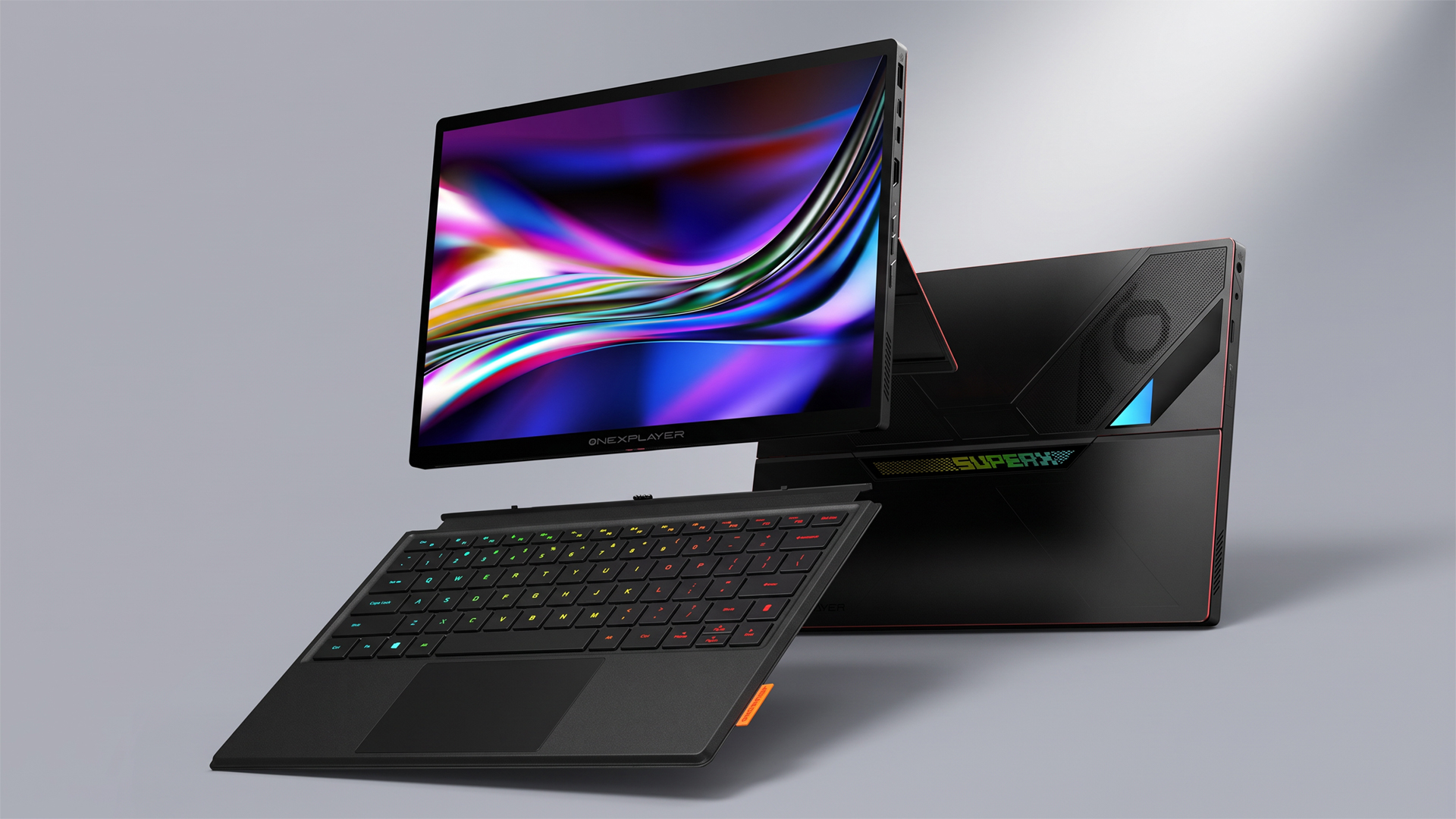 This could be the most powerful gaming tablet ever created – and it's coming soon
The OneXPlayer Super X Pro runs on the AI Max+ Pro 495 chip with 192GB of unified RAM
-
 Entertainment, work, study: 6 reasons the Dell XPS 13 is an everyday laptop worth looking at
The XPS 13 is a smart choice of notebook to cover all your daily needs
-
 MSI Prestige 13 AI+ review: A super-solid Windows laptop
MSI's refreshed slimline laptop is hard to fault


